

A green push button can make a start, enable, or normal-run command easier to find when that meaning is defined in the panel’s own control philosophy and legend. It does not, by itself, determine the circuit function, contact action, mounting interface, or machine response. Treat colour as one part of a controlled human-machine interface decision, then verify the selected device and circuit documents.
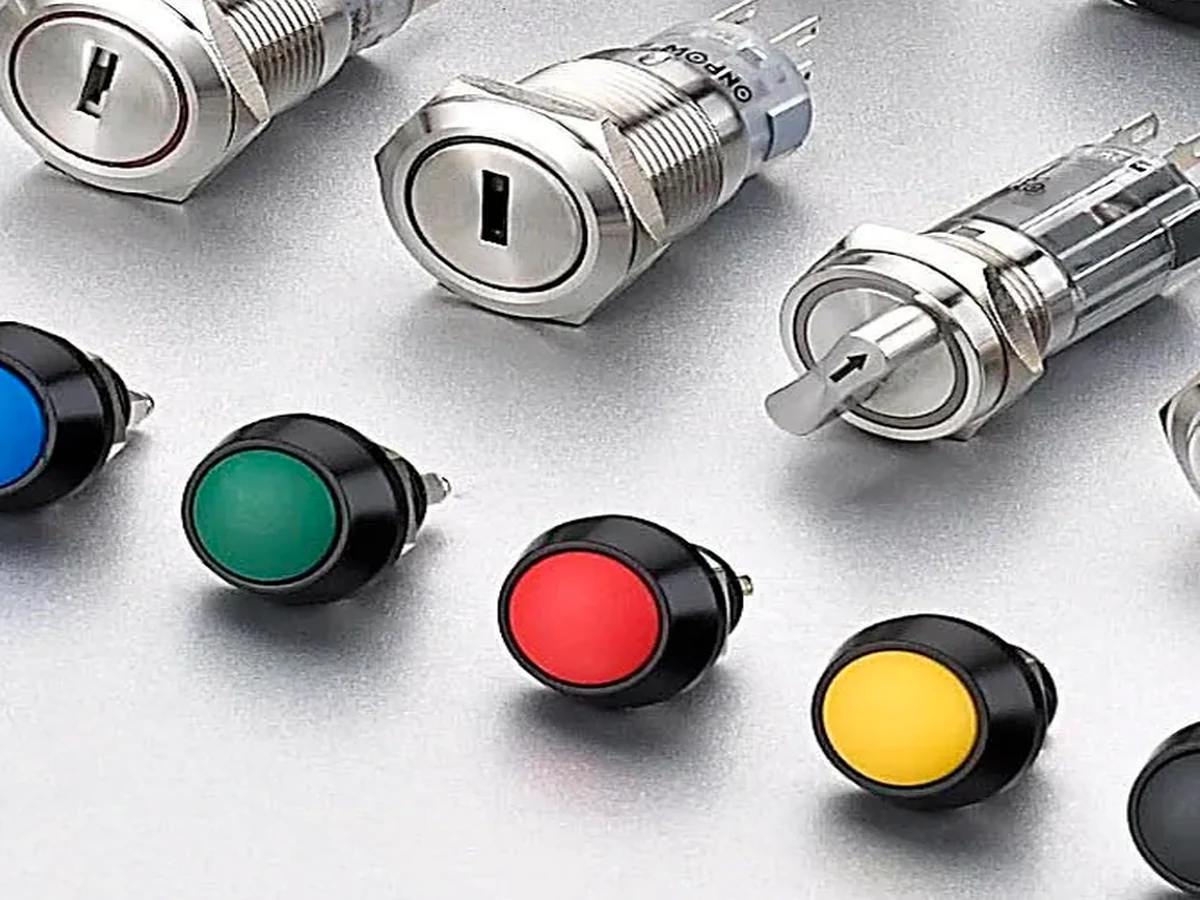
Part 1. Treat green as a documented command cue
The phrase “green push button” is often used as shorthand for a start button. That shorthand is useful only when everyone who operates, builds, and maintains the equipment sees the same approved meaning. A colour that is familiar in one panel can be misleading when it is copied into a different operating mode or a new machine revision.
The practical question is therefore not “what does green always mean?” Ask instead: what command becomes available when this operator is pressed, under what conditions, and how will the panel make that meaning visible? A concise legend, adjacent state indication, and consistent placement are usually more valuable than relying on a colour association by itself.
ال IEC 60073 coding principles provide standards context for coding indicators and actuators. They do not replace a project’s control philosophy, machine documentation, risk assessment, or local compliance review. Record the approved command meaning before selecting the actuator’s colour, cap style, or illumination.
| Panel question | دليل للسيطرة | لماذا يهم الأمر |
|---|---|---|
| What command is requested? | Start, enable, acknowledge, or another written command | Prevents a colour-only assumption |
| When may it operate? | Operating mode and permissive conditions | Connects the label to actual use |
| What confirms the result? | Pilot light, screen state, or other approved feedback | Separates a request from a confirmed machine condition |
| Who will use the panel? | Operator, setup technician, or maintenance role | Helps choose legibility and placement |
For a broader discussion of coordinated colours, read the push-button color-coding guide. This article narrows the decision to a green command operator and does not turn that context into a universal rule.
Part 2. Define the command before the actuator colour
Write the command in words first. “Start conveyor,” “enable cycle,” and “request normal run” can look similar on a front panel but may belong to different modes, permissions, and feedback paths. A team that agrees on the wording can then determine the suitable legend, placement, operator action, and status indication.
An operator request is also not the same as the resulting machine state. A push can ask a controller to start; an interlock, sequence, or mode condition may still prevent movement. The panel should make the relationship understandable without implying that pressing one button guarantees a machine action.
مهم: Do not assign a safety function or assert a safe machine-start behaviour from actuator colour. IEC 60204-1 is standards context for electrical equipment of machines; the actual function must be reviewed through the released control and safety documentation.
| Intended wording | Colour decision checkpoint | Feedback to consider | Boundary |
|---|---|---|---|
| ابدأ | Is green approved for this command in the local scheme? | Ready or running indication | Does not prove that start will occur |
| Enable | Does the word describe a permission rather than motion? | Mode or enabled state | Requires control-logic definition |
| Reset / acknowledge | Would green conflict with another panel convention? | Cleared-fault confirmation | Do not substitute for a dedicated safety procedure |
| تشغيل عادي | Is the user able to distinguish it from setup mode? | Mode indicator or display | Requires the approved legend |
Avoid writing “ON” when the panel actually requests a momentary start and another device holds the operating state. Clear wording allows an electrician, designer, and end user to review the same command without guessing from the cap colour.
Part 3. Separate colour, action, contacts, and illumination
A green cap is a visible interface feature. It does not tell a purchaser whether the device is momentary or maintained, normally open or normally closed, illuminated or non-illuminated, or suitable for the panel’s mounting arrangement. Product listings in the search results show this variation directly: similar green operators are sold with different actions, contact blocks, terminals, and sizes.
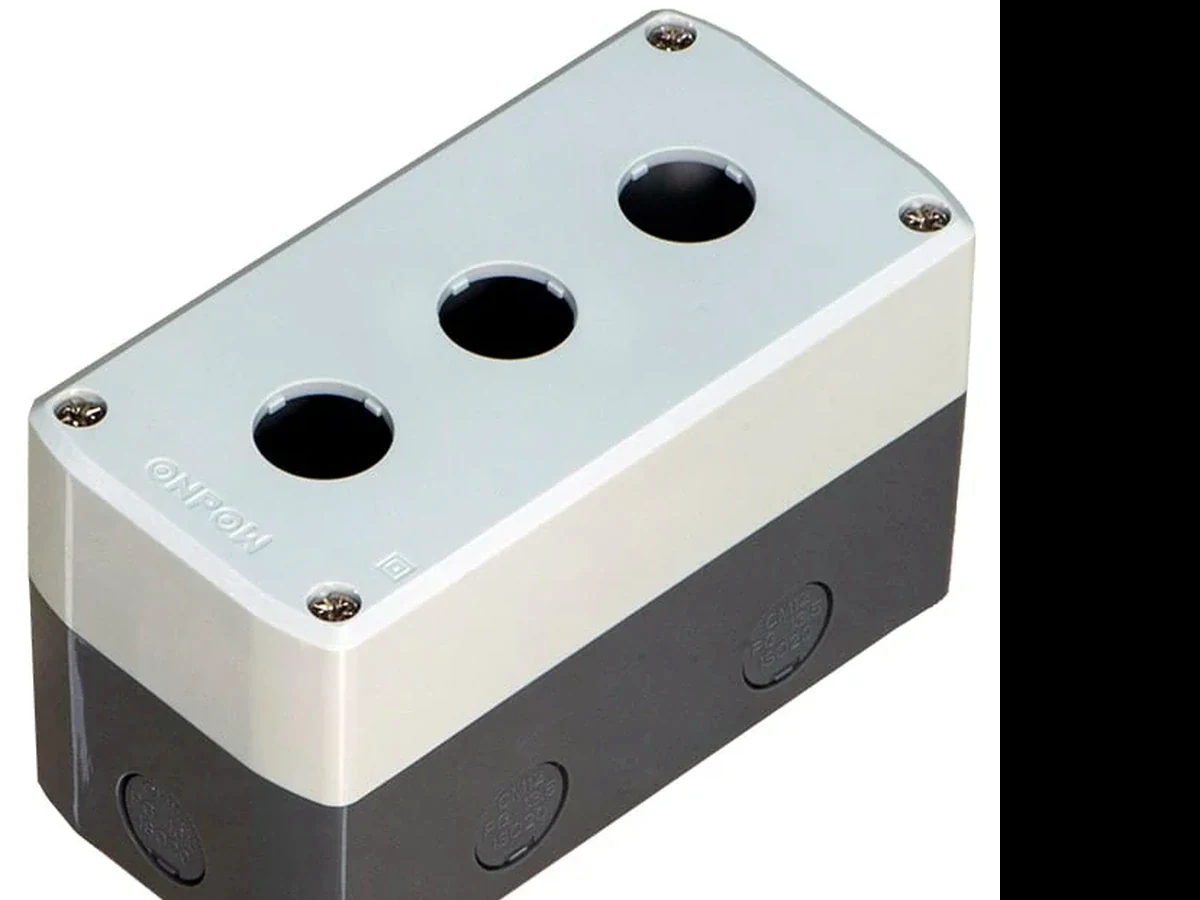
Start with the control requirement, then specify the operator as an assembly. In a simple control concept, a momentary request and a maintained status can be separate elements. In another concept, the selected device may have a different operating action. The released circuit drawing, not the cap colour, determines the needed contacts and wiring.
| Selection field | What to specify | What green does not prove |
|---|---|---|
| Operating action | Momentary, maintained, or another documented action | How long the contact changes state |
| Contact requirement | Required contact arrangement and terminal form | NO/NC arrangement or electrical duty |
| إضاءة | Whether indication is needed and its intended meaning | LED voltage, source, or behaviour |
| تركيب | Cutout, panel thickness, bezel clearance, rear space | Mechanical fit |
| البيئة | Conditions and required documentation | Protection level or certification |
IEC 60947-5-1 is relevant general context for low-voltage control-circuit devices. It is not a substitute for the selected product drawing, data sheet, or the system circuit review. Keep mechanical, electrical, and visual requirements in the same purchase record while allowing each to be checked independently.
Part 4. Place the button with its legend and adjacent controls
Placement turns a colour choice into a usable panel instruction. Put the approved text or symbol where it remains readable in the expected viewing position, then review nearby controls, pilot lights, labels, and physical guards. A button that looks distinct on a bench may become ambiguous when a crowded door is closed, a label is added, or the operator works from an angle.
ال دليل تخطيط اللوحة explains why front-face spacing and rear clearance must be reviewed together. Use it as a layout companion, not as proof of a specific mounting pitch. For a local contrast case, the yellow push-button placement guide discusses a different status-oriented colour context.
| Layout check | سؤال مراجعة | Potential rework avoided |
|---|---|---|
| Legend relationship | Does the text unmistakably identify this operator? | A cap colour being read as the function |
| Grouping | Are start, stop, mode, and reset controls visually organized? | Adjacent commands being confused |
| State indication | Is a nearby indicator clearly different from the command? | Mistaking a request for an actual state |
| Front clearance | Do bezels, fingers, labels, and guards have space? | Obstructed access and unreadable labels |
| Rear envelope | Do terminals, connectors, and wires clear the enclosure? | Late interference during assembly |
If illumination is used, decide whether it communicates availability, a selected mode, or another approved condition. The ring vs dot LED guide can help frame the visible-format discussion, while the circuit and product documentation must still define the actual indication.
Part 5. Send the right product-review inputs
An enquiry that says only “green button” leaves key decisions open. Instead, send the released panel information and command definition as one package. This enables the supplier to review a candidate operator against the physical interface and allows the design team to retain the circuit and visual requirements under the same revision.
طلب تقديم عرض أسعار
| Input for a green-operator review | لماذا يهم الأمر | تم تجنب خطأ شائع |
|---|---|---|
| Approved command wording and legend artwork | Defines the intended reader-facing function | Treating colour as the complete instruction |
| Required action and contact logic | Connects the operator to the circuit drawing | Ordering by cap appearance alone |
| Cutout, panel thickness, and front layout | Tests mechanical installation | Ignoring fit and label clearance |
| Rear section and terminal/wiring envelope | Tests assembly and service access | Discovering a collision after build |
| Illumination need and indication meaning | Defines the visual-state requirement | Assuming every green operator includes an LED |
| Quantity, destination, and documentation need | Frames the quote and review | Leaving commercial and evidence inputs open |
Attach the controlled panel drawing and identify the revision. State whether the green command operates in every mode or only when an approved permissive condition is present. That level of specificity makes it easier to avoid mismatching the operator with the intended control function.
Part 6. Start an ONPOW product-family review after requirements are known
Once the command, mounting, and circuit requirements are defined, the ONPOW metal push button switch category is a reasonable product-family starting point for a documented enquiry. It should not be read as proof that every category item is green, has the required contact arrangement, fits the panel, or meets an unstated application requirement.
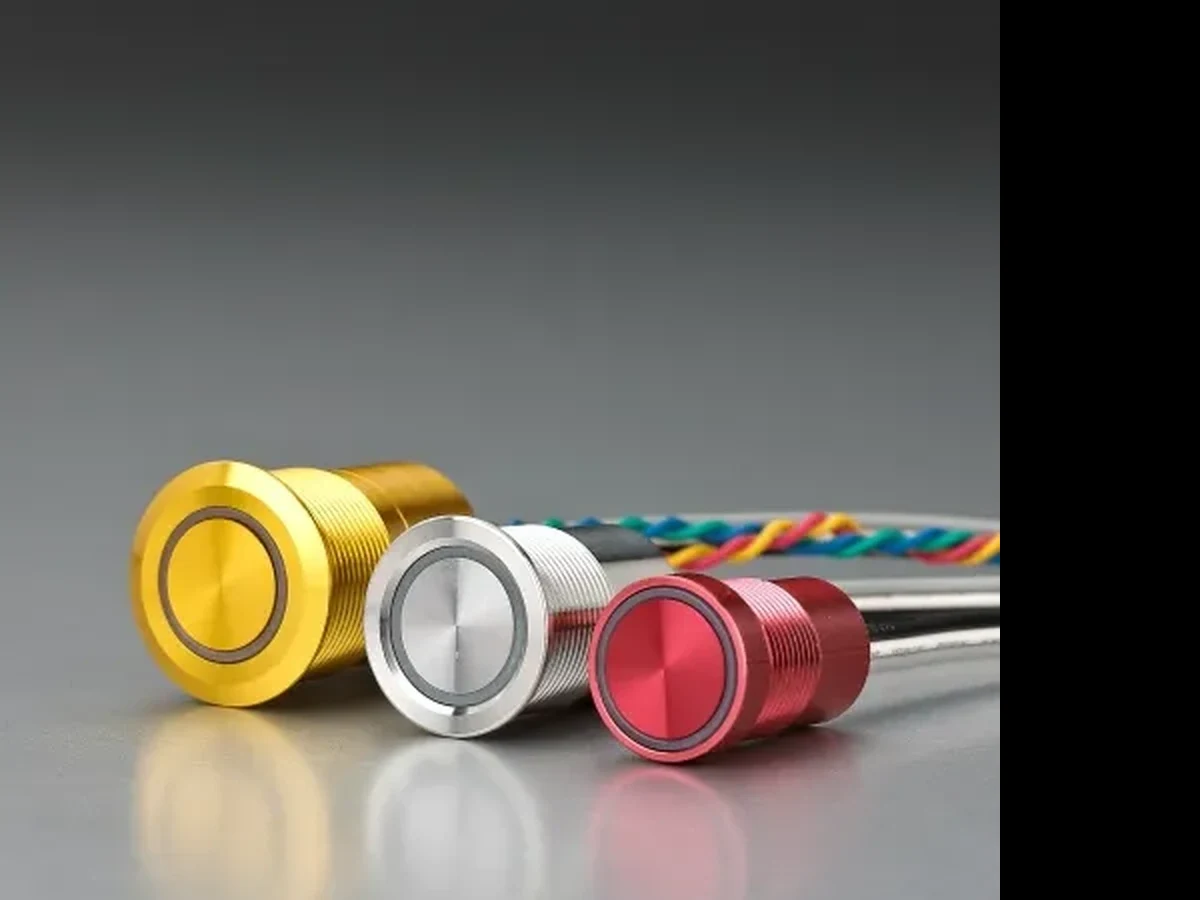
Send the released panel drawing, command wording, contact and action requirement, illumination intention, environmental conditions, quantity, destination, and target documentation to the ONPOW sales team. Ask for confirmation of the selected SKU’s drawing and documentation before release. This maintains the boundary between a useful product-family recommendation and an unsupported device claim.
For other selection and application topics, visit the ONPOW Blog. Keep the final legend artwork, panel drawing, and approved circuit revision together so a later replacement or redesign can be checked against the same interface rules.
أسئلة متكررة
Does a green push button always mean start?
No. Green is commonly encountered in start or normal-condition contexts, but the approved local control scheme, legend, and operating documentation define the actual command.
Can a green button be used for an enable command?
It can be considered when the local panel convention and command definition support it. Describe the command and any operating-mode conditions in words, then review the operator and circuit documents.
Does a green cap tell me whether the contacts are normally open?
No. Cap colour does not establish the contact arrangement, operating action, terminal form, or electrical duty. Specify and verify those fields separately.
Should a green push button be illuminated?
Only if the approved panel design defines a useful indication and the selected device supports the required configuration. Clarify what the light means so it is not confused with the command itself.
How should a green start command be labelled?
Use the approved wording or symbol close to the operator, then check it with adjacent controls and state indicators. Do not rely on colour as the only label.
Can ONPOW provide a green push button?
Use the ONPOW metal push-button category to begin a requirement-based enquiry. The supplier should confirm the selected SKU’s available colour, mounting, action, contacts, and documentation against the released design.



