

Push button legend plates identify what an operator commands, which equipment it affects and how the user should interpret the label. Select the wording, mounting arrangement and marking durability together. A plate that fits the button but describes the wrong function is a control-interface defect, while a clear label that interferes with mounting or operation is also unsuitable. Start from the approved machine function and schematic, then verify readability on the finished panel with representative users. Colour can reinforce meaning, but the command must remain understandable without relying on colour alone.
Describe the command rather than the component
A useful legend tells the operator what pressing the button does. “Pump start” can be clearer than “green button” when several controls share a panel. Include the affected machine or zone where the context is otherwise ambiguous. Keep the phrase short enough to read at the actual operating position, while preserving the distinction between similar commands.
Separate a command from a state indication. A button marked “start” requests an action; a nearby lamp marked “running” should indicate the defined machine state. Do not make a label imply that pressing the button proves the machine has completed the action. Review the wording with the control logic and operating procedure.
Le ONPOW HBY5-11 product page provides a real operator reference for the panel discussion. It does not establish compatibility with any particular legend holder. Request the approved mounting arrangement and accessory confirmation for the exact operator before ordering plates or holders.
Build the wording from the machine documentation
Create a control list using the schematic, function description and operating manual. For each operator, record its identifier, physical location, action and affected equipment. Resolve inconsistent names before engraving or printing. A pump called “transfer pump” in the manual and “feed pump” on the panel can cause avoidable hesitation during maintenance.
Review modes as well as normal operation. A reset command, an acknowledgement and a restart command may have different consequences. Do not use one vague word for several functions unless the approved design makes that meaning clear. If the machine behaviour changes with a mode, decide how the operator will know the active meaning.
Utilisez IEC 60417 symbol database when considering standardised equipment symbols within their defined meanings. A symbol should be selected and applied correctly, not chosen because it resembles a desired function. Text may still be necessary for the specific machine, language or operator group.
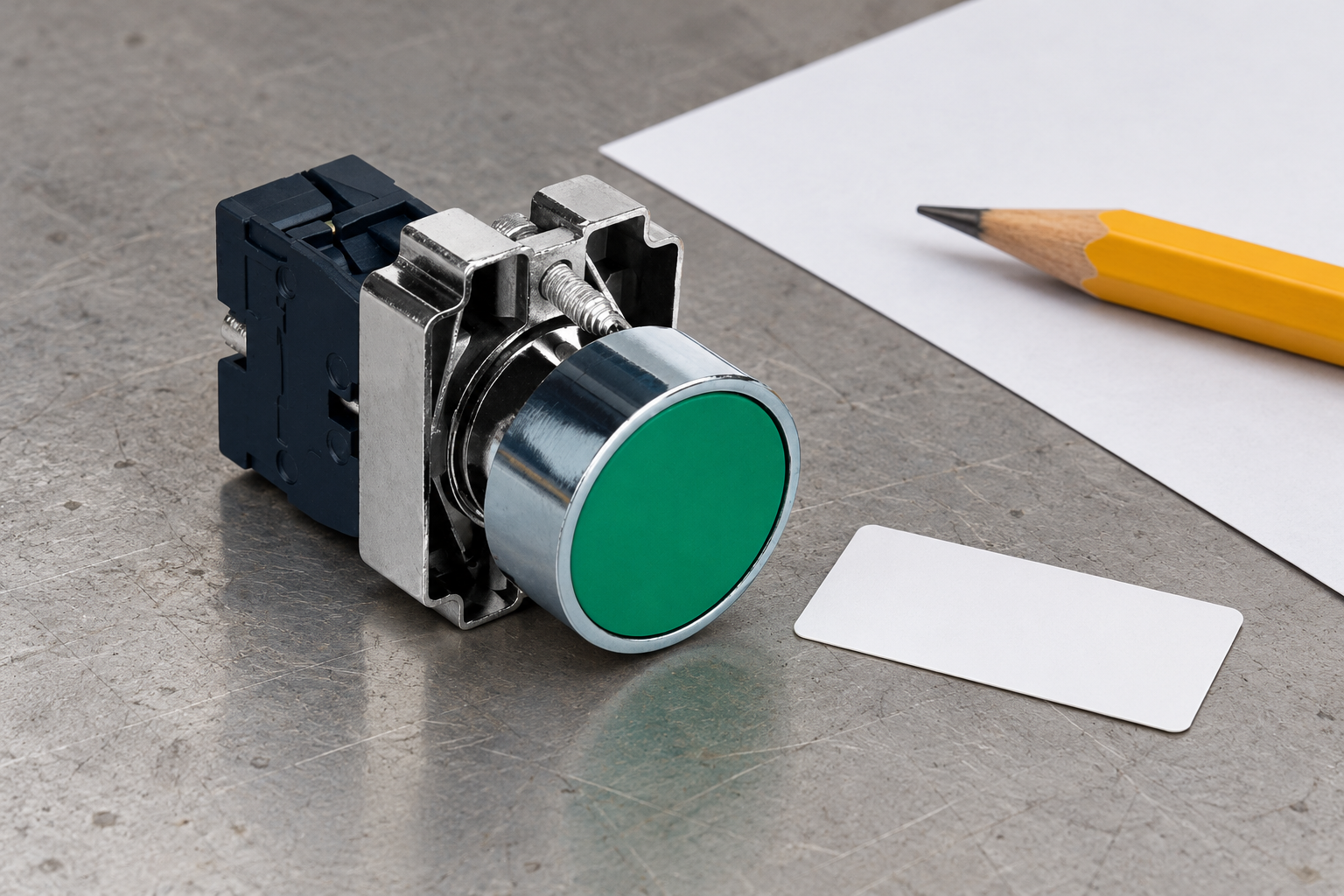
Keep colour, shape and words consistent
Colour can support a command hierarchy, but it should not carry the entire message. Lighting conditions, viewing angle, contamination and differences in colour perception can affect recognition. Check that the wording remains useful when the plate is viewed without the expected colour cue.
Le push button colour-coding guide covers the broader colour-selection problem. This article addresses the separate task of specifying and validating the visible legend. A correct colour does not repair an inaccurate verb, an ambiguous equipment name or a label fitted beside the wrong operator.
Do not allow decorative design to make important commands harder to distinguish. Consistent typography and placement help users scan a panel. Where two controls have different consequences, make their labels meaningfully distinct rather than relying on tiny wording differences that disappear at normal viewing distance.
Specify a plate that fits the mounting stack
A legend plate or holder can become part of the assembly between the bezel, panel and retaining hardware. Check the actual drawing and approved accessory arrangement. Mounting-hole diameter alone does not establish fit, remaining thread engagement or compatibility with a gasket.
Include the finished panel thickness, coating, gasket and any holder in the mounting review. Check whether the plate can rotate, whether the text stays aligned and whether the operator moves freely. Do not cut or modify a supplied mounting part without approval simply to make an unconfirmed accessory fit.
Le panel-mounted push button guide explains the wider installation context. Reserve space for the label before drilling the panel. A last-minute plate can cover another legend, crowd an indicator or obstruct access to a release mechanism.
Use a legend specification checklist
The following table is a qualitative design and purchasing checklist. Actual dimensions, material properties and durability limits must come from the approved plate and operator specifications.
| Exigence | Question to answer | Verification method |
|---|---|---|
| Command wording | What action does this operator request? | Compare with approved function description |
| Equipment identity | Which machine, axis or zone is affected? | Compare panel, schematic and manual names |
| Readability | Can the intended user read it from the working position? | Representative finished-panel review |
| Montage | Does the complete stack fit the exact operator? | Drawing check and assembled fit inspection |
| Durabilité | Will marking survive the defined cleaning and exposure? | Supplier evidence and agreed sample evaluation |
| Langue | Is the meaning accurate for the intended users? | Competent translation and user review |
| Maintenance | Can a replacement preserve the approved wording? | Controlled artwork and spare-part record |
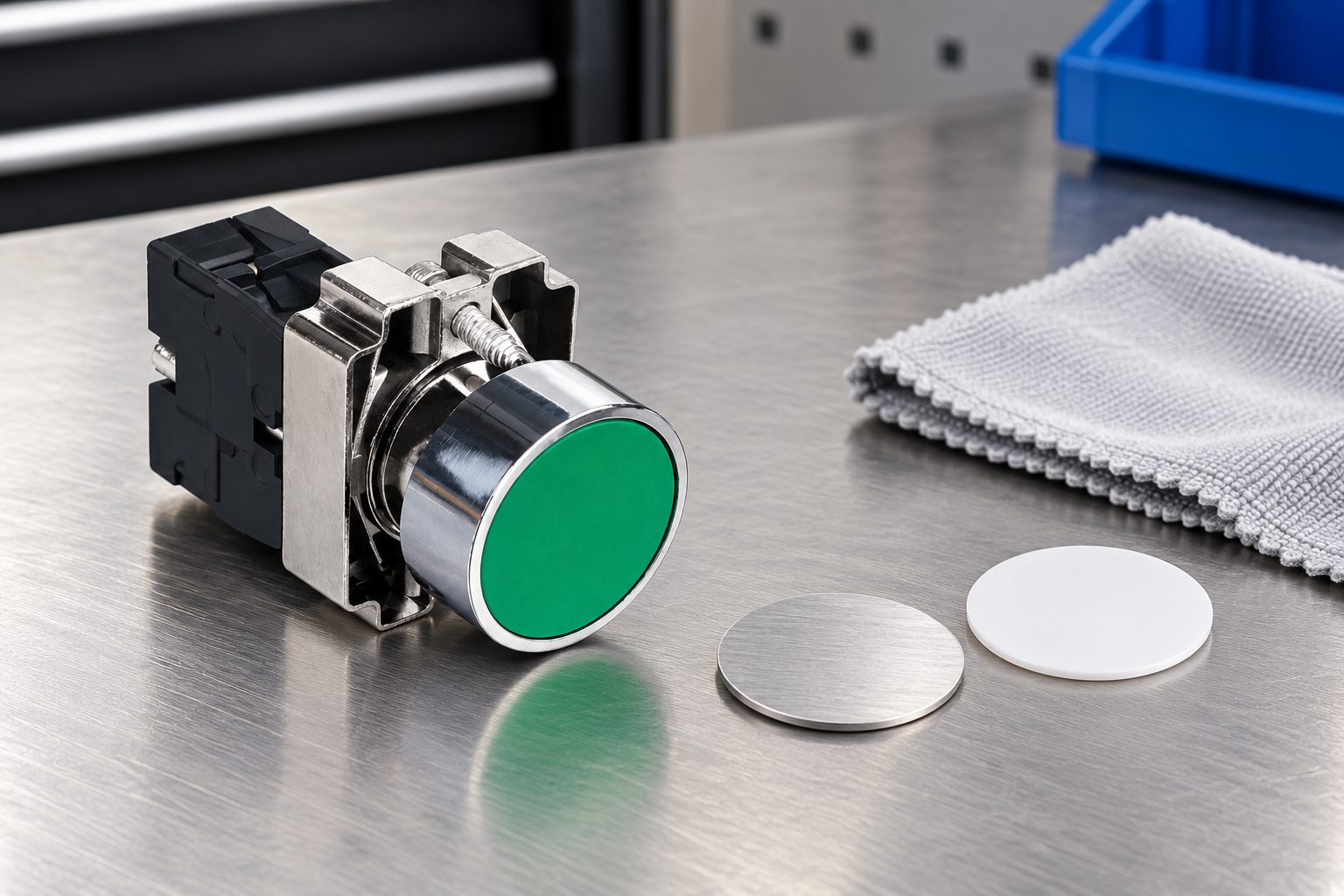
Choose marking for the actual environment
Consider cleaning agents, wiping, abrasion, moisture, ultraviolet exposure where relevant and the expected service interval. Ask the plate supplier for evidence that matches those conditions. A general statement such as “permanent marking” is less useful than a defined method and exposure basis.
Do not assume that an engraved, printed or laser-marked plate will perform identically across all materials. The substrate, surface treatment, marking process and installation all matter. Evaluate the complete proposed construction, including adhesive where it is used. Avoid inventing a universal service life from the marking method alone.
For cleaning validation, use the intended agent and method under an agreed procedure. Record dilution, contact time and wiping conditions where they are part of the requirement. Check both legibility and physical retention after the evaluation. A label that remains readable but lifts at the edge may still be unsuitable.
Validate readability on the real panel
Review a representative panel under the intended lighting and viewing position. A large drawing on a monitor can hide crowding that becomes obvious on the machine. Include the normal operator stance, approach direction and any protective equipment that affects access or vision.
Ask users to identify the control for a stated task without coaching them. Record hesitation or confusion between similar labels. A review that asks only “can you read this?” may miss a wording problem even when the letters are visible. Check understanding as well as character size.
Le UK HSE control-systems guidance provides broader context for control-system design and operator interaction. The final panel still requires application-specific review. A general human-factors reference does not approve a particular label or replace the machine’s risk assessment.
Handle languages and symbols carefully
Translate the command meaning, not just the individual words. A term that is natural in one language may imply a different operation in another. Use a competent reviewer familiar with the equipment and retain the approved wording with the artwork. Do not let purchasing improvise a shorter translation after the design review.
Where several languages must appear, assess the finished layout instead of shrinking the text until everything fits. Consider whether separate approved plates or a clearer panel arrangement would better serve the intended users. The correct solution depends on the machine’s users, market and operating documentation.
Use symbols consistently with their defined meaning and applicable requirements. Avoid combining unrelated icons into an invented safety symbol. For emergency functions, follow the applicable machine standards and approved design; an ordinary legend plate should not obstruct or confuse the required emergency operator identification.
Control artwork and placement through production
Assign an artwork revision and connect each plate to an operator identifier. The production record should specify the wording, language, orientation, material, marking method and physical location. Keep a master view that shows which label belongs to which control rather than relying on a bag of engraved parts.
During assembly, compare each fitted plate with the control list. Check for swapped labels, reversed orientation, loose holders and interference with nearby components. A correct plate installed beside the wrong button is still a failure. Include the final panel photograph in the machine’s acceptance record.
Le control-panel layout guide complements this placement check. Update the schematic, manual and label artwork together if a command changes. A software change that alters a button’s function can make an unchanged physical label inaccurate.
Make replacement and inspection straightforward
Keep approved artwork and plate specifications available for maintenance. A replacement should preserve the intended meaning, mounting arrangement and readability. Do not copy a worn label by eye when the master record exists. If the master record is missing, verify the machine function before recreating the legend.
Include label condition in the machine’s appropriate inspection process. Look for missing, loose, obscured or unreadable markings and investigate the cause. Repeated damage may indicate an unsuitable material, cleaning method or location. Replacing the same label repeatedly without correcting the cause leaves the problem unresolved.
When asking ONPOW about a panel operator and its marking arrangement, provide the exact operator code, panel drawing, proposed plate or holder drawing, wording and environmental conditions. Ask for compatibility confirmation rather than assuming every accessory for the same nominal hole size is interchangeable.
Foire aux questions
Is button colour enough without a legend?
Do not assume so. Review the command meaning, users and applicable requirements. Words and correctly applied symbols can make the function clearer when colour alone is ambiguous.
Does a matching hole size prove plate compatibility?
No. The complete mounting stack, geometry, gasket and retaining arrangement must be checked for the exact operator and accessory.
Is engraved marking always the most durable choice?
No universal ranking covers every environment. Assess the complete material and marking construction against the actual exposure and cleaning requirements.
What must change when a button’s function changes?
Review the legend, artwork, schematic, operating manual and acceptance record together. Preserve a clear revision trail so the panel continues to describe the approved machine behaviour.
Further learning
Don Norman explains how physical design and signs communicate the intended action in this neutral Vox design explainer. Apply the principle to control legends: wording should reinforce a clear command rather than compensate for a confusing interface. The examples are doors, not a push-button qualification procedure.



