

Choose a panel-mounted push button by matching its actual cutout, panel thickness, rear clearance, terminals, control circuit, and intended operator action.

Część 1. Zdefiniuj decyzję przed porównaniem produktów
Decyzja o zakupie zaczyna się od interfejsu, a nie od zdjęcia w katalogu. Zarejestruj, co operator musi zrobić, zatwierdzony rysunek panelu, rolę w obwodzie oraz informacje dostępne dla konkretnego urządzenia. Pozwala to uniknąć traktowania widocznej główki, podświetlanej soczewki lub nazwy rodziny jako dowodu dopasowania. Praktycznym wynikiem jest krótkie oświadczenie o wymaganiach, które można sprawdzić pod kątem rysunku i strony modelu.
Część 2. Zablokuj interfejs fizyczny
Wycięcie, grubość panelu, obrys ramki i objętość tylna to osobne wymiary. Przełącznik może wyglądać odpowiednio od przodu, podczas gdy jego korpus, nakrętka, zaciski lub zagięcie przewodu nie mieszczą się za panelem. Należy zachować niezależność przeglądu mechanicznego od wyboru styków.
| Sprawdź | Dlaczego to zmienia zaznaczenie | Dowód zakupu |
|---|---|---|
| Zakończono wycinanie | Ustanawia interfejs montażowy | kontrolowany rysunek |
| Grubość panelu | Wpływa na okucia mocujące i dopasowanie | odsyłacz rysunkowy |
| Tylna strefa zabroniona | Chroni dostęp do zacisków i wiązki przewodów | widok przekroju |
| Dostęp do usługi | Określa, czy okablowanie może zostać skontrolowane | układ obudowy |
Część 3. Oddziel logikę poleceń od sygnalizacji
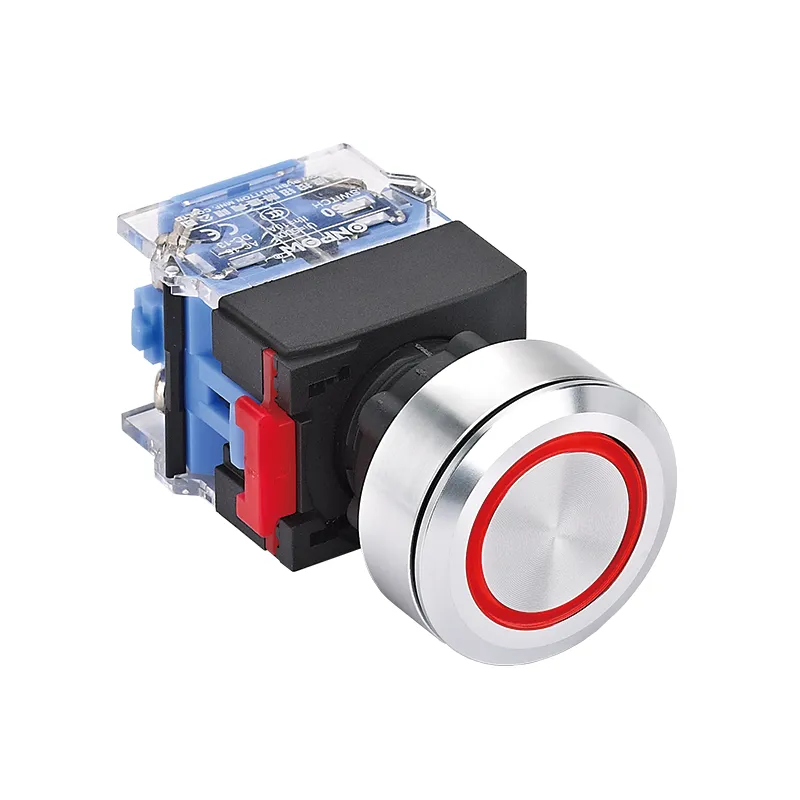
Urządzenie sterujące i urządzenie sygnalizacyjne odpowiadają na różne pytania operatora. Najpierw należy określić, czy naciśnięcie wysyła sygnał sterujący, czy stan musi pozostać widoczny oraz gdzie ten stan jest generowany. Podświetlany element operatorski może być przydatny, gdy zatwierdzony projekt wymaga obu funkcji w jednym miejscu, jednak obwód lampy i obwód styków nadal wymagają osobnej weryfikacji.
| Wymaganie | Pytanie wielokrotnego wyboru | Nie zakładaj góry |
|---|---|---|
| Polecenie | Co się stanie po naciśnięciu? | oświecenie równa się rozkazowi |
| Status | Jaki stan jest pokazany? | lampa ma styki przełączające |
| Logika kontaktu | Jaki układ NO/NC jest wymagany? | podobny model ma ten sam blok |
| Obwód lampy | Jakie źródło i jaki kolor są określone? | parametry znamionowe styków dotyczą lampy |
Część 4. Przegląd połączeń i dostępu do usług
Kierunek wyprowadzeń, wyjście przewodu, dostęp do złącza oraz dostępna przestrzeń serwisowa podlegają tej samej weryfikacji. Estetyczny panel przedni może stać się trudny do montażu, jeśli zaciski są blokowane przez ścianę, kanał kablowy lub sąsiadujące urządzenie. Poproś o widok przekroju i trasę okablowania przed zamrożeniem specyfikacji materiałowej (BOM). W przypadku gdy logika sterowania wykorzystuje przekaźnik, sterownik lub moduł wejściowy, potwierdź tę architekturę niezależnie od sprzętu operatorskiego.
Część 5. Użyj weryfikacji dowodów specyficznej dla modelu
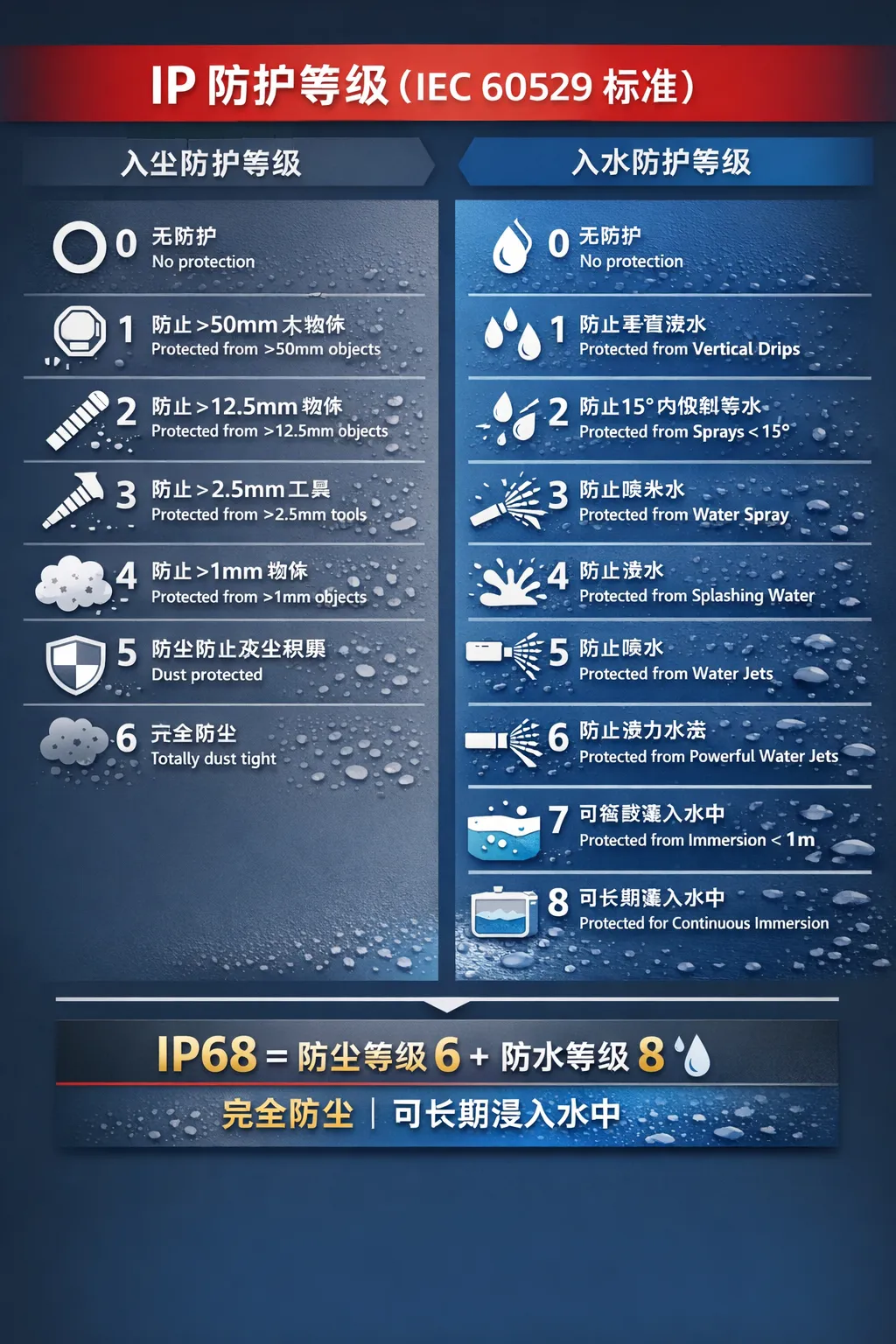
Strony ONPOW są przydatne tylko wtedy, gdy żądana konfiguracja odpowiada polom pokazanym dla tego konkretnego modelu. Porównaj opublikowany interfejs mechaniczny, działanie, układ styków, formę wyprowadzeń oraz wszelkie pola lampek z kontrolowanym wymaganiem. Jeśli wymaganie nie zostało jeszcze ustalone, zarejestruj je jako otwartą kwestię zamiast wypełniać lukę domysłami. Użyj dokładna strona produktu ONPOW jako punkt routingu produktu, a nie jako substytut przeglądu obwodu.
Część 6. Ustawienie granicy dopasowania oraz zapytania ofertowego (RFQ)
Granica dopasowania: te wytyczne wspierają wczesny wybór i komunikację dotyczącą zakupu. Nie autoryzują aplikacji o bezpośrednim obciążeniu, nie zatwierdzają funkcji bezpieczeństwa ani nie ustanawiają zakresu certyfikacji. Są również nieodpowiednie, gdy rysunek panelu, warunki obwodu lub wymagane środowisko pracy nie są znane.
W przypadku zapytania ofertowego wyślij rysunek panelu, otwór montażowy i grubość, prześwit z tyłu, planowane sterowanie, logikę styków, preferencje dotyczące zacisków, wymagania dotyczące lampki, warunki środowiskowe, ilość, docelową datę dostawy oraz wymaganą dokumentację. Ten pakiet pozwala firmie ONPOW porównać zapytanie z dokładną specyfikacją produktu zamiast zgadywać na podstawie słowa kluczowego. Zobacz Artykuły dotyczące elementów sterujących ONPOW dla powiązanego kontekstu zaznaczenia, następnie skontaktuj się z ONPOW z kontrolowanymi danymi wejściowymi.
Często zadawane pytania
What is the first question to ask about a panel mounted push button switch?
Zmierzyć szerokość otworu oraz grubość panelu zgodnie z zatwierdzonym rysunkiem przed poproszeniem o model.
Czy większy siłownik zawsze wymaga większego otworu w panelu?
Widoczny rozmiar siłownika i otwór montażowy to oddzielne wymiary; skorzystaj z rysunku wymiarowego.
Jak mam potwierdzić ustalenia dotyczące kontaktu?
Dopasuj żądaną logikę NO lub NC do dokumentacji obwodu i zweryfikuj przypisanie zacisków.
Kiedy przydatna jest podświetlana opcja?
Określ, czy ta lampka jest lokalizatorem, wskaźnikiem statusu czy częścią interfejsu użytkownika.
Co powinno być zawarte w przeglądzie rysunków?
Uwzględnij widok z przodu, sekcję tylną, sąsiadujące elementy oraz zamierzony kierunek wyprowadzenia przewodu.
Jakie szczegóły powinny znaleźć się w zapytaniu ofertowym (RFQ)?
Podaj ilość, wymagane dowody modelowe, cel dostawy oraz każdy nierozwiązany warunek inżynieryjny.
Czy strona produktu może zastąpić recenzję aplikacji?
Nie. Strona obsługuje porównanie, podczas gdy projekt maszyny lub systemu nadal wymaga własnej weryfikacji.



