

Industrial key switch troubleshooting begins by separating the key and lock mechanism, the rotary operator, the rear contact assembly and the machine’s control response. A key that will not turn is a different problem from a switch that turns normally but produces no input. Record the exact symptom and approved operating sequence before replacing parts. Isolate the equipment under its established procedure before inspection, and do not force the key, defeat the lock or bypass contacts. This guide concerns industrial panel controls, not vehicle ignition locks or domestic door hardware.
Identify the intended key and position behavior
A healthy key switch may deliberately prevent key removal in some positions. It may also return from one position under spring action while remaining in another. These behaviors must be established from the exact order code and position table. A mechanism that resists an action it was not designed to allow is not necessarily defective.
Collect the installed product code, key identification where applicable, operator action and approved removal positions. Compare them with the equipment instructions and drawing. If the switch was recently replaced, confirm that the replacement has the same required action rather than assuming that a similar front face represents the same mechanism.
The separate guides to key removal positions and momentary key switches explain those selection decisions. Troubleshooting starts after the intended behavior is known, so an expected spring return or trapped-key position is not mistaken for a failure.
Write a symptom record that can guide a repair
Describe what the user can physically do and what the equipment reports. “Key switch failed” is too broad to distinguish a worn key from an electrical problem. Useful observations include whether the key enters fully, whether the operator moves between its defined positions, whether it returns as intended and whether the corresponding control input changes.
Record the conditions under which the problem occurs. Note door position, temperature, contamination, cleaning history, recent panel modifications and any change of keys. Preserve photographs of the front and rear assembly, including accessible markings and the relation between the operator, holder and contact blocks.
Do not conduct repeated machine operations merely to obtain a better symptom description. The equipment’s competent maintenance personnel should determine how to inspect and test safely. A key-operated control can restrict normal use, but it is not automatically an energy-isolation device or a complete safety function.
Use a fault boundary table
The table below identifies investigation boundaries. It does not diagnose the installed device or authorize a particular disassembly method. Use the exact product and equipment instructions to select the next safe action.
| Observed symptom | First boundary to investigate | Avoid assuming |
|---|---|---|
| Correct key will not enter fully | Key identity, visible contamination or damage | That lubricant is approved |
| Key enters but will not turn | Intended action, lock condition and operator loading | That more torque is the solution |
| Operator turns but does not hold or return as intended | Ordered action and mechanical mechanism | That every position should be maintained |
| Key cannot be removed in one position | Documented key-removal table | That the lock has failed |
| Operator works but contact state is wrong | Actuator transfer and contact assembly | That the lock must be replaced |
| Contact state is correct but equipment response is wrong | Wiring, input and control function | That the key switch is responsible |
Keep test results attached to the relevant row. This makes the repair decision traceable and prevents a visual inspection of one component from being treated as proof about the whole control system.
Inspect the key and lock without forcing the mechanism
Confirm that the key is the intended one and inspect it for visible distortion or damage. Follow the site’s key-control procedure before comparing another authorized key. A key that appears similar may have a different code. Record whether the issue follows a particular key or remains with the installed switch.
Do not straighten a damaged key, insert improvised tools or apply extra leverage as a troubleshooting shortcut. Such actions can worsen damage and leave material inside the mechanism. Obtain the manufacturer’s guidance when contamination or lock damage is suspected. Avoid recommending a solvent or lubricant without explicit compatibility and application instructions.
If a key has broken or the lock cannot be operated safely, control access to the affected equipment and escalate the repair. Do not defeat the authorization function to restore production. Any temporary operating arrangement must be designed and authorized through the equipment’s normal change process.
Check mounting and rear assembly conditions
Inspect the panel opening, mounting hardware and adjacent components against the approved drawing. Incorrect mounting, damaged holders or rear interference can affect the assembly. Use the exact product instructions for mounting force and permitted panel stack; there is no universal tightening value for all key-operated switches.
Check whether closing the door changes wire tension or presses a cable duct lid against the rear components. The rear assembly should have sufficient space for both operation and service. Conductors should be supported so that door movement and nearby maintenance do not load the switch terminals or mounting system.
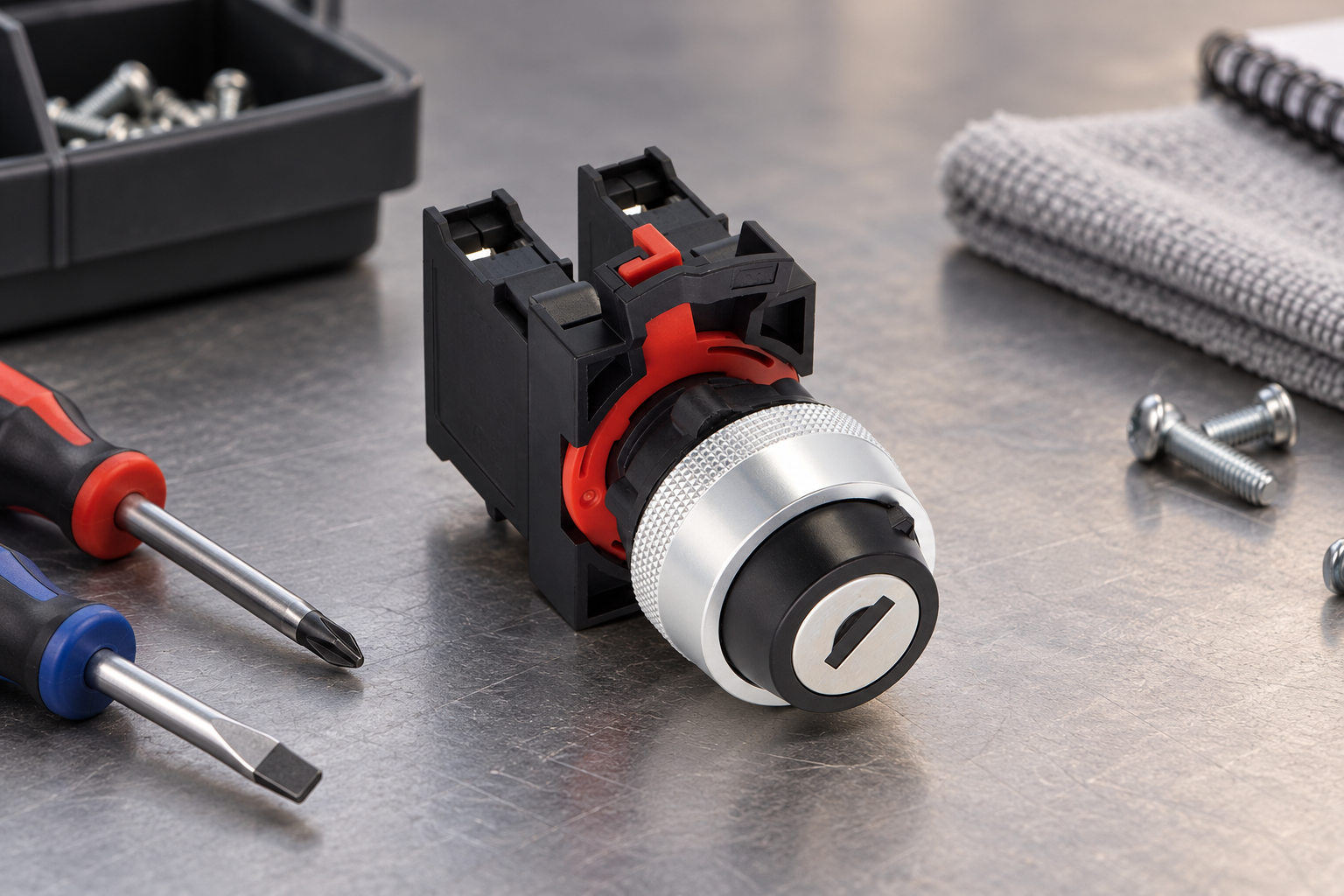
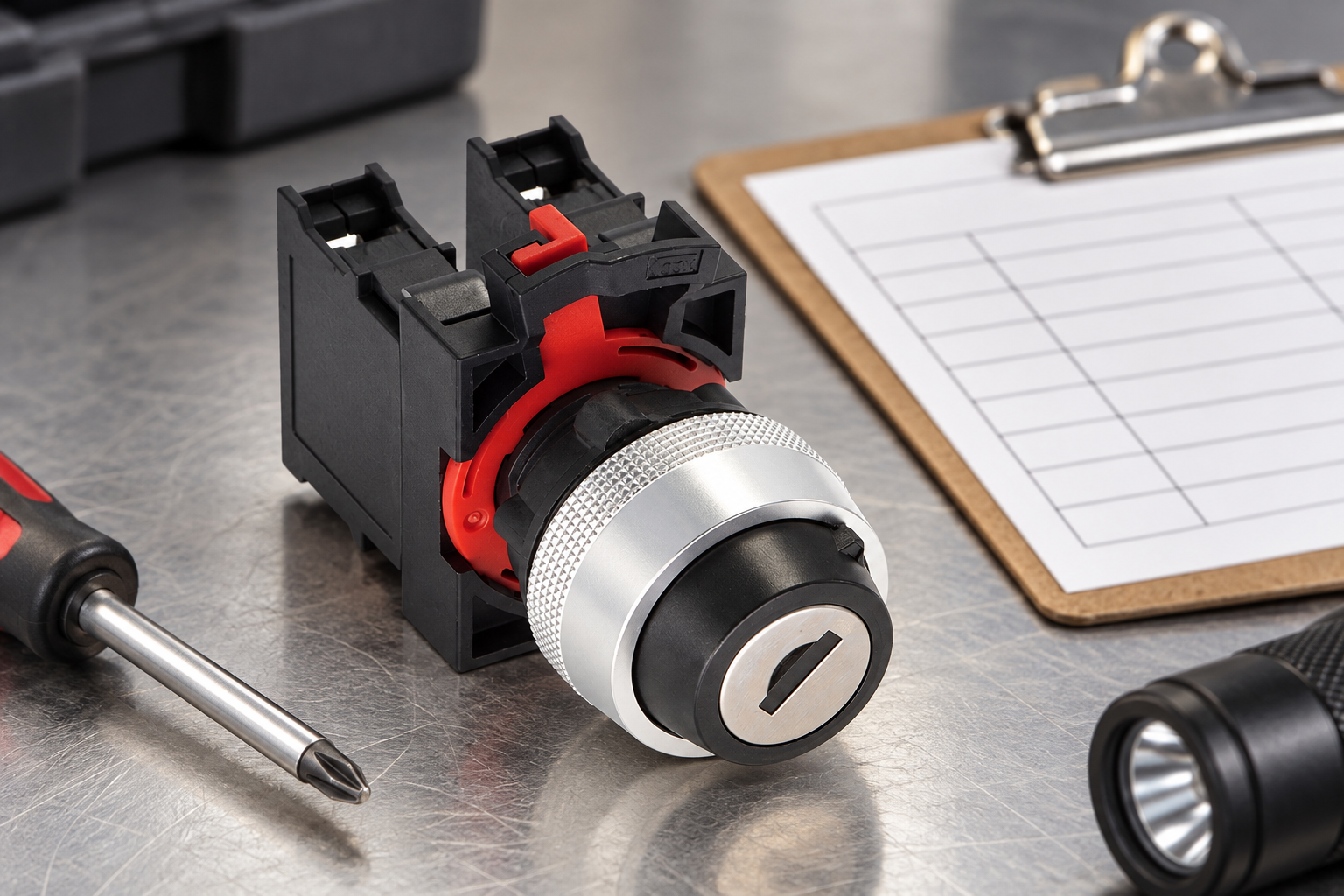
The ONPOW26-11Y/21 product page provides a real key-operated assembly reference. The accompanying editorial images preserve that product’s visible form. They do not establish key interchangeability, approved component combinations or the removal positions of another order code.
Verify contacts against a defined position table
Before electrical testing, identify each contact and its intended state in every relevant operator position. Use the equipment schematic and exact manufacturer diagram rather than terminal location, wire color or assumptions based on another model. Keep lamp connections separate from switching contacts where an illuminated assembly is involved.
Competent personnel can then use a suitable isolated checking method to compare observed contact states with the documented table. Inspect terminations and conductor identification at the same time. Where the design includes multiple contact groups, record each group independently rather than accepting one successful circuit as proof that the whole assembly is correct.
If the operator moves normally but a contact does not change as required, investigate actuator transfer, block condition and the approved assembly. Do not assume that replacing the lock cylinder will correct a rear electrical fault. Equally, fitting a new contact block will not correct a damaged lock mechanism.
Follow the input through to the machine response
A correct contact transition may still fail to produce the expected machine action. Check the approved drawing and control function to distinguish the switch output from the wiring, controller input and downstream logic. Some commands are intentionally conditional on other states. The absence of machine movement is not, by itself, evidence of a defective switch.
Any energized investigation must be necessary, planned and controlled under the site’s safe working procedure. This guide does not provide live-probing instructions. Use appropriate equipment and competent personnel, and keep the machine’s potential movement and stored energy within the scope of the work.
Where a function is safety-related, follow the established validation requirements. A basic continuity test or successful indicator response does not demonstrate that the complete safety function is available. Review the function before returning equipment to service, especially if the repair changes a contact arrangement or operating action.
Choose the replacement scope from the evidence
Replace only a subcomponent when the manufacturer permits it and the retained assembly remains suitable. Obtain an approved successor when the original part is obsolete. A matching panel diameter or similar rear block is insufficient evidence that a substitute preserves the intended action, contact sequence and key-removal behavior.
A useful replacement request includes the complete order code, photographs, required positions, return action, key-removal table, contact arrangement and electrical duty. State whether the quotation should cover an operator, a contact component or the complete assembly. Ask about any required holder or accessory change explicitly.
For related background, consult key-operated selector selection and incoming inspection. Contact ONPOW with the exact configuration and fault record when the approved replacement cannot be identified from existing documentation.
Close the repair with a functional record
Check the installed identity and mounting, then verify the intended mechanical sequence and contact table under the approved procedure. Confirm permitted key insertion and removal positions without forcing the mechanism. Verify that access, indication and machine response match the equipment’s documented requirements.
Record what was observed, what was changed and which checks passed. Keep hypotheses separate from confirmed causes. If contamination or repeated mechanical loading is suspected, retain photographs and failed components for investigation rather than treating each new replacement as an unrelated event.
Review key-control records and service documentation after the change. A mechanically successful repair can still create an operational problem if the replacement uses a different key arrangement or the staff are not told about a revised procedure. Return the equipment only after the responsible personnel accept the complete repair.
Frequently asked questions
Why can the key turn but the machine does not start?
The contact assembly, wiring, controller input or conditional control logic may be responsible. Establish the intended function, then compare operator movement, contact state and input response separately using the approved safe procedure.
Is a key trapped in one position always a fault?
No. Some configurations intentionally permit removal only in specified positions. Check the exact key-removal table before concluding that the lock has failed or applying additional force.
Can I replace a key switch with any model of the same diameter?
No. Position action, key-removal behavior, contacts, mounting system, electrical duty and environmental suitability must all be confirmed. The panel opening is only one interface requirement.
Does a key switch replace lockout for maintenance?
A normal key-operated control should not be assumed to isolate hazardous energy. Follow the equipment’s approved isolation and energy-control procedure and the applicable legal requirements for the work.
References and scope
Use HSE safe electrical maintenance guidance and HSE work equipment maintenance guidance for the general safe-maintenance context. Exact lock servicing, component replacement, key codes and operating behavior require manufacturer documentation for the installed assembly.
Further learning
University background on electrical measurement. It complements the contact-state verification section; it is not a key-lock repair guide or permission for energized testing.

NPTEL: Electrical Measurement and Electronic Instruments — NPTEL IIT Kharagpur



