

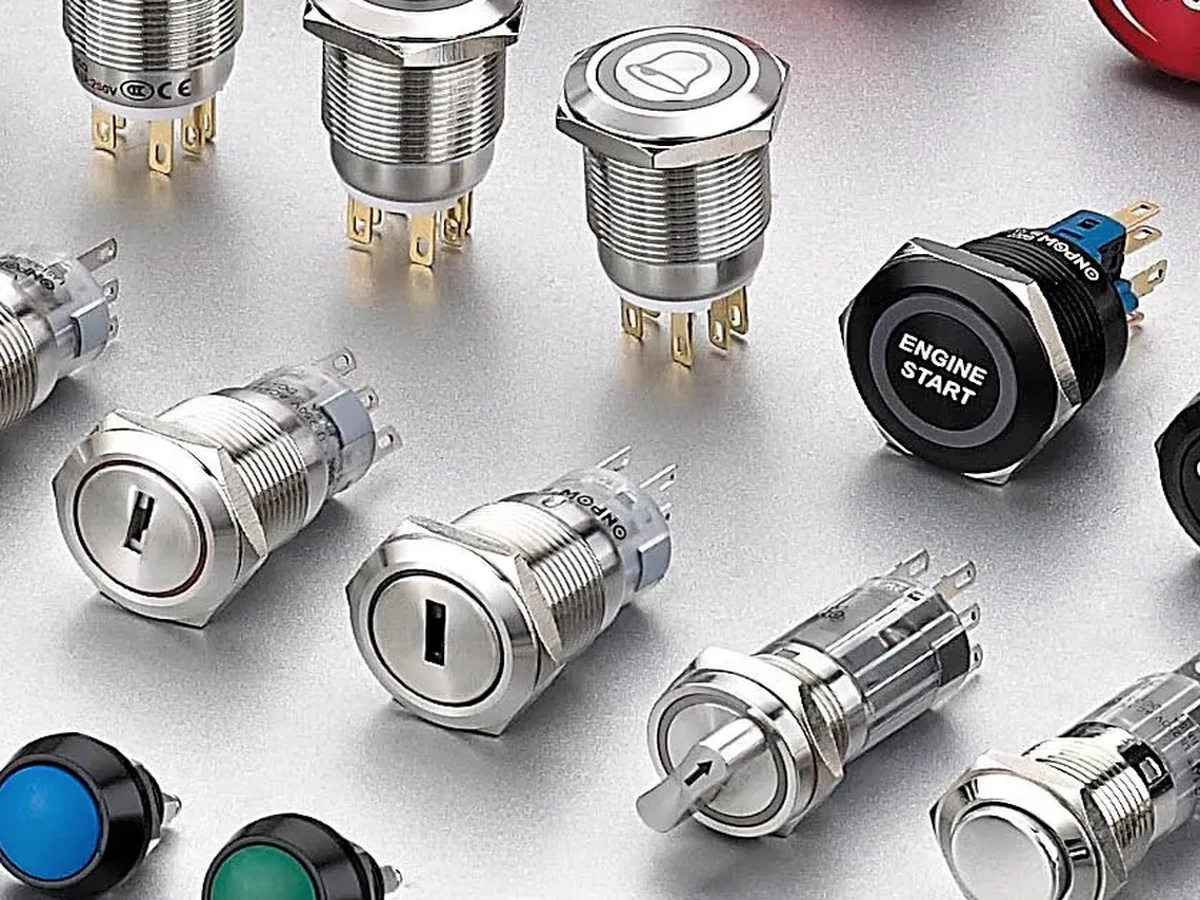
A vandal resistant push button is best specified as a mounted assembly, not as a stand-alone promise about security, sealing, or impact performance. Before a panel is released, confirm the selected operator’s drawing, cutout, retaining hardware, panel thickness, front clearance, rear terminal space, action, and documentation. The same metal operator can produce very different results when the mounting stack or enclosure interface changes.
Part 1. Read the label as a mounting review
“Vandal resistant” is a search term that can lead to access-control buttons, industrial metal operators, public-panel devices, illuminated products, and different panel cutouts. The label can help place a candidate into review, but it does not identify the panel opening, the fastener stack, the contact action, or the installed enclosure’s performance.
Start with the interface. Locate the mounting-hole callout, the body shape, usable mounting length, nut or retaining method, gasket arrangement, and front profile on the selected drawing. Then review the intended use and the relevant project requirements. This sequence prevents a buyer from choosing a familiar metal appearance before knowing whether the assembly can actually be installed and serviced.
| Question | Evidence to control | Why it matters |
|---|---|---|
| What does the label describe? | Product drawing and data for the selected item | Stops a generic term becoming a performance claim |
| What is the panel interface? | Cutout, tolerance, panel thickness, keying | Defines whether mounting is possible |
| What is the operator function? | Action, contact need, illumination intent | Separates mechanics from control purpose |
| What surrounds the operator? | Face layout, labels, guard, rear hardware | Makes the review an assembly decision |
For a public-access use case, the tamper-proof public-panel guide provides a separate topic. It should not be used to infer that every metal push button delivers a security outcome.
Part 2. Keep IP, IK, and installation evidence separate
IP and IK terms are often visible beside vandal-resistant products, yet they answer different questions and apply under stated conditions. IEC 60529 defines the IP-code context, while IEC 62262 addresses degrees of protection against external mechanical impacts. Neither standard lets a buyer extend one product label to an unknown panel, gasket stack, mounting torque, enclosure, or installed system.
Important: Do not use a button’s marketing label, IP marking, or IK marking as proof of an installed panel’s security, ingress protection, or mechanical-impact performance. The selected product documentation, the mounting design, and the applicable project review must establish the final assembly boundary. Source context: IEC 60529 and IEC 62262.
The IK ratings guide and IP65 vs IP67 guide are useful lateral reading because they keep rating terminology distinct. They do not replace selected-SKU records or a panel validation plan.
| Evidence category | What it can support | What it cannot support alone |
|---|---|---|
| Product drawing | physical interface and configuration review | Whole-panel performance conclusion |
| Product rating documentation | stated test result for stated configuration | A changed mounting or enclosure design |
| Panel drawing | stack-up, clearance, and service planning | An unverified component rating |
| Project requirement | acceptance target and documentation need | A substitute for the selected product data |
Part 3. Confirm the retaining stack and front access
A metal operator typically passes through a panel and is retained by the hardware documented for that product. The mounting stack may include the panel material, coating, overlay, washer, gasket, nut, and any anti-rotation feature. A nominal round hole is not sufficient evidence if a keyway, flat, locating tab, or special sealing feature is required.
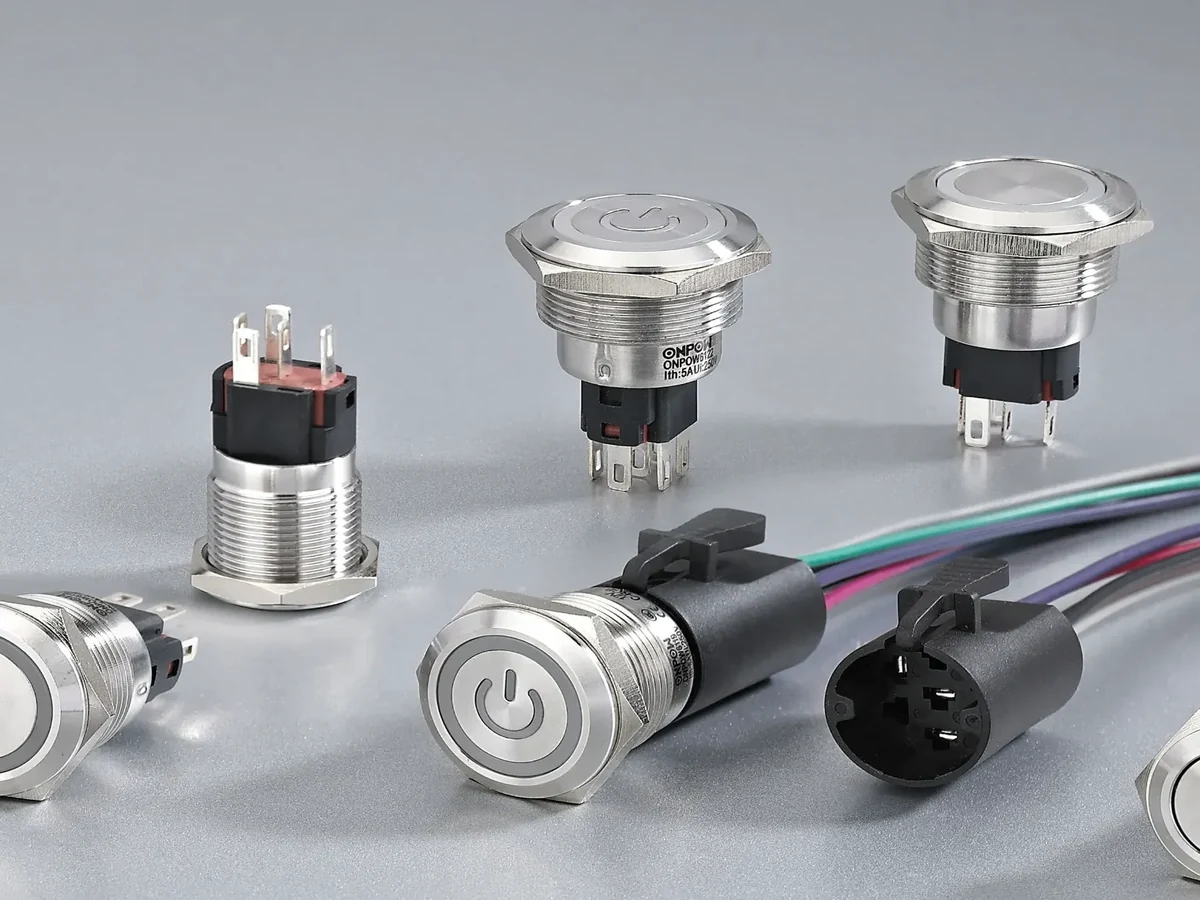
Review front access at the same time. The bezel needs clearance from nearby legends, guards, adjacent operators, and the panel edge. The panel layout guide helps frame this as a front-and-rear layout issue rather than a single hole-size decision.
| Mounting field | Review question | Rework avoided |
|---|---|---|
| Cutout and tolerance | Does the selected drawing define the exact feature? | Enlarging or remaking a finished panel |
| Panel thickness and finish | Is usable body length sufficient after all layers? | A nut or gasket stack that will not seat |
| Anti-rotation detail | Does the opening need keying or alignment? | A control that turns in service |
| Bezel and legend clearance | Can the user reach and identify the operator? | Crowded or ambiguous front panel |
Part 4. Reserve rear space for terminals and service
The front can look correct while the rear fails the assembly review. Terminals, contact blocks, connectors, wire bend space, strain relief, brackets, and a closed door all occupy the rear envelope. Document the section view and the service approach before committing the panel layout.
Rear access also affects maintenance. A technician may need to tighten a retaining element, remove a connector, inspect a terminal, or replace an operator without removing unrelated equipment. The intended service path is not a minor detail; it can change the preferred terminal form and the panel spacing requirement.
| Rear-envelope item | Question to ask | Selection consequence |
|---|---|---|
| Terminals or contact blocks | Do they clear rails and brackets? | Avoids hidden interference |
| Wiring path | Is bend and strain-relief space available? | Avoids forcing conductors against hardware |
| Door and cover travel | Does closure clear the assembly? | Protects against late enclosure conflict |
| Service access | Can installation and removal be completed? | Keeps replacement feasible |
IEC 60947-5-1 offers general context for control-circuit devices. It does not define the rear envelope of a selected operator or its use in a specific panel.
Part 5. Send drawing inputs with the RFQ
An enquiry that says only “vandal-resistant button” leaves too much to guess. Provide a controlled information set so a supplier can review a candidate against the actual interface, function, and documentation need.
RFQ input
| RFQ input | Why it matters | Common mistake avoided |
|---|---|---|
| Released cutout drawing and tolerance | Defines the mounting interface | Selecting from a label or head diameter |
| Panel material, thickness, coating, and overlay | Tests the retaining stack | Ignoring finished-panel layers |
| Front layout and legend plan | Tests access and identification | Crowding an operator after graphics release |
| Rear section and wiring envelope | Tests terminals and service clearance | Discovering a clash after assembly |
| Required action, contacts, and indication | Connects mechanics to the control need | Ordering from appearance alone |
| Project documentation request | Identifies the evidence needed for review | Assuming a rating applies without records |
Attach the drawing revision and identify whether the requirement is mechanical robustness, public access, exposure conditions, or simply a metal operator style. These are different review questions and may lead to different configurations.
Part 6. Use ONPOW routes after the interface is known
Once the interface and function are known, the GQ22 product-family route and the ONPOW metal push button category are suitable starting points for a drawing-based enquiry. They are not a confirmation that every item fits the panel or satisfies an unstated requirement.
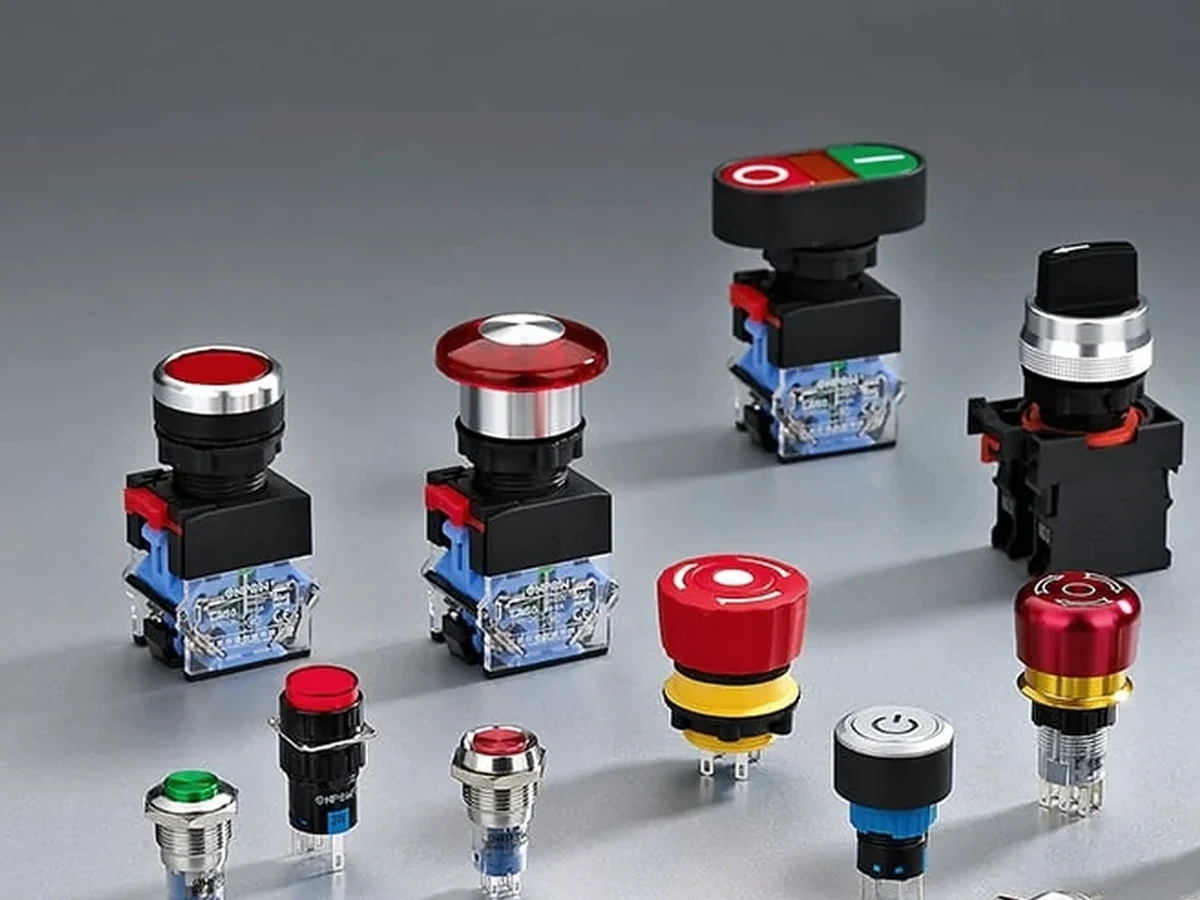
Send the panel drawing, desired action, contact need, illumination intention, environmental conditions, service-access constraints, quantity, destination, and document request to the ONPOW sales team. Ask for the selected SKU’s drawing and configuration confirmation before release. For related selection articles, visit the ONPOW Blog.
Frequently Asked Questions
Does vandal resistant mean an operator is secure in every panel?
No. The label does not establish the design or performance of the complete installed panel. Review the selected product, mounting stack, enclosure, and project requirements together.
Is an IK rating the same as a vandal-resistant claim?
No. IK is a defined mechanical-impact protection context, while “vandal resistant” is a broad product description. Check the selected documentation and its conditions.
Do I need to check the mounting cutout separately?
Yes. Confirm the cutout, tolerance, panel thickness, retaining method, and any anti-rotation detail in the selected drawing.
Why is rear access part of the selection?
Rear terminals, wiring, brackets, and service tools need space. A front-only review can miss an interference that prevents assembly or replacement.
Does IP protection come from the button alone?
No. IP context must be checked against the product configuration and installed assembly. Do not extend it automatically to the whole panel.
Can ONPOW provide a vandal-resistant push button?
Use the GQ22 route or metal category to begin a drawing-based enquiry. ONPOW should confirm the selected SKU’s available configuration and documentation against the released requirements.



