

A 5/8 inch push button switch should be selected from the mounting drawing, not from the nominal label alone. Five eighths of an inch equals 15.875 mm, while many listings associate the term with a 16 mm family. Neither expression identifies the required cutout tolerance, thread, shank, bezel, panel-thickness range, rear clearance, or electrical configuration. Confirm the actual interface before releasing a panel drawing or ordering a replacement.
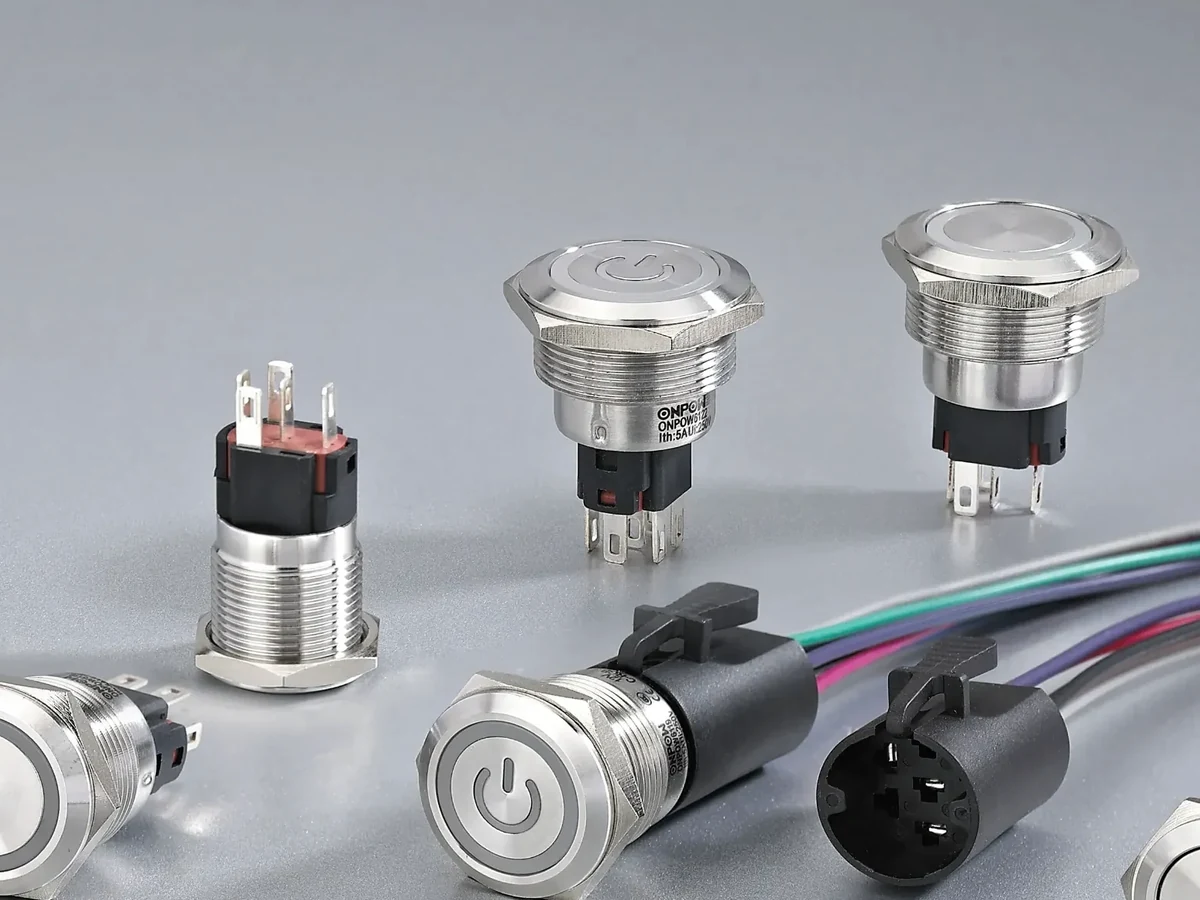
Part 1. Turn the 5/8-inch label into a drawing question
The same 5/8-inch phrase can appear in a legacy spare-parts record, a product title, an accessory listing, or a panel-hole callout. Those descriptions can refer to different physical features. A replacement buyer may mean the old panel opening, while a catalogue could be naming a nominal body diameter or an explicitly stated mounting-hole size.
Find the dimension in a controlled drawing before choosing a punch, drill, nut, or replacement operator. A real cutout callout describes the panel opening and commonly includes a tolerance. A thread designation identifies a fastening interface. The bezel, meanwhile, is a front feature that needs clearance from labels, panel edges, and other operators.
| What the 5/8-inch phrase may name | Drawing field to find | Decision affected |
|---|---|---|
| Panel opening | Nominal cutout and tolerance | Tooling and panel fabrication |
| Threaded body or shank | Thread designation and usable length | Nut, panel-thickness, and washer stack |
| Head or bezel | Outside diameter and front view | Finger access and legend clearance |
| Nominal product family | Dimensioned front and side views | Whether the candidate may enter review |
The phrase becomes usable when the drawing attaches it to a feature. For a legacy part, record whether the term came from the original cutout, the old body, or a distributor description. That simple traceability step prevents an apparently similar button from becoming a costly panel rework.
Part 2. Convert 5/8 in without selecting tooling
Five eighths of an inch equals 15.875 mm. That conversion helps an international team compare an imperial note with metric documentation, but it does not specify a production opening. A 16 mm product listing may be relevant to investigate; it is not automatic evidence that the same opening, tolerance, anti-rotation feature, or retaining arrangement will fit the panel.
Importante: A unit conversion does not define a cutout tolerance, thread, or tooling method. The BIPM SI base-units reference supports the length-unit context; only the selected manufacturer drawing can control the final panel opening.
Rounding can be consequential on a compact panel. A cutout that is too small may prevent assembly or damage the finish during fitting. An opening that is too large may reduce retention, affect a sealing arrangement, or leave an undesirable front-face gap. Those outcomes depend on the actual product design, so they must be checked rather than inferred from a nominal fraction.
| Dimension statement | What it tells the buyer | What still requires confirmation |
|---|---|---|
| 5/8 in | An imperial nominal expression | Which feature carries the dimension |
| 15.875 mm | Exact length conversion | Hole tolerance and fabrication method |
| 16 mm product | A stated product-family dimension | Compatibility with the panel interface |
| Thread designation | A fastening feature | Bezel clearance and rear envelope |
El 1/2 inch cutout guide covers a distinct nominal description. It should not be used to justify a 5/8-inch conversion or a 16 mm mounting decision without the appropriate drawing.
Part 3. Identify the cutout, shank, thread, and bezel separately
The cutout is the panel opening. The shank is the part of the body that passes through it. A thread describes how a nut or retaining element engages the body. The bezel is the front feature a user sees and may be substantially wider than the opening. Each feature controls a different assembly decision.
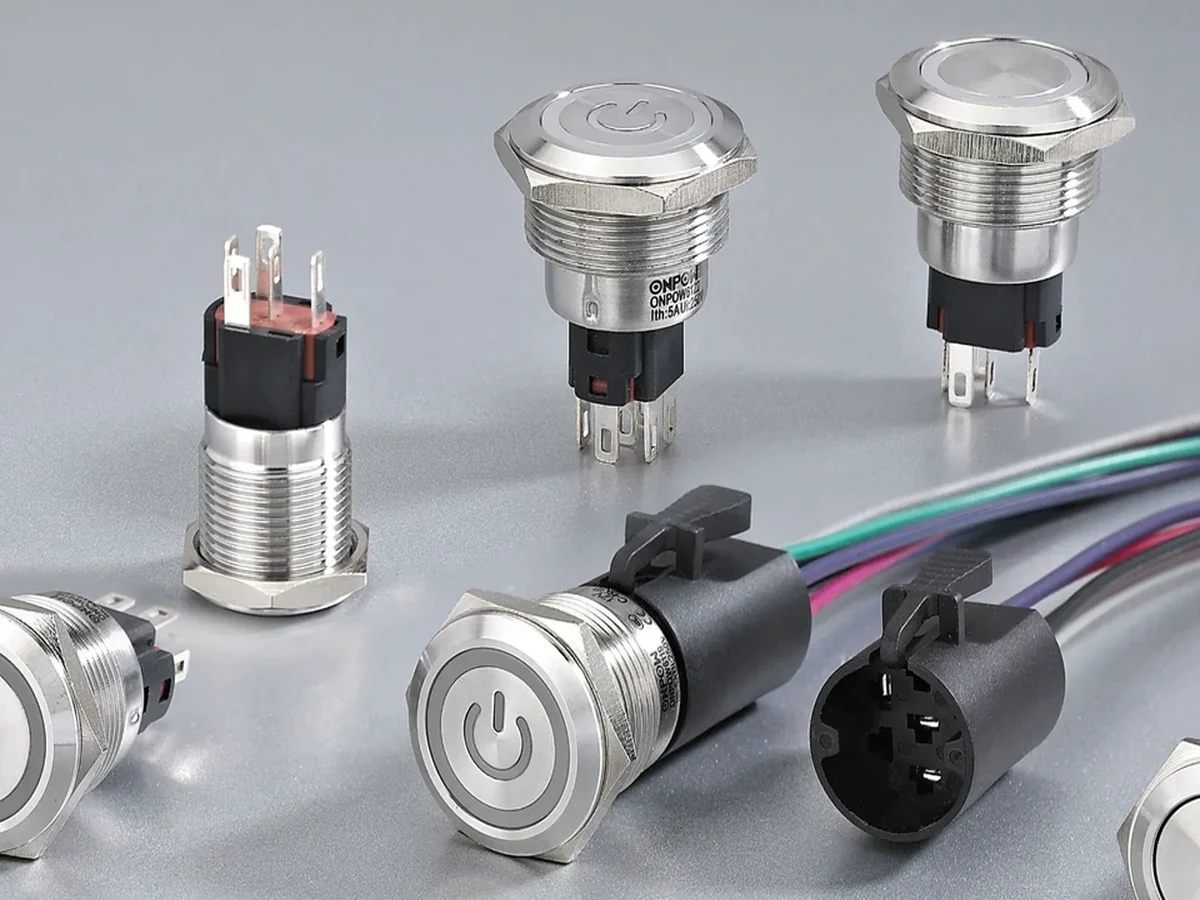
Read dimensions with their leader lines and view direction. Rockwell Automation’s technical note on pushbutton diameter references is useful context because it reinforces that a diameter needs a defined reference. It does not replace the outline, section, and mounting details for the selected operator.
Look for locating tabs, flats, keyways, sealing washers, panel gaskets, and anti-rotation features. A round-looking front may still require a special opening or alignment feature. Also check whether coating, a graphic overlay, or a front label is included in the allowed panel-thickness stack.
Part 4. Check layout and rear space as one panel envelope
A fit can fail even when the cutout looks correct from the front. Contact blocks, connectors, wire bend space, strain relief, support rails, door hardware, and service access all occupy the rear envelope. Review that section view at the same time as the front clearance, not as a later assembly surprise.
An industry discussion captures a familiar practical concern: a control can sit behind a panel rather than directly at its surface. It is reader-language evidence for checking depth and actuation space, not a definition of any switch’s dimensions. The guía de diseño de paneles offers a related layout perspective.
| Panel review element | Question to answer | Procurement effect |
|---|---|---|
| Grosor y acabado del panel | Is the usable mounting length sufficient after all layers? | Confirms retaining-hardware fit |
| Front spacing | Does the bezel clear labels, adjacent heads, and edges? | Protects access and legibility |
| Rear section | Do terminals, wiring, and brackets clear the enclosure? | Prevents late collision |
| Detalle antirrotación | Does the panel need a feature beyond a round hole? | Prevents incorrect fabrication |
| Operating function | Which action, contact need, and indication are required? | Prevents mechanical-only selection |
For a smaller documented family, see the 8 mm push button switch selection guide. It is a separate fit question, not a nearby substitute. The 19 mm push button guide likewise illustrates why a named size family still requires a panel and application check.
Part 5. Provide the drawing inputs that prevent rework
An email that contains only “5/8-inch button” forces the supplier and fabricator to guess which interface matters. Supply the released drawing and identify the feature that the legacy or purchasing term describes. Include the operating function so the mechanical review and the electrical review can converge on the same candidate.
Solicitud de cotización
| Drawing input for a quote | Por qué importa | Error común evitado |
|---|---|---|
| Cutout size, tolerance, and any keying feature | Defines the real panel interface | Ordering from an approximate conversion |
| Panel material, thickness, and finish | Tests shank, gasket, and fastening stack | Ignoring coatings or overlays |
| Front layout and centre spacing | Tests bezel and legend clearance | Crowding neighboring controls |
| Sección trasera y envolvente del cableado | Tests terminals and service access | Finding interference after build |
| Acción requerida, contactos e indicación | Connects the part to its circuit use | Selecting by appearance only |
| Quantity, destination, and document request | Frames quotation and evidence needs | Leaving commercial inputs incomplete |
IEC 60947-5-1 provides general context for low-voltage control-circuit devices. It does not prescribe the mounting hole for an individual product. Keep the selected product drawing and actual circuit requirement in the purchase record rather than treating a nominal size as a complete specification.
Part 6. Use ONPOW metal push buttons after the drawing is controlled
After the mounting and function inputs are controlled, the ONPOW metal push button switch category is a suitable product-family starting point for a drawing-based enquiry. Do not treat the category as a promise that any item is a verified 5/8-inch or 16 mm fit, or that it has the required action, contacts, illumination, environmental performance, or documentation.
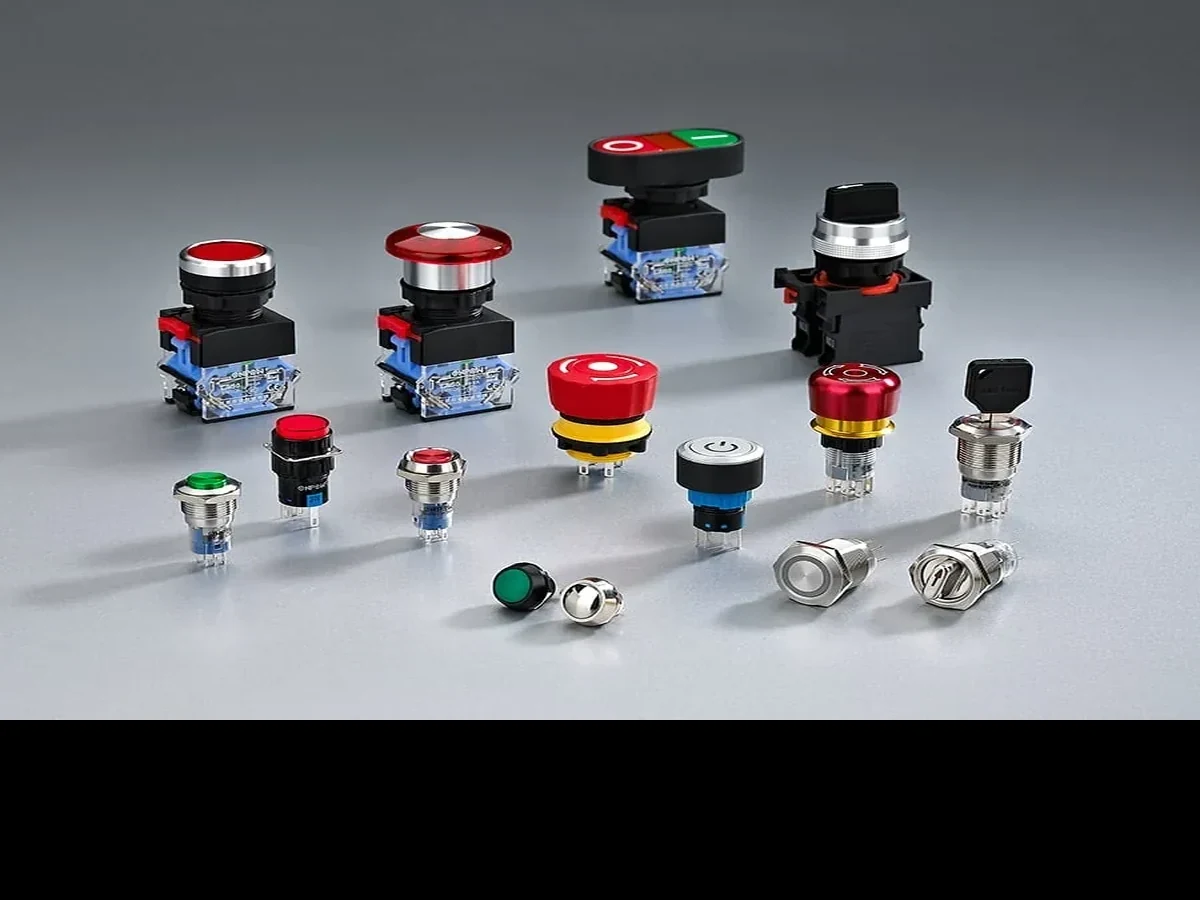
Send the released panel drawing, the exact meaning of the 5/8-inch term, intended operating function, contact need, panel details, quantity, destination, and target documentation to the ONPOW sales team. Request confirmation of the selected SKU before release. That gives the enquiry a precise mechanical and functional boundary without making an unsupported compatibility claim.
For related selection topics, visit the Blog de ONPOW. Retain the released drawing revision with the bill of materials so a spare-part or enclosure revision can be checked against the same mounting interface.
Preguntas Frecuentes
Is a 5/8 inch push button switch always a 16 mm model?
No. Five eighths of an inch equals 15.875 mm, and many listings associate the term with 16 mm, but the selected drawing must identify which product feature is dimensioned and the applicable tolerance.
What hole should I make for a 5/8 inch push button?
Make only the opening stated by the selected manufacturer’s mounting drawing, including its tolerance and any anti-rotation detail. Do not choose tooling from the unit conversion alone.
Does 5/8 inch describe the cutout or the threaded body?
Either is possible in product descriptions. Read the dimensional callout and section view to identify whether the term applies to the panel opening, shank, thread, or visible head.
Why must panel thickness be included in the enquiry?
Panel thickness, coatings, overlays, and gaskets affect the mounting stack and usable body length. They need checking with the selected fastening arrangement.
Do I need to check the bezel as well as the cutout?
Yes. The cutout controls the interface through the panel, while the bezel affects front clearance, finger access, legend visibility, and spacing to adjacent controls.
Can ONPOW provide a 5/8 inch push button switch?
Use the ONPOW metal push-button category to begin a drawing-based enquiry. The supplier should confirm the selected SKU’s mounting dimensions and configuration instead of relying on the nominal description.



