

Push button polarity depends on which circuit you are connecting. An ordinary isolated mechanical contact is not automatically a positive or negative terminal, while an LED or an electronic illumination module can have a required supply polarity. Identify the contact circuit and the lamp circuit separately from the exact device diagram before applying power. Do not use pin count, wire color or the shape of the button face as a substitute for that diagram. This guide explains the decision boundary without assigning a universal pinout to illuminated ONPOW switches.
Start by identifying the circuits inside the assembly
An illuminated button combines an operator with a switching function and an indication function. These functions may have separate connections or an internally related arrangement, depending on the exact product. A photograph showing several terminals cannot establish which are contacts, lamp connections or shared points. Obtain the order code and the relevant connection drawing.
Record the intended machine function as well. A lamp can show power availability, a commanded state or a condition reported by the control system. Those meanings require different circuit arrangements. A lamp that lights when the button is pressed does not prove that it confirms the machine’s actual running condition.
For the wider distinction, see illuminated versus non-illuminated push buttons. Here the question is narrower: which connections may be direction-sensitive, and what evidence is needed before deciding how to supply the light or use the contacts.
Keep contact identifiers separate from supply signs
NO and NC describe a contact’s normal mechanical state. COM identifies a common point in an applicable contact arrangement; it does not mean that the point is necessarily the negative side of a DC supply. The equipment schematic determines how the contact is used within the circuit.
Do not turn that general distinction into a claim that every switch can interrupt any supply in either direction. Electrical ratings, DC application limits, internal electronics and any manufacturer-specific polarity requirements still apply. An apparently simple switching assembly must be selected for its documented duty rather than for its resemblance to another device.
El terminal configuration guide explains common contact arrangements. Use the exact installed drawing to connect them. Generic NO/NC illustrations cannot establish the terminal position or permitted electrical duty of an unverified order code.
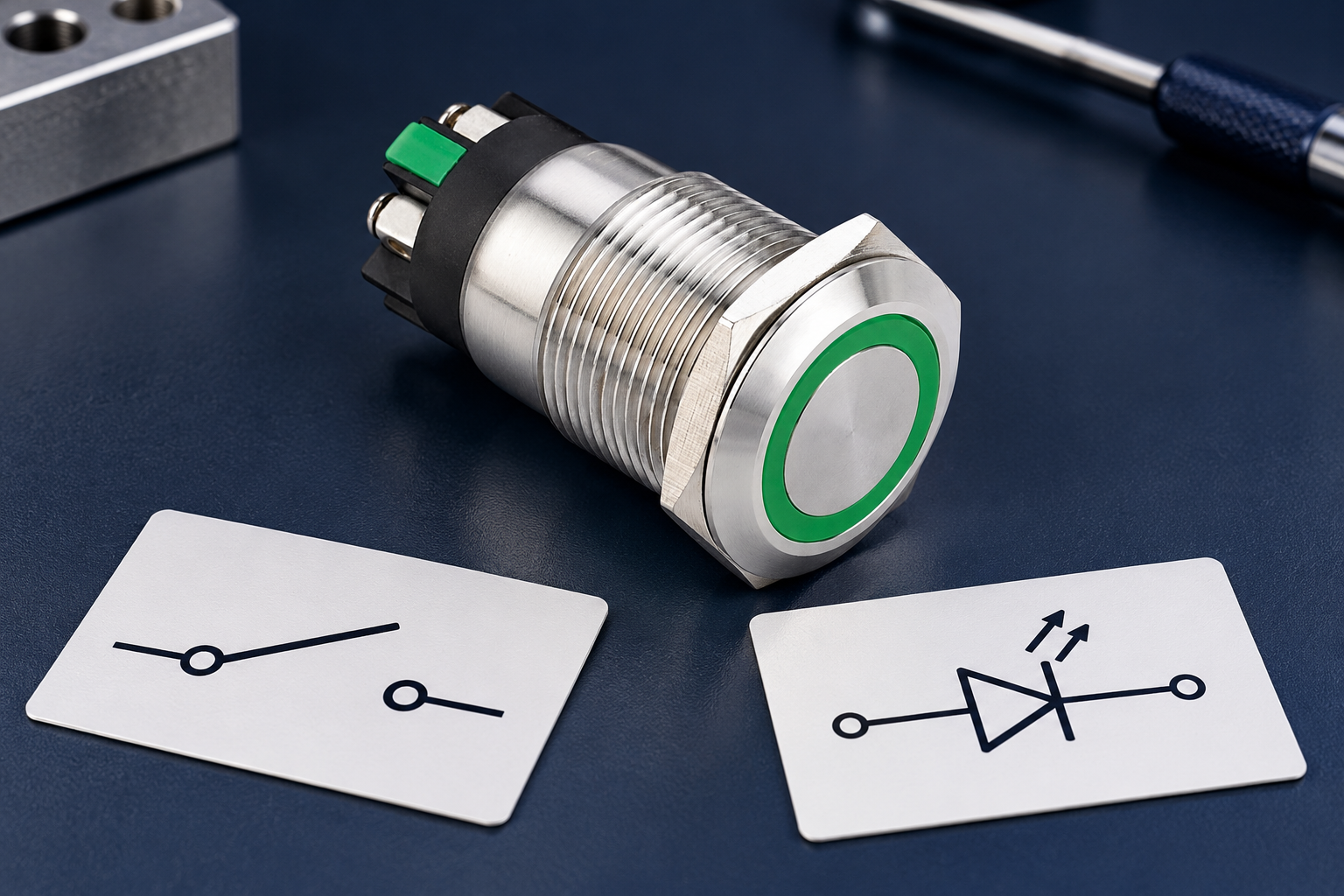
Recognize why LED connections need separate attention
An LED is a semiconductor device, and its electrical behavior depends on direction and the surrounding circuit. A complete industrial lamp module can include additional components, so it should not be treated as an isolated bare LED. Its stated supply requirements belong to the complete configured module.
Do not apply a familiar bare-LED forward-voltage value to a voltage-rated push button light. Do not assume that a series resistor, protection device, rectifier or regulator is present merely because another model includes one. Likewise, an AC or AC/DC marking must be confirmed for the exact lamp version rather than inferred from the switch contact rating.
A suitable purchasing record therefore separates the contact specification from the lamp specification. It should identify the required supply type and voltage, any marked polarity and the connection drawing. If that information is missing, obtain it before commissioning the assembly instead of testing possible combinations with a power source.
Use an evidence table before connecting anything
The table below is a documentation checklist, not a wiring diagram. It deliberately omits terminal numbers and supply values because those are product-specific. The answer to each question should come from the ordered configuration and equipment design.
| Connection question | Evidence to obtain | Unsafe assumption to avoid |
|---|---|---|
| Which terminals switch? | Exact contact diagram and normal-state table | Every pair belongs to the light |
| Which terminals illuminate? | Lamp/module connection drawing | The longest or outermost terminal is always positive |
| Is a common point shared? | Documented internal circuit | COM always means DC negative |
| Does the lamp need polarity? | Markings and module instructions | Every illuminated button behaves identically |
| What supply is permitted? | Exact lamp voltage and AC/DC specification | Contact voltage rating also defines lamp voltage |
| Is current limiting internal? | Complete module information | A familiar resistor arrangement can be copied |
| What should the lamp indicate? | Equipment control and indication schematic | Light on proves the commanded machine state |
Keep unresolved entries visible in the commissioning record. A neat harness or a successful first illumination does not replace the missing specification. Correct connections should be repeatable from the drawing, not dependent on the installer’s memory.
Do not identify polarity by pin count or color alone
Four or five connections can describe different internal arrangements. The same apparent count can combine a contact set and light in more than one way. A generic pin-count tutorial is useful background, but it cannot identify the exact device without its model-specific circuit information.
Wire colors also need a documented assignment. A prewired assembly can use a supplier-defined color scheme that must be checked against the harness drawing and revision. When a replacement arrives, compare the actual documentation rather than transferring connections solely by matching colors to the removed part.
Use the existing push button wiring and installation guide to organize the broader installation questions. Keep a separate lamp-supply entry in the record so that a contact change does not silently change indication behavior.
Interpret meter checks within their limits
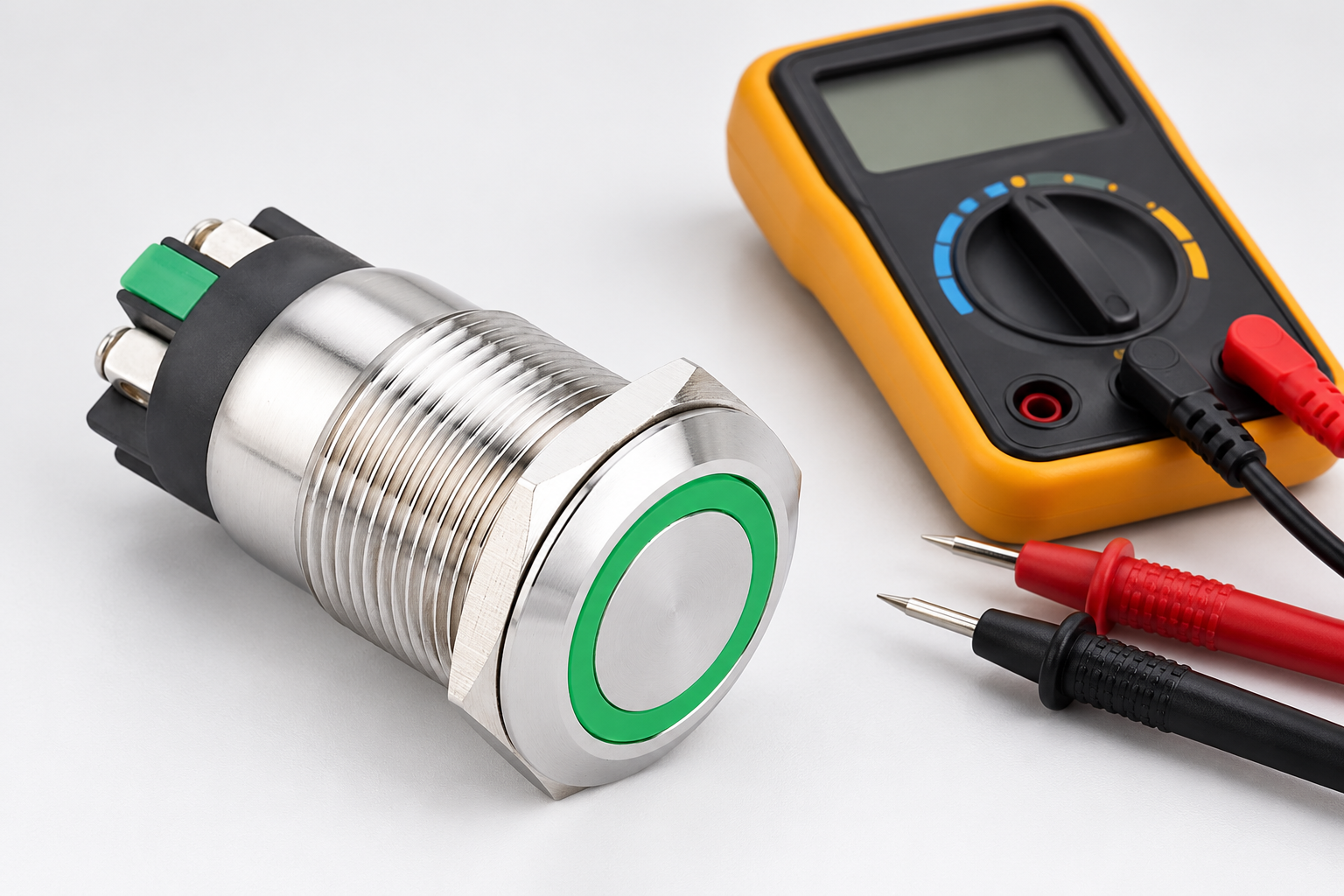
A suitable isolated check can help distinguish contact states or investigate a documented semiconductor path. The instrument’s function, test conditions and limitations matter. A continuity beep is not a universal LED polarity detector, and an ordinary diode-check result does not automatically characterize an integrated industrial lamp module.
Some complete modules may not respond as expected to a particular meter’s test conditions. That observation alone does not prove that the light is faulty. Follow the device and instrument instructions and obtain the approved test method where the module’s internal arrangement is not documented.
These checks must be performed under the equipment’s safe working procedure by competent personnel. Do not connect an arbitrary supply, reverse a powered lamp repeatedly or probe an energized panel simply to discover a pinout. An unknown connection arrangement is a documentation problem before it is a measurement problem.
Use the product example without borrowing a pinout
El LAS1GQ-11E/L/S product page shows a real ring-illuminated ONPOW product form. The reference-based photographs in this article preserve that visible product identity. They intentionally show an unconnected component and do not assign polarity or a supply value to a pictured terminal.
Request the exact ordered lamp version and its current connection information. A family can offer alternatives that are visually similar at the front. The face color, bezel and mounting size are therefore insufficient to determine the electrical arrangement hidden at the rear.
For related supply selection, consult 12 V versus 24 V illuminated push buttons. That selection question remains separate from polarity: the correct nominal supply and the correct connection direction must both be established where applicable.
Diagnose a dark lamp without replacing the whole control first
If the switch function appears normal while the light remains dark, record the contact behavior and indication behavior separately. Check the approved lamp circuit and the expected indication state. A lamp may be intentionally controlled by another device or condition, so darkness is not necessarily evidence of a failed button assembly.
Review the installed order code, supply specification, connection drawing and any recent changes. A replacement lamp version or harness revision can introduce a mismatch even when the front panel looks unchanged. Do not correct that mismatch by bypassing a control output or adding unapproved components to make the light illuminate.
Any necessary energized measurements require their own justification and controls. This article does not provide a live-testing sequence. Use the site’s approved diagnostic process, and preserve the distinction between a missing supply, an unsuitable connection, an incorrect indication command and a failed module.
Record a replacement so polarity is not rediscovered later
A useful spare-parts record identifies the complete switch and lamp configuration, drawing revision, supply requirements and harness assignment. State whether a quotation covers the whole assembly or an operator, contact component or lamp component only. Similar catalogue photographs can otherwise hide a significant difference in what is supplied.
Keep any manufacturer clarification with the equipment documentation. If a successor changes the connection arrangement, review the drawing and installation process before accepting it. Label the approved harness consistently so that the next service team does not have to infer polarity from a previous technician’s handwritten note.
Contact ONPOW with the exact product code, readable rear photographs and intended supply when the arrangement is unclear. The requested outcome is a documented connection scheme for that configuration, not a general assurance that all push buttons have or lack polarity.
Preguntas frecuentes
Does every push button have positive and negative terminals?
No. Contact connections and an illumination circuit answer different questions. Identify the exact internal arrangement and any manufacturer-specific requirements before assigning supply connections.
Does COM on a switch mean the negative supply?
No. COM identifies the common point of an applicable contact arrangement. The equipment schematic determines how that point is used, and it should not be confused with a lamp supply marking.
Can I use the switch contact rating as the LED voltage rating?
No. Contact duty and lamp supply are separate specifications. Confirm the complete illumination module’s voltage, supply type and polarity requirements for the exact version.
Does a failed diode-meter check prove the push button light is defective?
Not by itself. The meter’s test conditions and the module’s internal circuit can affect the result. Use the approved product-specific method and do not substitute repeated powered trials for missing documentation.
References and boundaries
HSE electrical maintenance safety provides the safe-working context. The Fluke 12 instrument manual illustrates why continuity and diode-check behavior belongs to a particular instrument and function. Neither document assigns an ONPOW lamp pinout, operating voltage or acceptance criterion; those require exact product information.
Further learning
Educational background on the separation of control contacts and powered load circuits. The exact switch lamp diagram and ratings still determine polarity and supply requirements.



