

When a stack light shows the wrong tier, stays dark or has an unexpected signal, trace the machine command, controller output, supply, common connection and exact tower model before replacing the unit. The same symptom can come from program logic, an output channel, a loose connection or a mismatched lamp configuration. This guide covers industrial machine signal towers; it is not a universal wiring diagram or permission to probe an energized cabinet.
Start with the selected model’s diagram. ONPOW’s HBJD-40M multilevel warning light is one product example, while the Mehrstufige Warnleuchtbereich includes different layer, voltage and sound configurations. Check the complete model code and its own drawings before using a manual for a similar-looking device.
Match the symptom to a fault path
Record which tower sections illuminate, whether the machine is requesting a signal, and whether the fault is constant or intermittent. Do not use lens color by itself to guess the electrical fault; use the machine’s legend and the selected product’s terminal diagram.
| Beobachtetes Symptom | First evidence to check | Possible areas to investigate |
|---|---|---|
| All tiers are dark | The machine condition, PLC output state and documented supply to the tower | Logic or interlock state, output module, supply, common connection, fuse or disconnect |
| One tier does not light | The command for that tier, channel status and model-specific connection | Output channel, terminal, cable, module or a product configuration mismatch |
| Wrong tier or color appears | The programmed output-to-tier mapping and the written signal legend | PLC mapping, terminal assignment, model layer order or commissioning change |
| Signal flickers or changes unexpectedly | When the event occurs, controller diagnostics and the actual output state | Loose connection, output/load compatibility, unstable supply or a logic transition |
| The buzzer is silent but lights work | Whether the selected model includes a buzzer and how its sound function is commanded | Sound option, separate output/common, mute logic or buzzer condition |
This table helps isolate the next check; it is not a pinout. The actual wiring and permitted measurements depend on the model, control voltage and machine design.
Confirm the part and the signal condition
Read the order code from the installed unit or original bill of materials. Confirm layer count, lens arrangement, mounting style, supply version and whether sound is included. Similar-looking HBJD models may not share the same connections or common conductors. The manufacturer’s current drawing for that exact part takes precedence over a picture, a wire color remembered from another installation or an online discussion.
Next, define what the machine should be showing. Is it in automatic run, waiting for material, faulted, in a maintenance mode, or intentionally muted? Check the PLC/HMI logic or machine event record using the documented diagnostic process. A signal can be electrically healthy but appear “wrong” if the control sequence maps a condition to a different output than the operator legend expects.
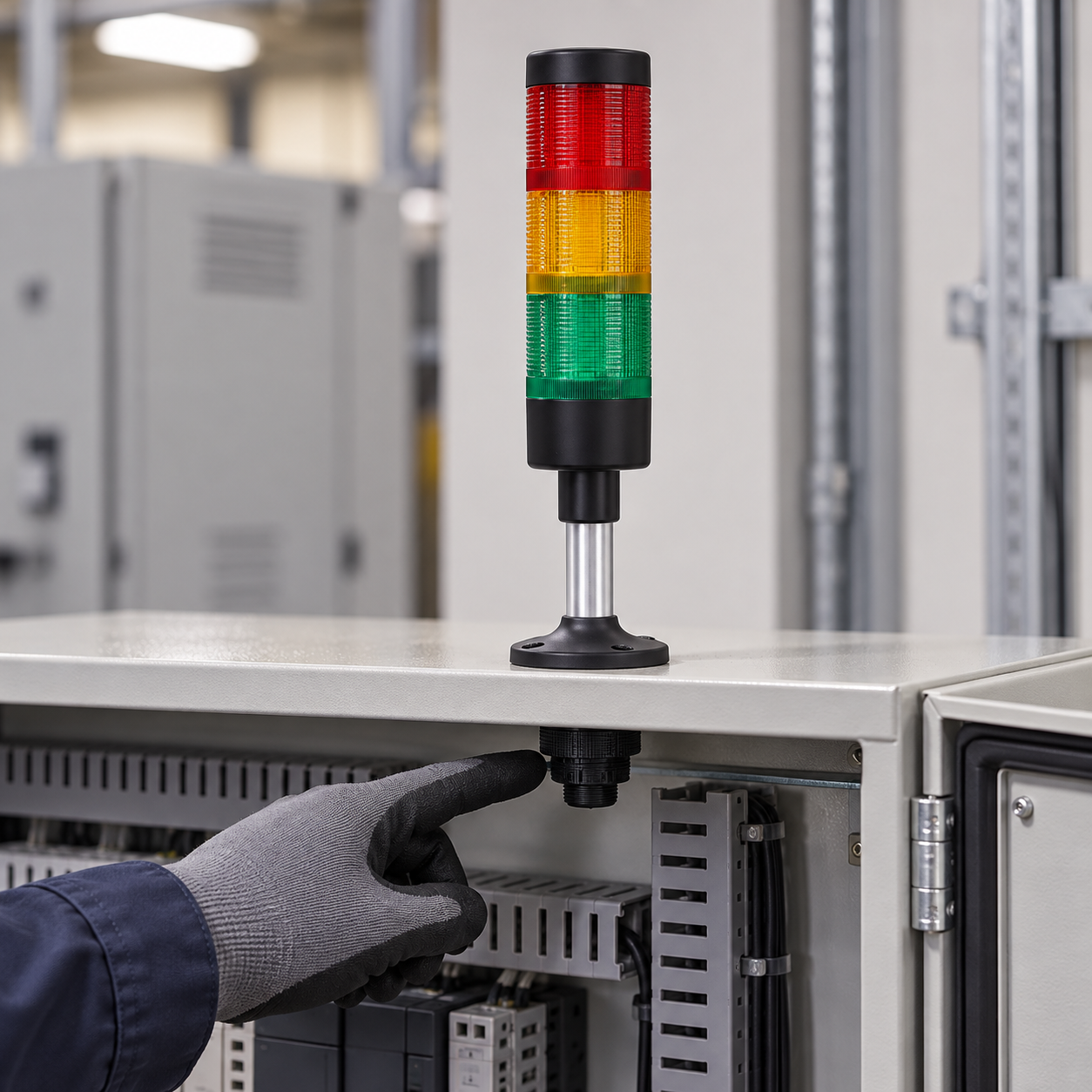
Trace the output before changing wiring
Observe the controller output state using the approved diagnostic tool. Compare it with the machine’s electrical drawing and the exact tower diagram. A status LED on an output module is useful evidence, but it does not prove that the required voltage and current reach the tower’s own terminals.
Check whether the output is sourcing or sinking current, the supply reference, channel or group limits, and any output protection or leakage current described by the controller manufacturer. National Instruments’ industrial digital I/O connection guide explains these output arrangements for its own hardware; the installed PLC manual governs your actual connection. Do not translate a generic sourcing/sinking explanation into a wire color or a universal connection rule.
ONPOW HBJD-40/40A signal-tower wiring guide demonstrates why model-specific manuals matter: it shows differences between the listed models and includes a caution about the common wires for those versions. Those lead assignments are not a wiring diagram for HBJD-40M or another tower model. Use the manufacturer drawing that matches the installed product.
Inspect only after the machine is safely isolated
If the documented output and intended state agree but the light still behaves incorrectly, follow the site’s safe-isolation and lockout procedure before opening the cabinet or touching terminals. A qualified person can verify the de-energized condition, inspect for a loose terminal or damaged cable and check the model, module seating and mounting. Never use a continuity setting on a live circuit or bypass an interlock to see whether the tower turns on.
cURL Too many subrequests by single Worker invocation. To configure this limit, refer to https://developers.cloudflare.com/workers/wrangler/configuration/#limits.

Compare the requested signal with the visible result
cURL Too many subrequests by single Worker invocation. To configure this limit, refer to https://developers.cloudflare.com/workers/wrangler/configuration/#limits.
cURL Too many subrequests by single Worker invocation. To configure this limit, refer to https://developers.cloudflare.com/workers/wrangler/configuration/#limits.
cURL Too many subrequests by single Worker invocation. To configure this limit, refer to https://developers.cloudflare.com/workers/wrangler/configuration/#limits.
Use a repeatable commissioning sequence
cURL Too many subrequests by single Worker invocation. To configure this limit, refer to https://developers.cloudflare.com/workers/wrangler/configuration/#limits.
cURL Too many subrequests by single Worker invocation. To configure this limit, refer to https://developers.cloudflare.com/workers/wrangler/configuration/#limits.
Common stack-light troubleshooting mistakes
cURL Too many subrequests by single Worker invocation. To configure this limit, refer to https://developers.cloudflare.com/workers/wrangler/configuration/#limits. cURL Too many subrequests by single Worker invocation. To configure this limit, refer to https://developers.cloudflare.com/workers/wrangler/configuration/#limits.
Verwendung der falschen Modellzeichnung. Ein benachbartes Modell kann eine andere Spannung, Schichtreihenfolge, Tonoption oder gemeinsame Anordnung haben.
Die Annahme, dass die PLC-Ausgangs-LED zeigt, dass der Turm Strom hat. Die Versorgung, Common, Ausgangstopologie und Feldverkabelung müssen noch mit dem genehmigten Design übereinstimmen.
Anwendung einer Drahtfarben-Konvention aus dem Gedächtnis. Drahtfarben und Commons variieren je nach Produkt und Modell. Folgen Sie dem genauen Schaltplan.
Mischung von Licht- und Summer-Common ohne Überprüfung des Handbuchs. Einige Modelle verwenden separate Anschlüsse für Licht- und Tonmodi. Verbinden Sie keine Leiter, es sei denn, die spezifische Hersteller-Dokumentation zeigt diese Anordnung.
Der Turm wird als eigenständige Sicherheitsfunktion behandelt. Ein Signallicht zeigt einen definierten Zustand an. Es stellt nicht allein sicher, dass eine Person eine Gefahr erkennt, versteht oder darauf reagiert.
Lehrvideo
Dieses PLC-Tutorial von Bob Teaches Tech zeigt eine Timer-Sequenz, die ein Dreifarb-Stack-Licht steuert, und demonstriert, wie man die Sequenzlogik Fehler behebt. Es ist ein generisches Mitsubishi-ähnliches Beispiel, kein ONPOW-Verkabelungsdiagramm oder modell-spezifischer Terminalführer.
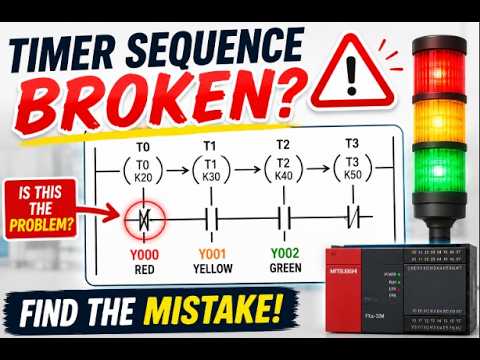
Sehen Sie sich das Beispiel zur Fehlerbehebung der Stack-Licht PLC-Sequenz an.
Allgemeine Fragen
Warum ist mein Stack-Licht dunkel, wenn die PLC-Ausgangs scheinbar eingeschaltet ist?
Die Ausgangsanzeige ist nur eine von mehreren Prüfmöglichkeiten. Überprüfen Sie das genaue Versorgungsmodell, den gemeinsamen Anschluss, die Ausgangstopologie, die Feldverdrahtung, die Kanalgrenzwerte und die Spannung direkt an der Signalsäule. Verwenden Sie dazu eine zugelassene Prüfmethode und lassen Sie die Arbeiten von qualifiziertem Personal durchführen.
Warum leuchtet eine falsche Farbe auf einem Turm?
Vergleichen Sie den Maschinenzustand, die PLC-Ausgangszuordnung, das modellabhängige Anschlussdiagramm und die Linsebestellung. Eine Programmänderung oder eine Verkabelungsfehlanpassung kann dazu führen, dass die sichtbare Ebene vom Bedienerlegend abweicht.
Kann ich für alle Modelle einer Baureihe denselben Verdrahtungsplan für die Signalsäule verwenden?
No. A series can include different layer counts, voltages, mounting styles and sound options. Match the diagram to the full installed order code.
Was sollte ich überprüfen, wenn nur der Summer nicht funktioniert?
Bestätigen Sie, dass der ausgewählte Turm eine Tonfunktion enthält, und überprüfen Sie dann dessen dokumentierten Ausgang, Common und Stummschalt-Logik. Das separate Industrieller Summer-Fehlerbehebungsleitfaden deckt den spezifischen Diagnosepfad für Summer ab.
Is a stack light a safety-rated warning device by itself?
Gehen Sie nicht davon aus. Folgen Sie der Risikobewertung der Maschine, den anwendbaren Anforderungen und dem Sicherheitsdesign. Ein sichtbares Statuslicht allein beweist nicht, dass eine erforderliche Sicherheitsfunktion erreicht wurde.
Referenzen
- IEC 60204-1 — Sicherheit von Maschinen, elektrische Ausrüstung von Maschinen
- National Instruments: Industrielle digitale I/O-Signalkonfigurationen
- ONPOW HBJD-40/40A Signal-Turm Verkabelungsanleitung



