

When a stack light shows the wrong tier, stays dark or has an unexpected signal, trace the machine command, controller output, supply, common connection and exact tower model before replacing the unit. The same symptom can come from program logic, an output channel, a loose connection or a mismatched lamp configuration. This guide covers industrial machine signal towers; it is not a universal wiring diagram or permission to probe an energized cabinet.
Start with the selected model’s diagram. ONPOW’s HBJD-40M multilevel warning light is one product example, while the çok seviyeli uyarı ışığı aralığı includes different layer, voltage and sound configurations. Check the complete model code and its own drawings before using a manual for a similar-looking device.
Match the symptom to a fault path
Record which tower sections illuminate, whether the machine is requesting a signal, and whether the fault is constant or intermittent. Do not use lens color by itself to guess the electrical fault; use the machine’s legend and the selected product’s terminal diagram.
| Gözlemlenen belirti | First evidence to check | Possible areas to investigate |
|---|---|---|
| All tiers are dark | The machine condition, PLC output state and documented supply to the tower | Logic or interlock state, output module, supply, common connection, fuse or disconnect |
| One tier does not light | The command for that tier, channel status and model-specific connection | Output channel, terminal, cable, module or a product configuration mismatch |
| Wrong tier or color appears | The programmed output-to-tier mapping and the written signal legend | PLC mapping, terminal assignment, model layer order or commissioning change |
| Signal flickers or changes unexpectedly | When the event occurs, controller diagnostics and the actual output state | Loose connection, output/load compatibility, unstable supply or a logic transition |
| The buzzer is silent but lights work | Whether the selected model includes a buzzer and how its sound function is commanded | Sound option, separate output/common, mute logic or buzzer condition |
This table helps isolate the next check; it is not a pinout. The actual wiring and permitted measurements depend on the model, control voltage and machine design.
Confirm the part and the signal condition
Read the order code from the installed unit or original bill of materials. Confirm layer count, lens arrangement, mounting style, supply version and whether sound is included. Similar-looking HBJD models may not share the same connections or common conductors. The manufacturer’s current drawing for that exact part takes precedence over a picture, a wire color remembered from another installation or an online discussion.
Next, define what the machine should be showing. Is it in automatic run, waiting for material, faulted, in a maintenance mode, or intentionally muted? Check the PLC/HMI logic or machine event record using the documented diagnostic process. A signal can be electrically healthy but appear “wrong” if the control sequence maps a condition to a different output than the operator legend expects.
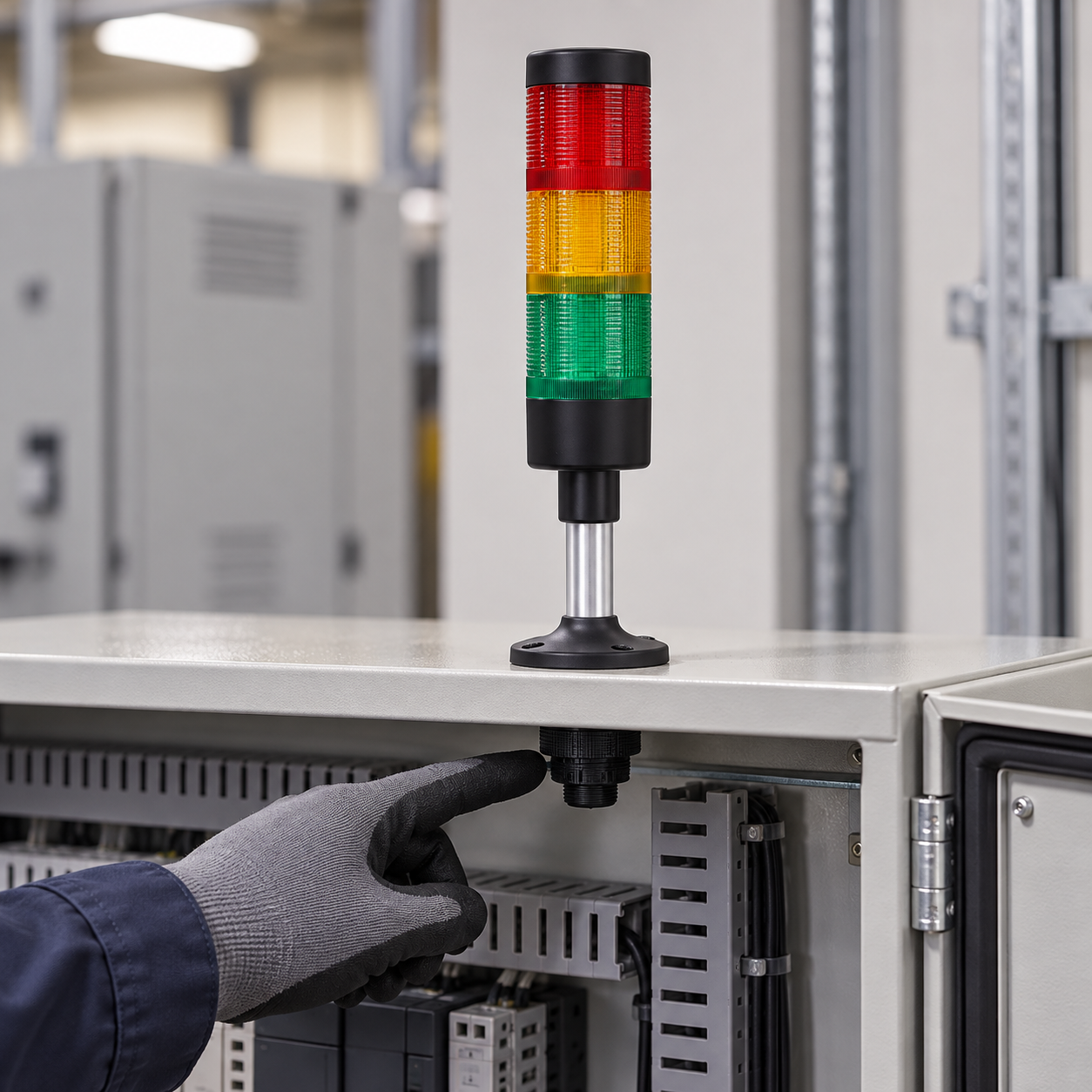
Trace the output before changing wiring
Observe the controller output state using the approved diagnostic tool. Compare it with the machine’s electrical drawing and the exact tower diagram. A status LED on an output module is useful evidence, but it does not prove that the required voltage and current reach the tower’s own terminals.
Check whether the output is sourcing or sinking current, the supply reference, channel or group limits, and any output protection or leakage current described by the controller manufacturer. National Instruments’ industrial digital I/O connection guide explains these output arrangements for its own hardware; the installed PLC manual governs your actual connection. Do not translate a generic sourcing/sinking explanation into a wire color or a universal connection rule.
ONPOW’un HBJD-40/40A signal-tower wiring guide demonstrates why model-specific manuals matter: it shows differences between the listed models and includes a caution about the common wires for those versions. Those lead assignments are not a wiring diagram for HBJD-40M or another tower model. Use the manufacturer drawing that matches the installed product.
Inspect only after the machine is safely isolated
If the documented output and intended state agree but the light still behaves incorrectly, follow the site’s safe-isolation and lockout procedure before opening the cabinet or touching terminals. A qualified person can verify the de-energized condition, inspect for a loose terminal or damaged cable and check the model, module seating and mounting. Never use a continuity setting on a live circuit or bypass an interlock to see whether the tower turns on.
cURL Too many subrequests by single Worker invocation. To configure this limit, refer to https://developers.cloudflare.com/workers/wrangler/configuration/#limits.

Compare the requested signal with the visible result
cURL Too many subrequests by single Worker invocation. To configure this limit, refer to https://developers.cloudflare.com/workers/wrangler/configuration/#limits.
cURL Too many subrequests by single Worker invocation. To configure this limit, refer to https://developers.cloudflare.com/workers/wrangler/configuration/#limits.
cURL Too many subrequests by single Worker invocation. To configure this limit, refer to https://developers.cloudflare.com/workers/wrangler/configuration/#limits.
Use a repeatable commissioning sequence
cURL Too many subrequests by single Worker invocation. To configure this limit, refer to https://developers.cloudflare.com/workers/wrangler/configuration/#limits.
cURL Too many subrequests by single Worker invocation. To configure this limit, refer to https://developers.cloudflare.com/workers/wrangler/configuration/#limits.
Common stack-light troubleshooting mistakes
cURL Too many subrequests by single Worker invocation. To configure this limit, refer to https://developers.cloudflare.com/workers/wrangler/configuration/#limits. cURL Too many subrequests by single Worker invocation. To configure this limit, refer to https://developers.cloudflare.com/workers/wrangler/configuration/#limits.
Using the wrong model drawing. A nearby model can have a different voltage, layer order, sound option or common arrangement.
Assuming the PLC output LED proves the tower has power. The supply, common, output topology and field wiring still need to match the approved design.
Applying a wire-color convention from memory. Wire colors and commons vary by product and model. Follow the exact diagram.
Mixing light and buzzer commons without checking the manual. Some models use separate connections for light and sound modes. Do not combine conductors unless the specific manufacturer documentation shows that arrangement.
Treating the tower as a safety function on its own. A signal light indicates a defined condition. It does not by itself ensure a person recognizes, understands or responds to a hazard.
Eğitici video
This PLC tutorial from Bob Teaches Tech demonstrates a timer sequence that drives a three-color stack light and shows how to troubleshoot the sequence logic. It is a generic Mitsubishi-style example, not an ONPOW wiring diagram or model-specific terminal guide.
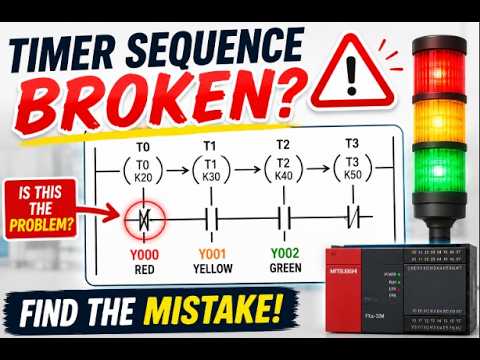
Watch the stack-light PLC sequence troubleshooting example.
Sıkça Sorulan Sorular
PLC çıkışı açık görünmesine rağmen sinyal kulesi lambam neden yanmıyor?
The output indicator is only one check. Verify the exact model supply, common, output topology, field wiring, channel limits and the voltage at the tower using an approved method and qualified personnel.
Kulede neden yanlış renkte bir ışık yanıyor?
Makine durumunu, PLC çıkış eşlemesini, model özel terminal diyagramını ve lens siparişini karşılaştırın. Bir program değişikliği veya kablolama uyumsuzluğu, görünür katman ile operatör lejantını uyuşmaz hale getirebilir.
Tüm modeller için bir kule ışığı kablolama diyagramını kullanabilir miyim?
Hayır. Bir seri farklı katman sayıları, voltajlar, montaj stilleri ve ses seçenekleri içerebilir. Diyagramı tam kurulu sipariş koduna uygun şekilde eşleştirin.
What should I check when only the buzzer is not working?
Confirm that the selected tower includes a sound function, then check its documented output, common and mute logic. The separate industrial buzzer troubleshooting guide covers the buzzer-specific diagnostic path.
Is a stack light a safety-rated warning device by itself?
Böyle varsaymayın. Makinenin risk değerlendirmesine, uygulanabilir gerekliliklere ve güvenlik tasarımına uyun. Görünür durum ışığı tek başına gerekli güvenlik fonksiyonunun sağlandığını kanıtlamaz.
Referanslar
- IEC 60204-1 — Makine güvenliği: makinelerin elektrik ekipmanı
- Ulusal Aletler: Endüstriyel dijital I/O sinyal bağlantıları
- ONPOW HBJD-40/40A signal-tower wiring guide



