

When a stack light shows the wrong tier, stays dark or has an unexpected signal, trace the machine command, controller output, supply, common connection and exact tower model before replacing the unit. The same symptom can come from program logic, an output channel, a loose connection or a mismatched lamp configuration. This guide covers industrial machine signal towers; it is not a universal wiring diagram or permission to probe an energized cabinet.
Start with the selected model’s diagram. ONPOW’s HBJD-40M multilevel warning light is one product example, while the gama de luces de advertencia multinivel includes different layer, voltage and sound configurations. Check the complete model code and its own drawings before using a manual for a similar-looking device.
Match the symptom to a fault path
Record which tower sections illuminate, whether the machine is requesting a signal, and whether the fault is constant or intermittent. Do not use lens color by itself to guess the electrical fault; use the machine’s legend and the selected product’s terminal diagram.
| Observed symptom | First evidence to check | Possible areas to investigate |
|---|---|---|
| All tiers are dark | The machine condition, PLC output state and documented supply to the tower | Logic or interlock state, output module, supply, common connection, fuse or disconnect |
| One tier does not light | The command for that tier, channel status and model-specific connection | Output channel, terminal, cable, module or a product configuration mismatch |
| Wrong tier or color appears | The programmed output-to-tier mapping and the written signal legend | PLC mapping, terminal assignment, model layer order or commissioning change |
| Signal flickers or changes unexpectedly | When the event occurs, controller diagnostics and the actual output state | Loose connection, output/load compatibility, unstable supply or a logic transition |
| The buzzer is silent but lights work | Whether the selected model includes a buzzer and how its sound function is commanded | Sound option, separate output/common, mute logic or buzzer condition |
This table helps isolate the next check; it is not a pinout. The actual wiring and permitted measurements depend on the model, control voltage and machine design.
Confirm the part and the signal condition
Read the order code from the installed unit or original bill of materials. Confirm layer count, lens arrangement, mounting style, supply version and whether sound is included. Similar-looking HBJD models may not share the same connections or common conductors. The manufacturer’s current drawing for that exact part takes precedence over a picture, a wire color remembered from another installation or an online discussion.
Next, define what the machine should be showing. Is it in automatic run, waiting for material, faulted, in a maintenance mode, or intentionally muted? Check the PLC/HMI logic or machine event record using the documented diagnostic process. A signal can be electrically healthy but appear “wrong” if the control sequence maps a condition to a different output than the operator legend expects.
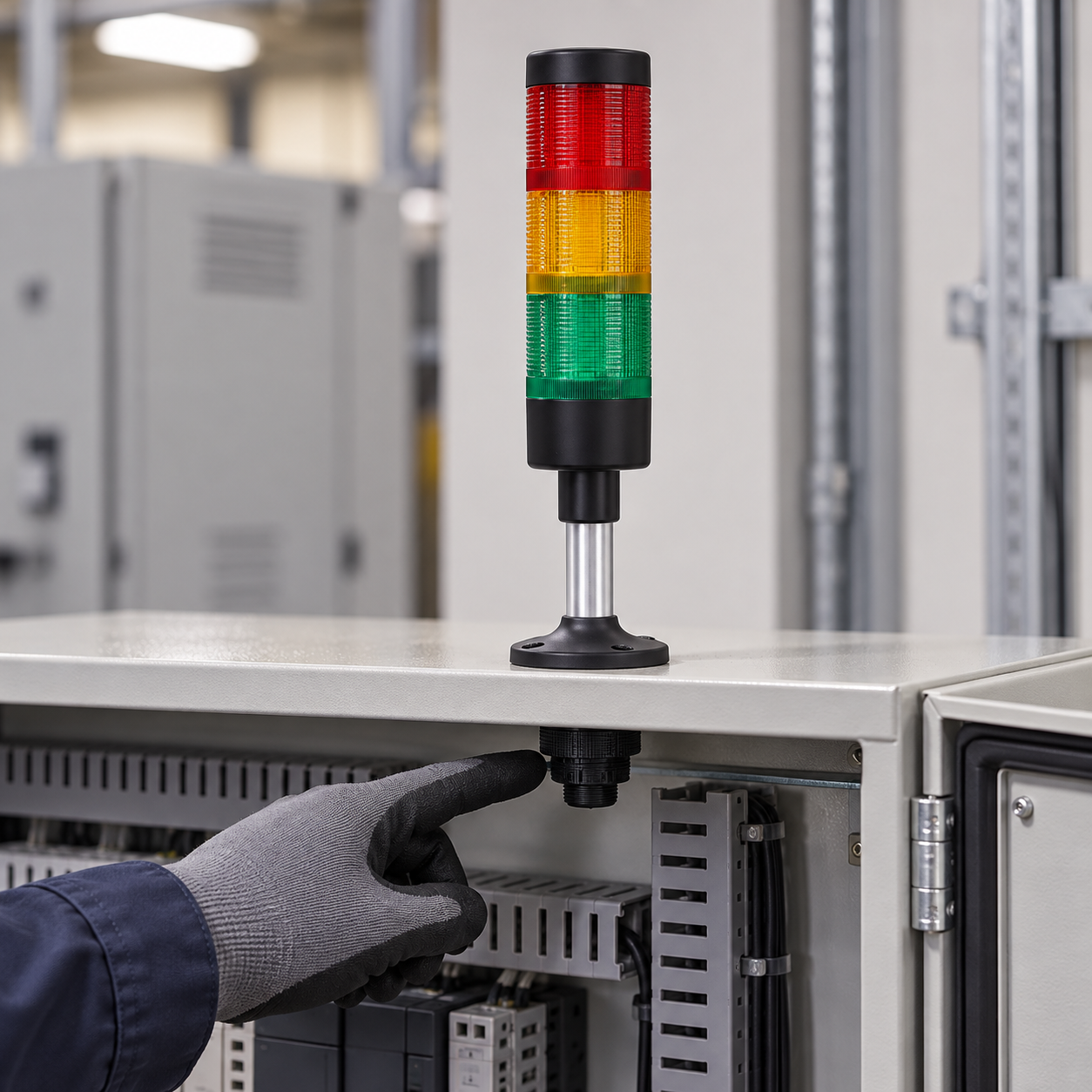
Trace the output before changing wiring
Observe the controller output state using the approved diagnostic tool. Compare it with the machine’s electrical drawing and the exact tower diagram. A status LED on an output module is useful evidence, but it does not prove that the required voltage and current reach the tower’s own terminals.
Check whether the output is sourcing or sinking current, the supply reference, channel or group limits, and any output protection or leakage current described by the controller manufacturer. National Instruments’ industrial digital I/O connection guide explains these output arrangements for its own hardware; the installed PLC manual governs your actual connection. Do not translate a generic sourcing/sinking explanation into a wire color or a universal connection rule.
De ONPOW’s HBJD-40/40A signal-tower wiring guide demonstrates why model-specific manuals matter: it shows differences between the listed models and includes a caution about the common wires for those versions. Those lead assignments are not a wiring diagram for HBJD-40M or another tower model. Use the manufacturer drawing that matches the installed product.
Inspect only after the machine is safely isolated
If the documented output and intended state agree but the light still behaves incorrectly, follow the site’s safe-isolation and lockout procedure before opening the cabinet or touching terminals. A qualified person can verify the de-energized condition, inspect for a loose terminal or damaged cable and check the model, module seating and mounting. Never use a continuity setting on a live circuit or bypass an interlock to see whether the tower turns on.
cURL Too many subrequests by single Worker invocation. To configure this limit, refer to https://developers.cloudflare.com/workers/wrangler/configuration/#limits.

Compare the requested signal with the visible result
cURL Too many subrequests by single Worker invocation. To configure this limit, refer to https://developers.cloudflare.com/workers/wrangler/configuration/#limits.
cURL Too many subrequests by single Worker invocation. To configure this limit, refer to https://developers.cloudflare.com/workers/wrangler/configuration/#limits.
cURL Too many subrequests by single Worker invocation. To configure this limit, refer to https://developers.cloudflare.com/workers/wrangler/configuration/#limits.
Use a repeatable commissioning sequence
cURL Too many subrequests by single Worker invocation. To configure this limit, refer to https://developers.cloudflare.com/workers/wrangler/configuration/#limits.
cURL Too many subrequests by single Worker invocation. To configure this limit, refer to https://developers.cloudflare.com/workers/wrangler/configuration/#limits.
Common stack-light troubleshooting mistakes
cURL Too many subrequests by single Worker invocation. To configure this limit, refer to https://developers.cloudflare.com/workers/wrangler/configuration/#limits. cURL Too many subrequests by single Worker invocation. To configure this limit, refer to https://developers.cloudflare.com/workers/wrangler/configuration/#limits.
Uso del dibujo de modelo incorrecto. Un modelo cercano puede tener un voltaje, un orden de capas, una opción de sonido o una disposición de común diferentes.
Suponer que el LED de salida del PLC demuestra que la torre tiene energía. La fuente, el común, la topología de salida y el cableado de campo aún deben coincidir con el diseño aprobado.
Aplicar una convención de colores de cables de memoria. Los colores de los cables y los comunes varían según el producto y el modelo. Siga el diagrama exacto.
Mezclar los comunes de la luz y el zumbador sin consultar el manual. Algunos modelos utilizan conexiones separadas para los modos de luz y sonido. No combine conductores a menos que la documentación específica del fabricante muestre esa disposición.
Tratar la torre como una función de seguridad por sí sola. Una luz de señal indica una condición definida. Por sí sola no garantiza que una persona reconozca, comprenda o responda a un peligro.
Video educativo
Este tutorial de PLC de Bob Teaches Tech muestra una secuencia de temporizador que activa una luz de columna de tres colores y explica cómo solucionar problemas de la lógica de secuencia. Es un ejemplo genérico de tipo Mitsubishi, no un diagrama de cableado de ONPOW ni una guía de terminales específica de un modelo.
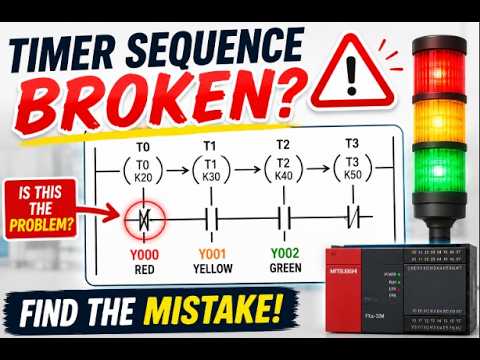
Vea el ejemplo de solución de problemas de la secuencia de PLC de la luz de columna.
Preguntas frecuentes
¿Por qué mi luz de columna está apagada cuando la salida del PLC parece estar encendida?
El indicador de salida es solo una de las comprobaciones. Verifique el modelo exacto de alimentación, el común, la topología de salida, el cableado de campo, los límites del canal y la tensión en la torre mediante un método aprobado y con personal cualificado.
¿Por qué la luz de un torreón tiene un color incorrecto?
Compare the machine condition, PLC output mapping, model-specific terminal diagram and lens order. A program change or wiring mismatch can make the visible tier disagree with the operator legend.
¿Puedo usar un diagrama de cableado de luz de torre para todos los modelos de una serie?
No. Una serie puede incluir diferentes cantidades de capas, voltajes, estilos de montaje y opciones de sonido. Coincida el diagrama con el código de orden completo instalado.
¿Qué debo comprobar cuando solo el zumbador no funciona?
Confirme que la torre seleccionada incluya una función de sonido y, a continuación, compruebe su salida documentada, su común y su lógica de silencio. La guía de solución de problemas de zumbadores industriales separada cubre la ruta de diagnóstico específica del zumbador.
¿Es una luz de columna un dispositivo de advertencia con clasificación de seguridad por sí sola?
Do not assume so. Follow the machine’s risk assessment, applicable requirements and safety design. A visible status light alone does not prove that a required safety function is achieved.
Referencias
- IEC 60204-1 — Seguridad de la maquinaria: equipos eléctricos de máquinas
- National Instruments: Conexiones de señales digitales de E/S industriales
- Guía de cableado de la torre de señales ONPOW HBJD-40/40A



