

A signal tower light vs panel indicator decision starts with where people need to read the machine state. A panel indicator is best for an operator standing at the cabinet. A tower light is easier to see from an aisle, adjacent workstation, or service position because it raises the signal above the panel. Neither device is automatically safer or more informative: the PLC state, selected color, labels, alarm logic, mounting position, and local standards determine what the operator can conclude. Many machines use both, with a local lamp at the controls and a tower for shared status. This guide compares the two formats by viewing distance, information, installation, and control outputs so a machine builder can select the signal before finalizing the panel layout.
Quick answer: match the signal to the person who must see it
Choose a panel indicator when the message is intended for someone operating or servicing the controls at the cabinet. Choose a signal tower light when people need to notice a machine-level state without standing in front of that cabinet. Use both when the operator needs a local cue and people elsewhere in the work cell need a shared status indication. Decide the meaning first, then choose the device and wiring. Do not choose a tower only because it has more colored segments, or assume a panel lamp is too small before checking the actual sight line.
| Requisito | Panel indicator | Signal tower light | Qué verificar |
|---|---|---|---|
| Operator reads a state at the control station | Usually a close, local cue | Can be visible, but may be excessive for a single local point | Panel location, viewing angle, lens color, and the machine legend |
| A person must see a machine state from an aisle or nearby station | May be hidden by the cabinet, door, or operator | Often easier to notice when mounted above the equipment | Obstructions, viewing positions, ambient light, and any audible alarm |
| Several machine conditions need distinct outputs | Separate lamps may use more panel space | Multiple segments can group related machine states | Number of states, PLC outputs, common wiring, and the model diagram |
| The message is a safety-related warning | A lamp may be one part of the interface | A tower may improve visibility but does not make the function safety-rated | Risk assessment, applicable standards, alarm behavior, and the validated safety system |
What each device communicates
A panel indicator is a single status point mounted through a control-panel surface. It can show, for example, that a supply is present, a process is ready, or a particular output is active. Its strength is proximity: an operator can associate the lamp with a nearby label, switch, meter, or control function. A compact indicator can also fit into a dense operator panel where several local conditions need separate labels.
A signal tower light, also called a stack light or multilevel warning light, groups visible segments on a raised body. Its purpose is to make a selected machine state easier to spot from more than one position. Depending on the exact product, it may have several illuminated tiers or an audible element. A tower should communicate a small, agreed set of machine-level conditions; it is not a substitute for a detailed HMI message or alarm history.
The distinction is about the audience and location of the status display, not simply the size of the lens. ONPOW lists the GQ12F-D/N metal signal lamp as a 12 mm panel device with a flat-round head. The HBJD-40A/D/3/RYG/A multilevel warning light is a separate tower-style product. Confirm the exact variant, segment arrangement, supply, and wiring diagram for the machine rather than inferring those details from a product family name or photograph.
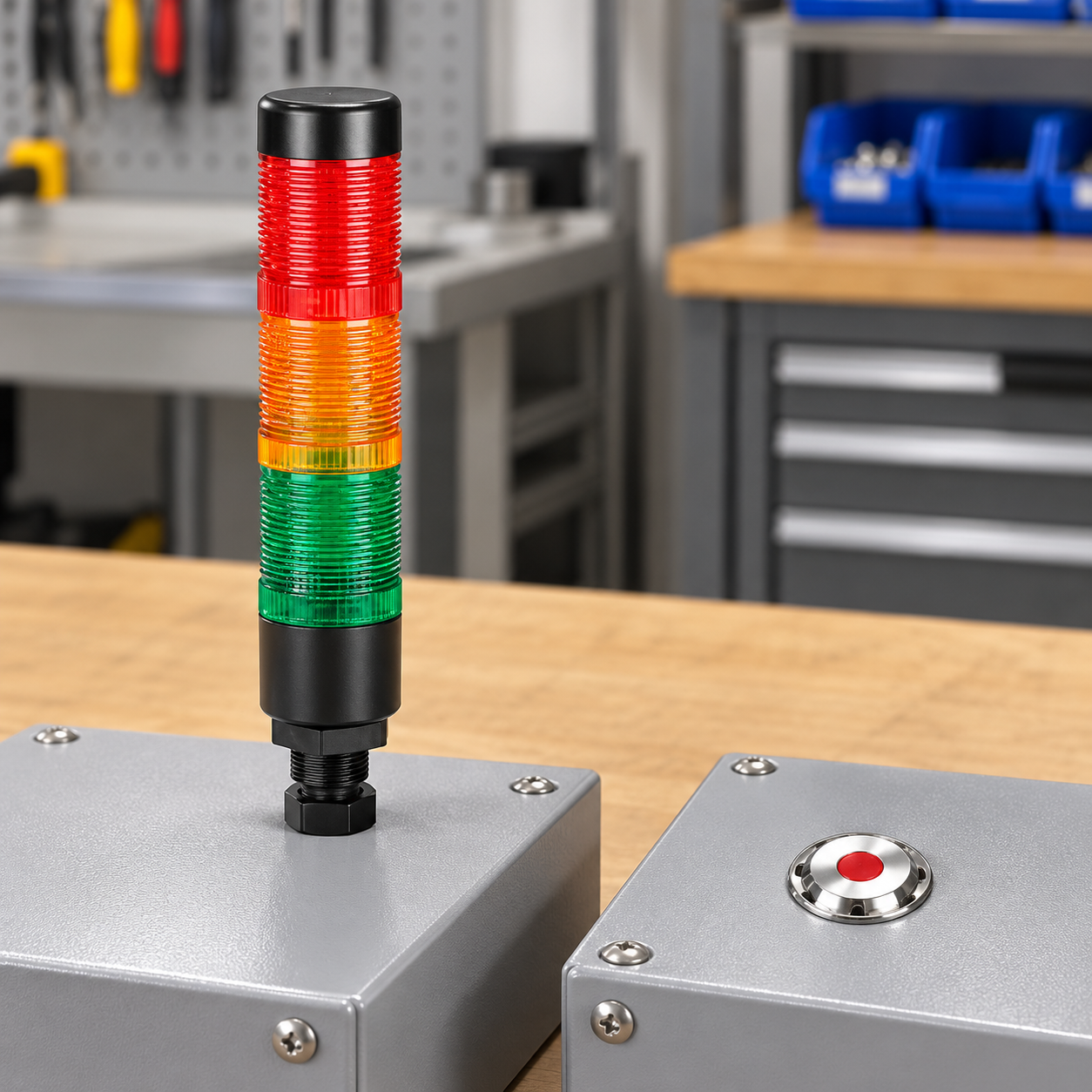
Start with viewing positions, not a catalog photo
The practical test is whether the intended person can identify the signal at the place where a decision must be made. Mark the normal operator location, maintenance position, aisle, and any nearby workstation on a layout. Then review what is visible with the cabinet door closed and with normal guards, fixtures, carts, and machine parts in their working positions. A lamp that looks obvious in a product image may be hidden in the installed machine.
For a panel indicator, check whether the label and lamp are visible together. A small lens placed beside its control can be very clear at arm’s length even if it would be difficult to read from across the cell. Avoid putting the lamp where a hand, open cabinet door, or cable bundle hides it during ordinary work.
For a tower, evaluate the height and angle from every required viewing position. A raised light can be blocked by overhead structures, stored materials, or another machine. Brightness, lens color, flashing mode, and ambient reflections affect visibility, so assess the actual installation in the conditions where it will be used. Do not claim a fixed viewing distance unless the manufacturer has published one for the specific model and the installation has been checked.
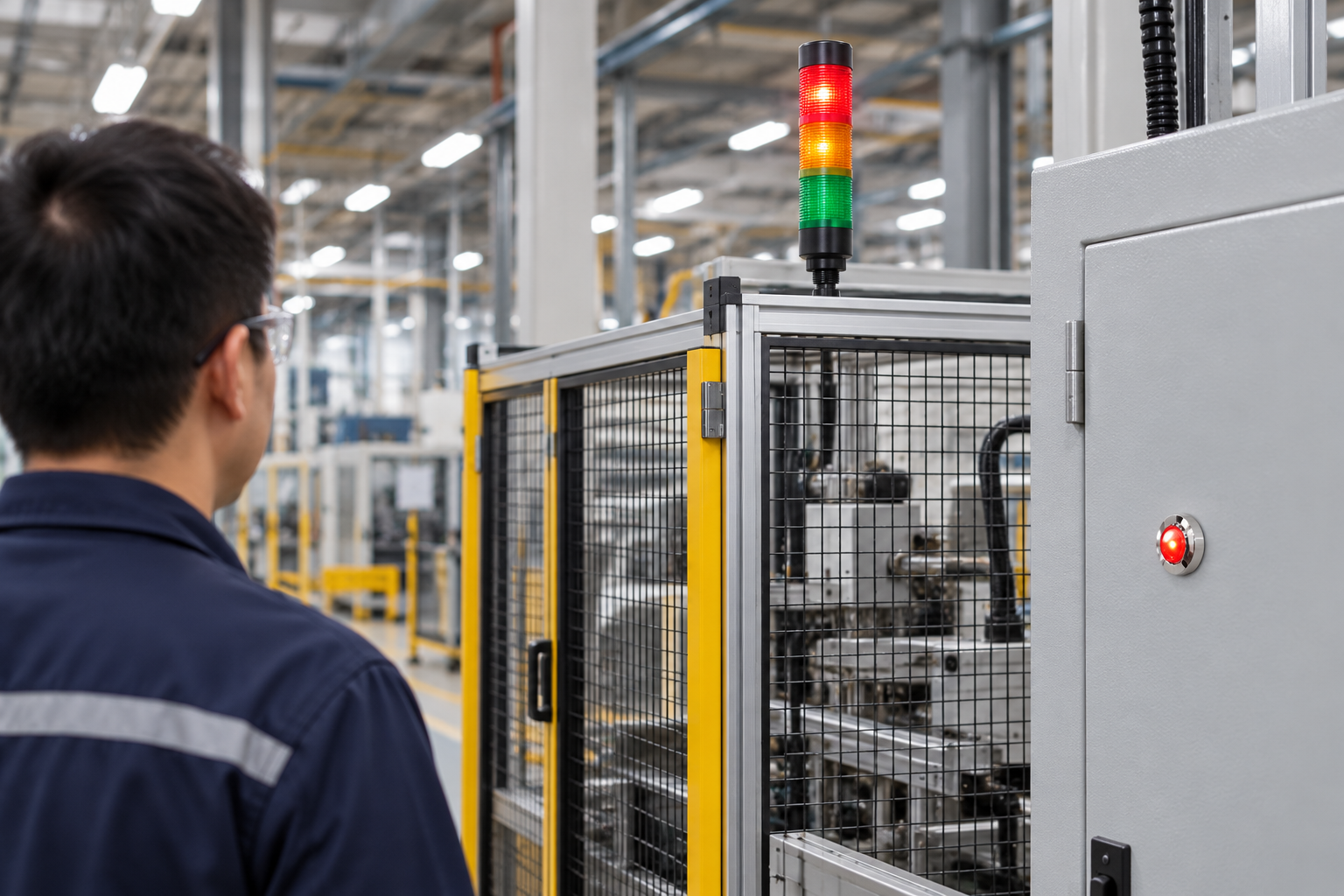
How many states need to be shown?
One local condition may need only one panel indicator. Several distinct machine states may be easier to group in a multilevel tower, especially when the status must be seen outside the operator station. The number of segments alone should not drive the selection. First list the states that people need to recognize, such as running, waiting, attention required, or fault. Map each state to a defined controller output and a visible indication.
If the same color or pattern means different things on neighboring machines, workers may misread the tower. Keep colors consistent within the equipment area where possible, document exceptions, and use a label or HMI message when color alone is ambiguous. A tower color does not have one universal meaning across every machine and jurisdiction. IEC 61310-1 addresses visual, acoustic, and tactile signals for safety-related information at machine interfaces; IEC 60073 describes general coding principles for indicators and actuators. The relevant edition and adopted requirements must be checked for the actual project.
For more detail on local conventions, see ONPOW’s guides to tower-light color meanings y indicator-light selection. A separate panel indicator brightness guide discusses visibility checks for the installed viewing conditions.
Control outputs and wiring are part of the choice
A tower does not create machine intelligence. It displays signals assigned by the control system. Before selecting a model, count the required states and check whether the intended PLC or relay outputs can control them. Confirm the tower’s common wiring, rated voltage, segment arrangement, and any buzzer option from the exact model diagram. A simple tower and a programmable light are not automatically interchangeable.
A panel indicator is often a simpler point-to-point status output, but it still requires the correct lamp supply, current, terminal style, and panel cutout. Keep the control circuit and the load circuit distinct when the design requires it. If a status output is derived from an auxiliary relay contact, document the logic so the lamp reflects the intended machine condition rather than only a coil command.
The short video below demonstrates one PLC light-stack logic example. It is a programming illustration, not a product wiring diagram or a standard that defines what every color must mean.
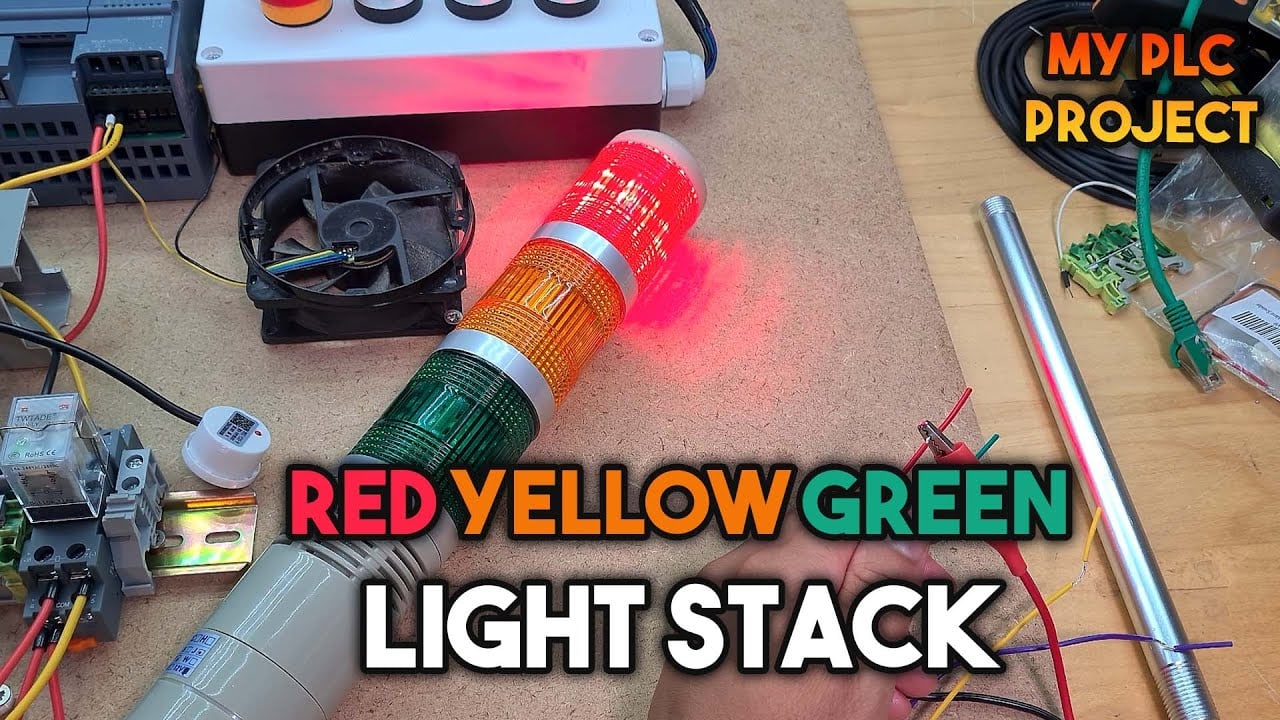
Open the PLC light-stack example on YouTube
When both formats belong on one machine
Using a tower and a panel indicator together can be sensible when they answer different questions. The tower can show a shared, high-level machine condition to people in the work area. A panel lamp can show a local control state or identify which panel function is active. The two signals must agree with the defined logic; otherwise, the extra indicator can add confusion instead of clarity.
Do not map every HMI alarm to a separate tower segment without reviewing the operator workflow. A compact tower can be helpful for a few important states, while a large list of diagnostic conditions belongs in the HMI or machine documentation. If audible signalling is added, define when it sounds, who must respond, and how it is silenced or acknowledged. Avoid constant alarms that train people to ignore the device.
Selection checklist before approving a drawing
- Name each machine state and the person who needs to see it.
- Mark the viewing positions and likely obstructions on the equipment layout.
- Choose a local panel indicator, a raised tower, or both based on those positions.
- Define colors, labels, flash behavior, and buzzer conditions in the machine documentation.
- Match the exact voltage, output/common arrangement, segment count, mounting method, and panel cutout to the selected product drawing.
- Check the installed signal from all required viewing positions under normal ambient lighting.
- Verify the controller output and the visible indication during commissioning.
- Record the approved model and intended meaning so a future replacement does not silently change the signal.
For installation placement and operator sight lines, see tower-light placement around industrial machines. If the application needs a local lamp beside a command control, compare a signal lamp with an illuminated push button; they indicate and command different things.
Errores comunes de selección
Choosing by color count alone. More tiers do not help if the machine only needs one clear state or if workers cannot identify the intended mapping. Define the messages first.
Assuming a tower replaces the operator panel. A tower can show broad machine status, but it usually cannot explain the cause of a fault. Keep detailed diagnostics in the HMI, alarm list, or service documentation.
Assuming one color code is universal. Color conventions depend on the applicable standards and the project’s documented operating logic. Confirm the code before commissioning, especially where machines or facilities use different conventions.
Checking visibility from one position only. Test from the people’s actual positions, with guards and neighboring equipment in place. A signal hidden from one required station may fail its purpose even if it is obvious from the front of the cabinet.
Treating panel protection as installation approval. An indicator or tower’s product rating does not certify the complete enclosure, mounting hole, wiring, or surrounding environment. Verify the assembled machine design and conditions.
Preguntas frecuentes
Is a signal tower light better than a panel indicator?
Neither is always better. A tower is useful when people need to see a machine-level state away from the cabinet. A panel indicator is useful when an operator needs a local cue beside the controls. Select the format from the viewing position and message.
Can a machine use both a tower light and panel indicators?
Yes, when the two formats show clearly defined and compatible information. A tower can show shared machine status while panel lamps identify local functions. Document both mappings and verify them during commissioning.
Do tower-light colors have universal meanings?
Do not assume so. Check the applicable project standards and facility conventions, then document the machine’s color mapping. Standards address how signals are coded, but a reader should not guess a particular machine’s state from color alone.
How many tower segments should a machine use?
Use the number needed for distinct, useful states and supported control outputs. Do not add tiers only because a larger option exists. Confirm the exact segment configuration and wiring diagram for the chosen model.
Does a signal tower replace the HMI alarm screen?
Usually not. A tower makes a small set of broad conditions easier to notice. An HMI can provide context, alarm text, history, and troubleshooting detail that a colored segment cannot communicate.



