

Choosing a touch switch versus a push button is mainly a human-interface and environment decision. A touch switch senses a finger or object through capacitive, resistive, piezoelectric, optical, or another method, depending on its design. A mechanical push button requires physical travel and normally provides tactile feedback. Touch interfaces can offer a flush, easy-to-clean surface; mechanical buttons can provide unmistakable movement and glove-friendly operation. Neither is automatically better, and neither product name proves suitability for an emergency or safety function.
短い答え: 選定はシステムの決定事項です。機械的インタフェース、電気的インタフェース、環境、人間の反応、保守計画、および適用される規格を総合的に確認してください。以下の例は決定のためのガイダンスであり、普遍的な製品評価ではありません。.
デバイスやシステムの仕組み
The important boundary is not simply “electronic versus mechanical.” A capacitive touch switch detects a change in an electric field and needs electronics, calibration, and a defined user interaction. A piezoelectric switch responds to mechanical stress without conventional moving contacts at the front. A conventional push button mechanically moves contacts or a separate contact block. Each architecture produces a different output and can react differently to gloves, moisture, cleaning, electromagnetic disturbance, impact, and power loss. Selection should begin with users and operating conditions, then move to electrical integration.

選考基準の一覧
| 決定領域 | 何を検証すべきか | なぜそれが重要なのか |
|---|---|---|
| User feedback | Touch designs may use light or sound; push buttons commonly provide travel and tactile force | The operator must know whether the command was detected without relying on machine motion. |
| Gloves | Mechanical buttons are often easier with varied gloves; touch performance depends on sensing method and setup | Test every glove type used in production, including wet or contaminated conditions. |
| Cleaning | Flush touch surfaces can reduce crevices; mechanical operators may need additional cleaning consideration | Material compatibility and sealing must still be verified for the actual cleaning process. |
| False activation | Touch systems require control of water films, nearby conductive objects, grounding, and sensitivity | Mechanical buttons require force and travel but can still be struck or obstructed. |
| Electrical output | Touch switches may need power and produce an electronic output; push buttons often provide dry contacts | Confirm the PLC input, leakage current, voltage levels, contact load, and failure state. |
| 環境 | Both types need explicit temperature, ingress, impact, vibration, and chemical limits | A stainless appearance alone does not establish environmental suitability. |
| Safety role | Use purpose-designed devices and a validated safety architecture for safety functions | A convenient touch surface must not replace an emergency-stop device merely because it is red or prominent. |
| メンテナンス | Touch units may need diagnostic and calibration checks; mechanical units need travel and contact checks | Define how technicians will test the command and detect degradation without unsafe assumptions. |
この表は意図的に定性的なものです。数値上の制限値は、正確なモデルの最新データシートおよび機械の設計条件から導き出す必要があります。形状の似た製品、別の電圧、別の負荷カテゴリ、または他社のページから値を流用してはなりません。.
選択の方法
User feedback
Touch designs may use light or sound; push buttons commonly provide travel and tactile force This matters because the operator must know whether the command was detected without relying on machine motion. Record the chosen value, the source document, and the condition under which it applies. If the requirement cannot be verified from the current product documentation, keep it open for supplier confirmation rather than filling the gap with an assumption.
Gloves
Mechanical buttons are often easier with varied gloves; touch performance depends on sensing method and setup This matters because test every glove type used in production, including wet or contaminated conditions. Record the chosen value, the source document, and the condition under which it applies. If the requirement cannot be verified from the current product documentation, keep it open for supplier confirmation rather than filling the gap with an assumption.
Cleaning
Flush touch surfaces can reduce crevices; mechanical operators may need additional cleaning consideration This matters because material compatibility and sealing must still be verified for the actual cleaning process. Record the chosen value, the source document, and the condition under which it applies. If the requirement cannot be verified from the current product documentation, keep it open for supplier confirmation rather than filling the gap with an assumption.
False activation
Touch systems require control of water films, nearby conductive objects, grounding, and sensitivity This matters because mechanical buttons require force and travel but can still be struck or obstructed. Record the chosen value, the source document, and the condition under which it applies. If the requirement cannot be verified from the current product documentation, keep it open for supplier confirmation rather than filling the gap with an assumption.
Electrical output
Touch switches may need power and produce an electronic output; push buttons often provide dry contacts This matters because confirm the PLC input, leakage current, voltage levels, contact load, and failure state. Record the chosen value, the source document, and the condition under which it applies. If the requirement cannot be verified from the current product documentation, keep it open for supplier confirmation rather than filling the gap with an assumption.
環境
Both types need explicit temperature, ingress, impact, vibration, and chemical limits This matters because a stainless appearance alone does not establish environmental suitability. Record the chosen value, the source document, and the condition under which it applies. If the requirement cannot be verified from the current product documentation, keep it open for supplier confirmation rather than filling the gap with an assumption.
Safety role
Use purpose-designed devices and a validated safety architecture for safety functions This matters because a convenient touch surface must not replace an emergency-stop device merely because it is red or prominent. Record the chosen value, the source document, and the condition under which it applies. If the requirement cannot be verified from the current product documentation, keep it open for supplier confirmation rather than filling the gap with an assumption.
メンテナンス
Touch units may need diagnostic and calibration checks; mechanical units need travel and contact checks This matters because define how technicians will test the command and detect degradation without unsafe assumptions. Record the chosen value, the source document, and the condition under which it applies. If the requirement cannot be verified from the current product documentation, keep it open for supplier confirmation rather than filling the gap with an assumption.
応募書類の確認
以下のシナリオをエンジニアリングレビューのプロンプトとして使用してください。これら単体では適合性を証明するものではありません:
- Use a flush touch interface where frequent wipe-down and low physical effort are priorities. During commissioning, verify the command, expected response, abnormal response, and reset behavior in the assembled machine.
- Use a mechanical push button where strong tactile confirmation and broad glove compatibility are required. During commissioning, verify the command, expected response, abnormal response, and reset behavior in the assembled machine.
- Combine a touch command with visual confirmation so detection is clear before machine response. During commissioning, verify the command, expected response, abnormal response, and reset behavior in the assembled machine.
- Separate routine touch controls from dedicated safety controls that follow the applicable design requirements. During commissioning, verify the command, expected response, abnormal response, and reset behavior in the assembled machine.
- Prototype both options with real operators when accessibility, contamination, or repetitive use is important. During commissioning, verify the command, expected response, abnormal response, and reset behavior in the assembled machine.
すべてのケースにおいて、公差の極限値、起動、シャットダウン、電源喪失、電源復旧、保守モード、予見可能な誤使用、および部品交換を含めること。指令が人命の安全性に影響を与える場合、安全機能は、通常のプロセス制御とは独立して設計および検証されなければならない。.
試運転と検証
- 要件を凍結する。. 意図された状態、オペレーターの動作、負荷、供給、環境、および応答時間を平易な言葉で記述してください。.
- 正確なモデルを確認してください。. 注文コードを、現在の図面、定格表、端子図、取扱説明書に照合してください。.
- 取り付けを点検してください。. 切り欠き、留め具、位置合わせ、ケーブル引き込み部、背面クリアランス、ストレインリリーフ、および活電部の保護を確認してください。.
- 正常動作のテスト。. 予想される可動域、使用者、負荷、および使用環境の全範囲にわたって、デバイスを動作させてください。.
- 異常状態をテストする。. 外れた配線、固着した機構、供給の途絶、異物の混入、およびリスクアセスメントで特定されたその他の不具合を含める。.
- 結果を記録する。. モデル、リビジョン、試験方法、日付、合否基準、測定結果、承認者を保持してください。.
- 定期的な点検を計画する。. 点検および交換の間隔は、架空の画一的なスケジュールではなく、稼働状況、環境、重要度、および確認された摩耗に基づいて決定してください。.
選択に関するよくある間違い
- Assuming every touch switch is capacitive and behaves the same way. 責任者を割り当て、該当する図面またはデータシートを記録し、製品名やカタログ画像に頼るのではなく、実際の設置状況をテストすることで、これを防止してください。.
- Testing with bare dry fingers when operators wear gloves or work with moisture. 責任者を割り当て、該当する図面またはデータシートを記録し、製品名やカタログ画像に頼るのではなく、実際の設置状況をテストすることで、これを防止してください。.
- Treating an illuminated ring as proof that the machine accepted the command. 責任者を割り当て、該当する図面またはデータシートを記録し、製品名やカタログ画像に頼るのではなく、実際の設置状況をテストすることで、これを防止してください。.
- Ignoring the powered electronic output and plc input compatibility. 責任者を割り当て、該当する図面またはデータシートを記録し、製品名やカタログ画像に頼るのではなく、実際の設置状況をテストすることで、これを防止してください。.
- Choosing a mechanical button by panel diameter without checking rear depth and contact blocks. 責任者を割り当て、該当する図面またはデータシートを記録し、製品名やカタログ画像に頼るのではなく、実際の設置状況をテストすることで、これを防止してください。.
- Using a general touch control as an emergency-stop or guard-reset device without validation. 責任者を割り当て、該当する図面またはデータシートを記録し、製品名やカタログ画像に頼るのではなく、実際の設置状況をテストすることで、これを防止してください。.
サプライヤーへの問い合わせに含めるべき内容
有用な問い合わせには、用途、ターゲット市場、適用規格、電源および負荷の詳細、制御インターフェース、機械図面、パネルまたは取り付け寸法、配線方法、環境、期待される動作頻度、数量、および必要なドキュメントを記載する必要があります。アクチュエータの接近方法や操作者の使用方法が説明しにくい場合は、写真や動きのスケッチを追加してください。サプライヤーに対し、前提条件と例外事項を明記するよう依頼してください。新規または変更された設計については、量産発注の前にサンプルを入手し、検証を完了させてください。.
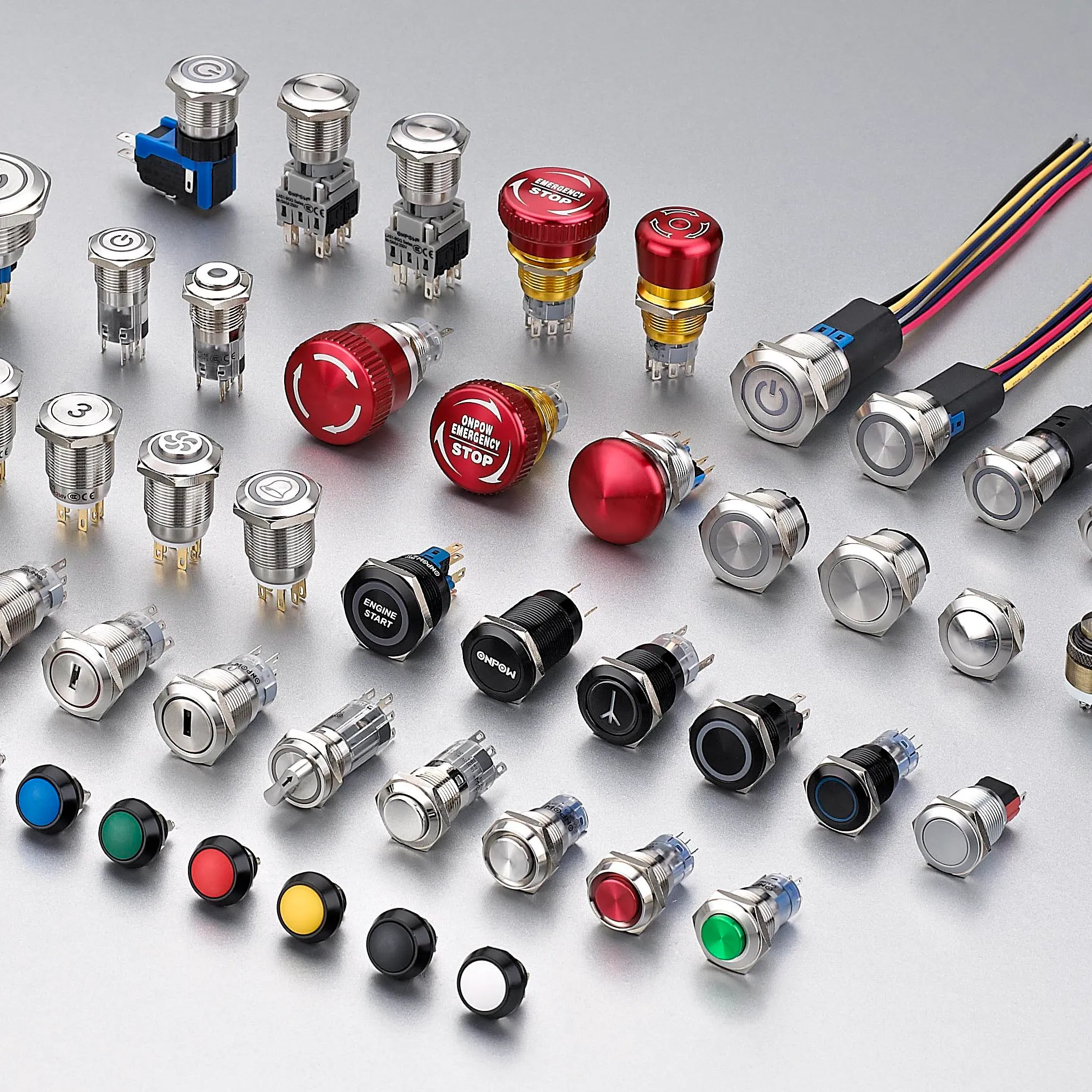
ONPOWは提供します ONPOW touch switch products その広範な文脈の中で 産業用制御製品群. 製品ページを使用して候補のファミリを特定し、現在の技術情報およびプロジェクトの条件照らし合わせて正確な型番を確認してください。.
関連するONPOWの読み物
信頼できる参考文献
教育ビデオ
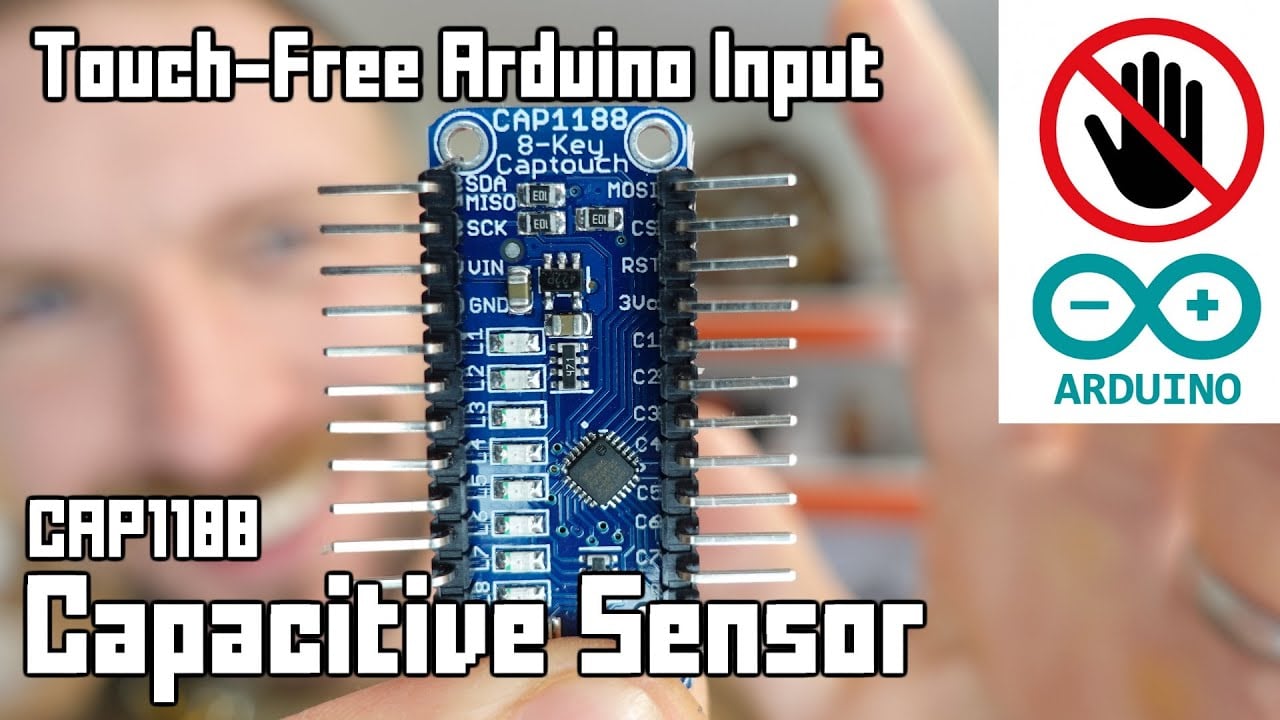
Further learning: Arduino Capacitive Touch-Free Touch Sensor Tutorial by Playful Technology. The video explains the underlying concept; the project must still follow its own risk assessment and manufacturer documentation.
よくある質問
Does a touch switch have moving parts?
It depends on the technology. Capacitive and optical sensing can operate without front movement, while piezoelectric designs flex under force. Check the actual construction.
Will a capacitive touch switch work with gloves?
Possibly, but glove material, thickness, moisture, overlay, grounding, sensitivity, and electronics all matter. Test the production configuration.
Which is easier to clean?
A flush touch surface can reduce gaps, but housing material, edge sealing, chemicals, temperature, and the complete panel installation still determine cleanability.
Which lasts longer?
Service life depends on technology, operating frequency, load, environment, impact, electronics, and maintenance. Compare stated test conditions rather than generic claims.
Can a touch switch replace an emergency stop?
A routine touch switch should not be assumed suitable. Emergency-stop functions require purpose-designed devices, defined behavior, and a validated safety system.
最終選考ルール
組み立てられたシステムの文書化された機械的、電気的、環境的、操作性、および保守の境界すべてに適合する場合にのみ、コンポーネントを選択してください。1つの境界が不明なままの場合は、未解決のエンジニアリング課題として扱ってください。短い検証遅延は、設置後に初めて現れる前提条件に基づいて設計するよりもコストがかかりません。.



