Push button mounting torque is the tightening requirement for the nut or retaining hardware that clamps a switch to a panel. Use the value and assembly conditions specified for the exact ordered switch, nut, seal and panel combination. A terminal screw torque, a generic bolt chart or another brand’s installation instruction cannot establish that value. When the documentation does not state a mounting torque, ask the manufacturer for an approved assembly method before releasing production. This guide explains how to turn that requirement into a repeatable process without crushing a panel, distorting a seal or allowing the operator to rotate.
Identify the joint before choosing a torque value
A panel-mounted button can contain several threaded interfaces. The mounting nut retains the complete operator in the panel. Rear terminal screws clamp conductors. Some modular designs also have contact-block fasteners or accessory retainers. These interfaces have different functions and may use different materials. Record which fastener each instruction describes; a torque value without an identified joint is incomplete information.
Start with the exact ordering code and current drawing. A family name such as a metal push button series does not identify every supplied nut, barrel or seal. Ask whether the instruction covers dry, clean components and whether any washer is mandatory. Compare the supplied hardware with the approved sample before choosing the tool. Stop the assembly if a replacement nut differs from the documented configuration.
For the wider installation sequence, use the push button installation guide alongside the model drawing. This article addresses the mounting joint specifically; electrical termination requirements need their own work instruction and inspection record.
Why more tightening does not necessarily improve retention
Applied torque creates a combination of thread friction, bearing friction and clamping force. Changes in surface finish, lubrication, contamination and the contact surfaces can change the relationship between torque and clamp load. The NASA Fastener Design Manual discusses these general fastener variables. Its aerospace examples and torque tables are background engineering information, not approved ONPOW mounting values.
A switch mounting assembly also includes parts that a conventional steel bolt calculation may overlook. A polymer panel can deflect. A gasket can compress unevenly. A thin sheet can dish around the cutout. Increasing torque may damage those parts while failing to correct an oversized hole or incorrect retaining hardware. Treat movement as a symptom to investigate rather than an instruction to keep tightening.
Do not add lubricant, threadlocker, adhesive or a second washer merely to make the joint feel secure. Each change can affect friction, sealing, serviceability and material compatibility. Obtain written approval for the actual assembly and check whether the revised condition changes the specified tightening method.
Establish the assembly conditions
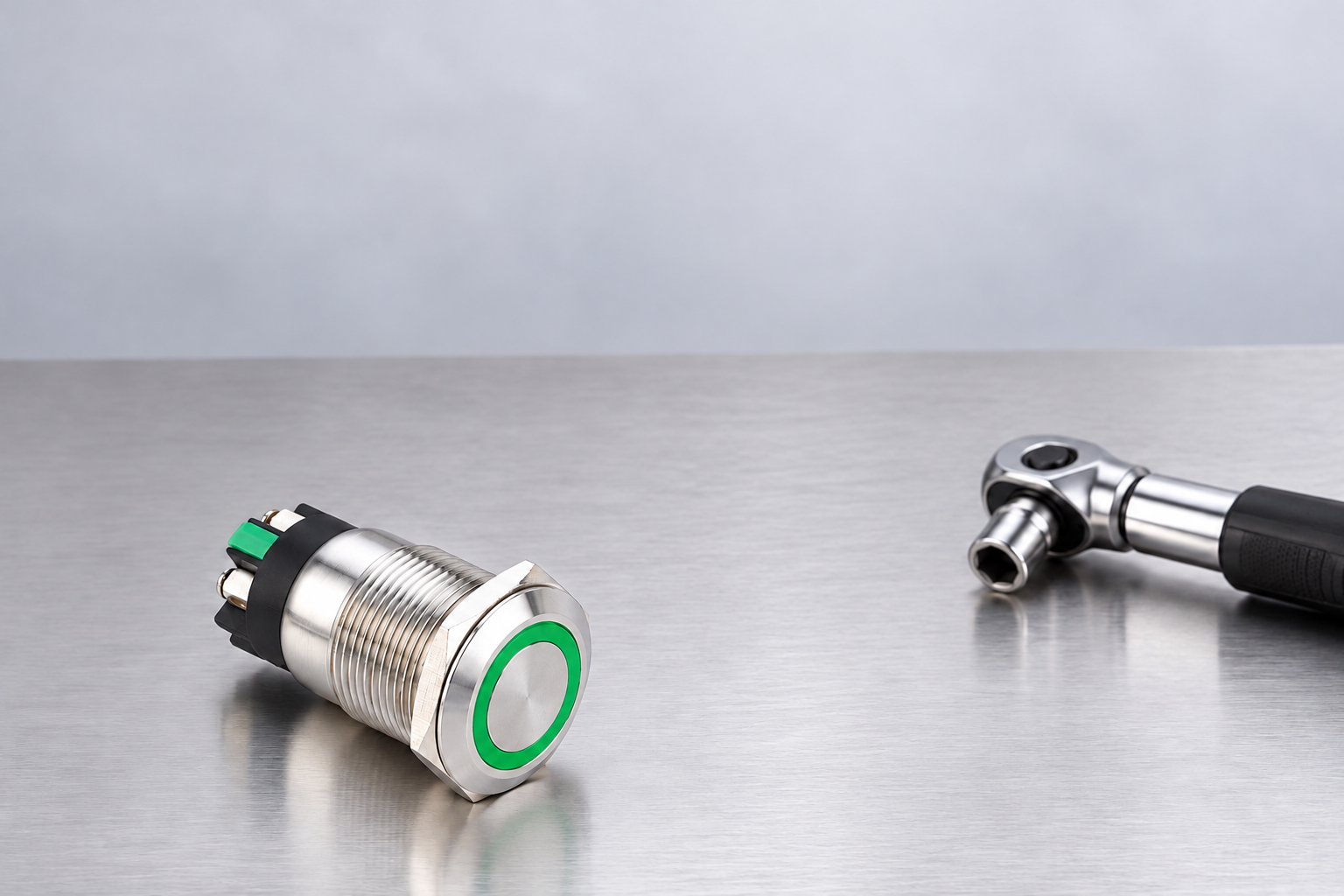
Define the panel material, finished thickness, hole preparation, coating and mounting direction. List the manufacturer-supplied seal, legend plate and retaining hardware in assembly order. Inspect the contact surfaces for burrs, trapped debris and coating damage. A flat flange cannot seat consistently on a raised burr, and a folded seal cannot be repaired by applying more torque.
Confirm that the switch barrel enters without forcing and that the nut starts freely. Cross-threading can create high resistance before any useful clamping develops. A tool reaching its set value does not prove that the flange is seated. Keep the switch disconnected during mechanical qualification and follow the site’s isolation procedure whenever work involves an existing electrical panel.
O HSE electrical safety introduction provides general guidance on competent work and safe equipment. It does not prescribe switch installation torque. Use it to support the safety plan while retaining the manufacturer’s instructions as the source for the product-specific joint.
Select a tool that can control the actual operation
Choose a tool whose operating range covers the approved setting and whose adapter fits the supplied nut without slipping or marking the switch. A large wrench may be unsuitable for a small retaining nut even when it can physically turn it. Access matters: the technician must apply the intended motion without loading rear terminals, attached wires or an adjacent component.
Record the tool identifier, setting, units and calibration or verification status according to the production quality system. If an extension or special adapter changes the tool geometry, have the responsible engineer establish the correct method. Do not assume that the displayed value remains valid for every adapter arrangement. Verify the method on representative assemblies before training operators.
Avoid using a powered driver to compensate for poor access. Speed, reaction force and overshoot may create a different installation process from a controlled manual tool. If powered assembly is needed, qualify that specific process and include a way to identify incomplete seating or damaged hardware.
Use a decision table before releasing the work instruction
The following table is a qualitative assembly review. It contains no universal torque or thread-engagement limits. Obtain the numerical acceptance criteria from the approved product documentation and the responsible equipment designer.
| Assembly observation | Likely question to resolve | Action before release |
|---|---|---|
| Nut becomes resistant before the flange seats | Are threads crossed, dirty or mismatched? | Remove safely and inspect; do not force the nut |
| Panel bends as the nut tightens | Is the panel sufficiently supported for this operator? | Review panel design and approved mounting method |
| Switch rotates despite the approved process | Is the cutout, anti-rotation feature or stack incorrect? | Check dimensions and hardware before changing torque |
| Seal bulges or twists | Is the seal correct and seated in the intended position? | Replace damaged seals and repeat the approved assembly |
| Tool cannot approach the nut squarely | Is there adequate installation and service access? | Revise layout or qualify a suitable adapter |
| Value is available only for terminal screws | Has the mounting joint requirement been obtained? | Request mounting instructions; keep the values separate |
Verify the completed joint beyond the tool reading
Inspect the front flange, seal position, nut seating and panel surface after tightening. Confirm the operator remains aligned with the panel legend and operates freely. Use the documented acceptance method to assess movement; do not invent a hand-force limit or use destructive twisting as a routine inspection. Check the rear body and terminals for damage caused by the tool or handling.
Where environmental sealing matters, verify the complete assembled configuration under the equipment qualification plan. A correct torque record alone cannot demonstrate a water-ingress rating. The cutout, panel surface, gasket, accessory stack and exposure boundary all matter. The IP65 versus IP67 panel sealing guide explains why a front-panel claim must be tied to a defined installation.
Separate these checks in the record. One result documents assembly torque, another confirms mechanical seating and operation, and another covers environmental qualification when applicable. Keeping them distinct makes it easier to trace a failure without incorrectly assuming that a passed tool reading proves every requirement.
Investigate a loose switch without masking the cause
When an installed switch becomes loose, isolate the equipment and document its condition before disturbing the joint. Photograph the position of the nut, flange, seal and any witness marks. Check for panel distortion, cracked material, missing washers, incorrect hardware and cable forces that may be rotating the body. Do not label every loose nut as operator error.
Review whether the switch or panel has been replaced since qualification. A new paint thickness, different panel material or substitute gasket can change the joint. Compare the current bill of materials with the approved assembly. If the installation was repeatedly tightened without a documented method, inspect for thread damage and replace affected parts according to the manufacturer’s guidance.
Do not use a removal torque reading as proof of the original installation setting. The joint may have changed through service, corrosion, relaxation or previous maintenance. Use the investigation to restore a known configuration, then repeat the approved installation and verification process with traceable equipment.
Document the production and maintenance handoff
An effective work instruction identifies the product code, drawing revision, panel and hardware stack, fastener location, tool and adapter, setting and units, assembly sequence and inspection criteria. Include an image that clearly distinguishes the mounting nut from terminal screws. State when an operator must stop and request review instead of compensating with additional tightening.
Provide a short maintenance record for replacements. It should identify the removed part, replacement part, reason for replacement and any change to the panel or seal. The contact block replacement guide covers a related service task, but retaining an old operator does not remove the need to check the mounting joint after disturbance.
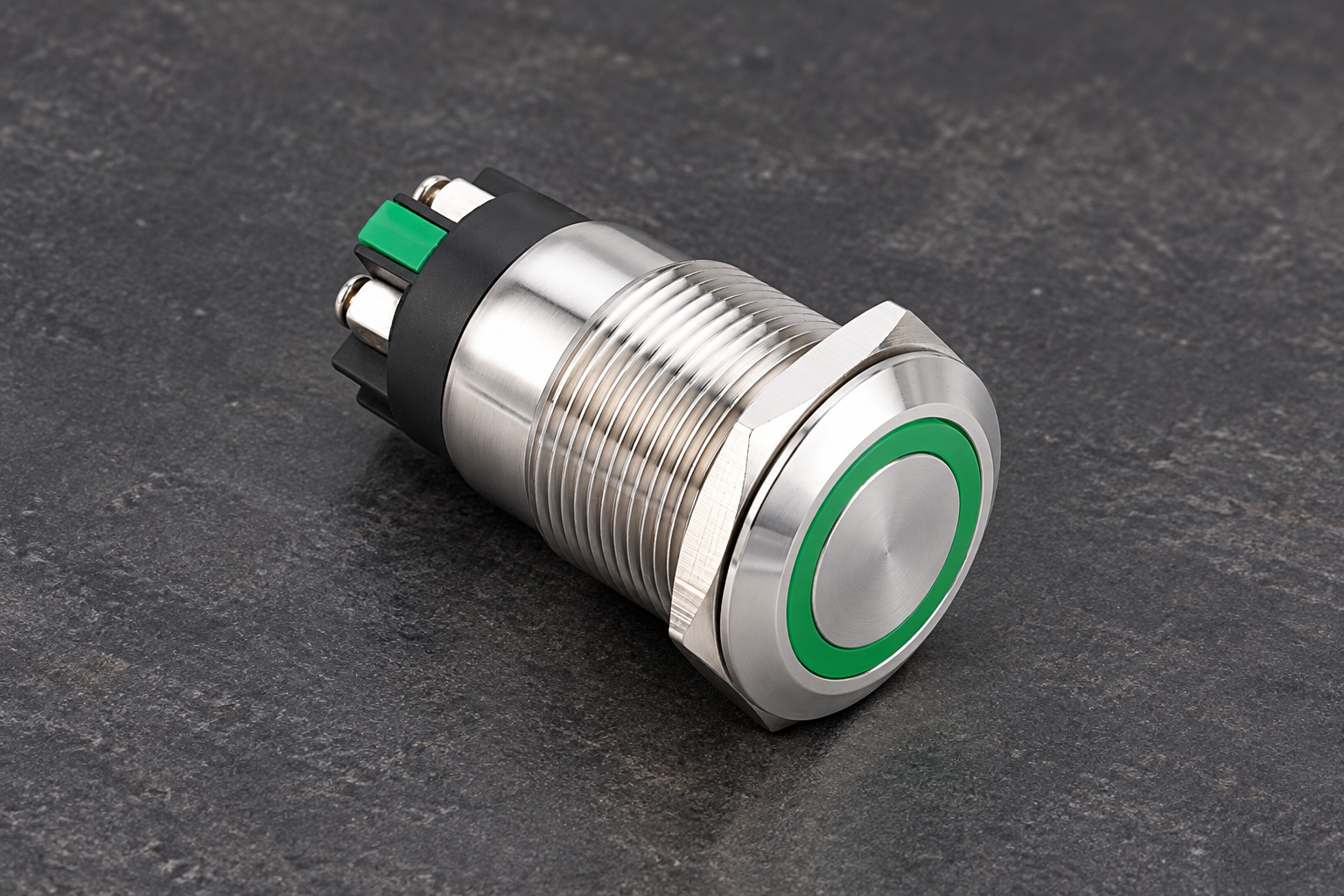
For procurement, send the assembly drawing and request the correct nut, seal and approved tightening method with the quotation. The ONPOW LAS1GQ product reference can help identify the illustrated construction. Confirm the current orderable configuration with ONPOW rather than deriving a specification from the editorial photograph.
Perguntas frequentes
Is there one mounting torque for every 22 mm push button?
No. Nominal mounting size does not define nut material, thread geometry, gasket, panel stack or the manufacturer’s assembly requirements. Obtain the approved value or method for the exact ordered configuration.
Can I use the terminal screw torque for the mounting nut?
No. Terminal screws retain conductors and the mounting nut retains the operator. They are different joints. A value is usable only when its instructions clearly identify the intended fastener and assembly conditions.
Should I tighten the nut more if the switch rotates?
Investigate the cutout, anti-rotation features, hardware stack and panel condition first. Extra tightening can damage the assembly. Apply only a revised method approved for the actual configuration.
Does a correct torque reading prove the panel is waterproof?
No. It confirms one part of the assembly process. Environmental performance depends on the documented sealing arrangement and qualification of the completed installation for its intended exposure.
Further learning
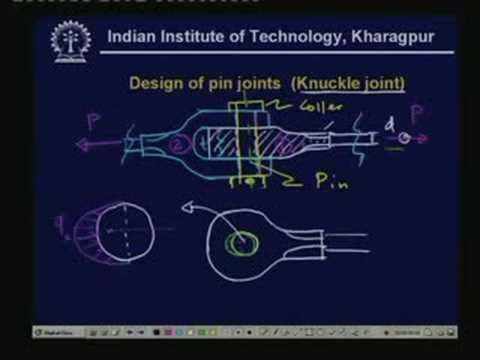
IIT Kharagpur lecture on fastener design. It supports understanding of mechanical joints; it does not supply an ONPOW nut torque, tower base load limit or an approved accessory combination.