

Choosing a touch switch versus a push button is mainly a human-interface and environment decision. A touch switch senses a finger or object through capacitive, resistive, piezoelectric, optical, or another method, depending on its design. A mechanical push button requires physical travel and normally provides tactile feedback. Touch interfaces can offer a flush, easy-to-clean surface; mechanical buttons can provide unmistakable movement and glove-friendly operation. Neither is automatically better, and neither product name proves suitability for an emergency or safety function.
Краткий ответ: Выбор — это системное решение. Согласуйте механический интерфейс, электрический интерфейс, условия окружающей среды, реакцию человека, план технического обслуживания и применимые стандарты. Приведенные ниже примеры являются руководством по принятию решений, а не универсальными рейтингами продукции.
Как работает устройство или система
The important boundary is not simply “electronic versus mechanical.” A capacitive touch switch detects a change in an electric field and needs electronics, calibration, and a defined user interaction. A piezoelectric switch responds to mechanical stress without conventional moving contacts at the front. A conventional push button mechanically moves contacts or a separate contact block. Each architecture produces a different output and can react differently to gloves, moisture, cleaning, electromagnetic disturbance, impact, and power loss. Selection should begin with users and operating conditions, then move to electrical integration.

Критерии отбора с первого взгляда
| Область принятия решений | Что проверять | Почему это важно |
|---|---|---|
| User feedback | Touch designs may use light or sound; push buttons commonly provide travel and tactile force | The operator must know whether the command was detected without relying on machine motion. |
| Gloves | Mechanical buttons are often easier with varied gloves; touch performance depends on sensing method and setup | Test every glove type used in production, including wet or contaminated conditions. |
| Cleaning | Flush touch surfaces can reduce crevices; mechanical operators may need additional cleaning consideration | Material compatibility and sealing must still be verified for the actual cleaning process. |
| False activation | Touch systems require control of water films, nearby conductive objects, grounding, and sensitivity | Mechanical buttons require force and travel but can still be struck or obstructed. |
| Electrical output | Touch switches may need power and produce an electronic output; push buttons often provide dry contacts | Confirm the PLC input, leakage current, voltage levels, contact load, and failure state. |
| Окружающая среда | Both types need explicit temperature, ingress, impact, vibration, and chemical limits | A stainless appearance alone does not establish environmental suitability. |
| Safety role | Use purpose-designed devices and a validated safety architecture for safety functions | A convenient touch surface must not replace an emergency-stop device merely because it is red or prominent. |
| Обслуживание | Touch units may need diagnostic and calibration checks; mechanical units need travel and contact checks | Define how technicians will test the command and detect degradation without unsafe assumptions. |
Таблица носит намеренно качественный характер. Числовые пределы должны браться из актуального технического описания для конкретной модели и из условий проектирования машины. Нельзя переносить значение из похожего продукта, другого напряжения, другой категории нагрузки или со страницы конкурента.
Как сделать выбор
User feedback
Touch designs may use light or sound; push buttons commonly provide travel and tactile force This matters because the operator must know whether the command was detected without relying on machine motion. Record the chosen value, the source document, and the condition under which it applies. If the requirement cannot be verified from the current product documentation, keep it open for supplier confirmation rather than filling the gap with an assumption.
Gloves
Mechanical buttons are often easier with varied gloves; touch performance depends on sensing method and setup This matters because test every glove type used in production, including wet or contaminated conditions. Record the chosen value, the source document, and the condition under which it applies. If the requirement cannot be verified from the current product documentation, keep it open for supplier confirmation rather than filling the gap with an assumption.
Cleaning
Flush touch surfaces can reduce crevices; mechanical operators may need additional cleaning consideration This matters because material compatibility and sealing must still be verified for the actual cleaning process. Record the chosen value, the source document, and the condition under which it applies. If the requirement cannot be verified from the current product documentation, keep it open for supplier confirmation rather than filling the gap with an assumption.
False activation
Touch systems require control of water films, nearby conductive objects, grounding, and sensitivity This matters because mechanical buttons require force and travel but can still be struck or obstructed. Record the chosen value, the source document, and the condition under which it applies. If the requirement cannot be verified from the current product documentation, keep it open for supplier confirmation rather than filling the gap with an assumption.
Electrical output
Touch switches may need power and produce an electronic output; push buttons often provide dry contacts This matters because confirm the PLC input, leakage current, voltage levels, contact load, and failure state. Record the chosen value, the source document, and the condition under which it applies. If the requirement cannot be verified from the current product documentation, keep it open for supplier confirmation rather than filling the gap with an assumption.
Окружающая среда
Both types need explicit temperature, ingress, impact, vibration, and chemical limits This matters because a stainless appearance alone does not establish environmental suitability. Record the chosen value, the source document, and the condition under which it applies. If the requirement cannot be verified from the current product documentation, keep it open for supplier confirmation rather than filling the gap with an assumption.
Safety role
Use purpose-designed devices and a validated safety architecture for safety functions This matters because a convenient touch surface must not replace an emergency-stop device merely because it is red or prominent. Record the chosen value, the source document, and the condition under which it applies. If the requirement cannot be verified from the current product documentation, keep it open for supplier confirmation rather than filling the gap with an assumption.
Обслуживание
Touch units may need diagnostic and calibration checks; mechanical units need travel and contact checks This matters because define how technicians will test the command and detect degradation without unsafe assumptions. Record the chosen value, the source document, and the condition under which it applies. If the requirement cannot be verified from the current product documentation, keep it open for supplier confirmation rather than filling the gap with an assumption.
Рассмотрение заявки
Используйте следующие сценарии в качестве подсказок для инженерной экспертизы. Сами по себе они не определяют пригодность:
- Use a flush touch interface where frequent wipe-down and low physical effort are priorities. During commissioning, verify the command, expected response, abnormal response, and reset behavior in the assembled machine.
- Use a mechanical push button where strong tactile confirmation and broad glove compatibility are required. During commissioning, verify the command, expected response, abnormal response, and reset behavior in the assembled machine.
- Combine a touch command with visual confirmation so detection is clear before machine response. During commissioning, verify the command, expected response, abnormal response, and reset behavior in the assembled machine.
- Separate routine touch controls from dedicated safety controls that follow the applicable design requirements. During commissioning, verify the command, expected response, abnormal response, and reset behavior in the assembled machine.
- Prototype both options with real operators when accessibility, contamination, or repetitive use is important. During commissioning, verify the command, expected response, abnormal response, and reset behavior in the assembled machine.
Для каждого случая следует предусмотреть предельные значения допусков, пуск, выключение, потерю питания, восстановление питания, режим технического обслуживания, предсказуемое неправильное использование и замену компонентов. Если команда затрагивает безопасность персонала, защитная функция должна быть разработана и проверена независимо от обычного технологического управления.
Ввод в эксплуатацию и проверка
- Зафиксировать требование. Опишите предполагаемое состояние, действия оператора, нагрузку, питание, окружающую среду и время отклика простым языком.
- Проверьте точную модель. Сопоставьте код заказа с его текущим чертежом, таблицей номиналов, схемой выводов и инструкциями.
- Осмотрите установку. Подтвердите вырез, крепеж, выравнивание, ввод кабеля, задний зазор, снятие натяжения и защиту токоведущих частей.
- Тест нормального функционирования. Используйте устройство во всем ожидаемом диапазоне движения, для всех пользователей, при различных нагрузках и условиях окружающей среды.
- Проверка нештатных условий. Включите оборванный провод, заклинивший механизм, прекращение подачи питания, загрязнение и другие неисправности, выявленные в ходе оценки рисков.
- Записать результаты. Сохраните модель, версию, метод испытания, дату, критерии приемки, измеренные наблюдения и утверждающего лица.
- Запланируйте периодические проверки. Основывайте интервалы осмотра и замены на режиме работы, условиях окружающей среды, степени критичности и наблюдаемом износе, а не на вымышленном универсальном графике.
Типичные ошибки при отборе
- Assuming every touch switch is capacitive and behaves the same way. Предотвратите это, назначив ответственного, зарегистрировав применимый чертеж или техническое описание и проверив фактическую установку вместо того, чтобы полагаться на название продукта или изображение из каталога.
- Testing with bare dry fingers when operators wear gloves or work with moisture. Предотвратите это, назначив ответственного, зарегистрировав применимый чертеж или техническое описание и проверив фактическую установку вместо того, чтобы полагаться на название продукта или изображение из каталога.
- Treating an illuminated ring as proof that the machine accepted the command. Предотвратите это, назначив ответственного, зарегистрировав применимый чертеж или техническое описание и проверив фактическую установку вместо того, чтобы полагаться на название продукта или изображение из каталога.
- Ignoring the powered electronic output and plc input compatibility. Предотвратите это, назначив ответственного, зарегистрировав применимый чертеж или техническое описание и проверив фактическую установку вместо того, чтобы полагаться на название продукта или изображение из каталога.
- Choosing a mechanical button by panel diameter without checking rear depth and contact blocks. Предотвратите это, назначив ответственного, зарегистрировав применимый чертеж или техническое описание и проверив фактическую установку вместо того, чтобы полагаться на название продукта или изображение из каталога.
- Using a general touch control as an emergency-stop or guard-reset device without validation. Предотвратите это, назначив ответственного, зарегистрировав применимый чертеж или техническое описание и проверив фактическую установку вместо того, чтобы полагаться на название продукта или изображение из каталога.
Что включить в запрос поставщику
Полезный запрос должен содержать информацию о применении, целевом рынке, применимых стандартах, параметрах питания и нагрузки, интерфейсе управления, чертеже механической части, размерах панели или монтажных размерах, способе подключения кабелей, условиях окружающей среды, предполагаемой частоте работы, количестве и необходимой документации. Добавьте фотографии или эскиз движения, если способ установки приводного механизма или принцип работы оператором трудно описать словами. Попросите поставщика указать сделанные допущения и исключения. Для новой или измененной конструкции получите образцы и проведите полную валидацию перед размещением серийного заказа.
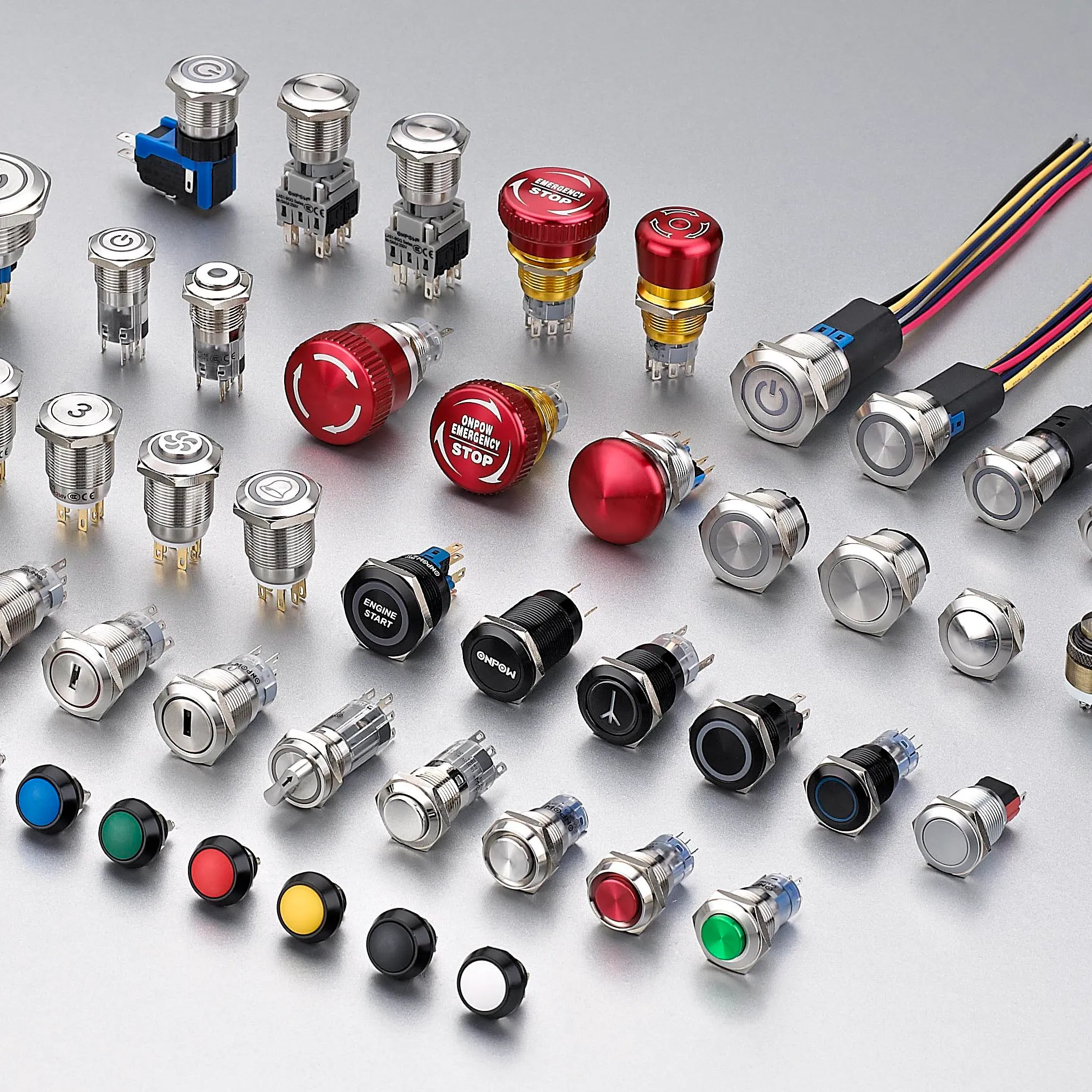
ONPOW предоставляет ONPOW touch switch products в своем более широком ассортимент продукции для промышленного управления. Используйте страницы продуктов для определения возможных семейств, а затем уточните конкретную модель в соответствии с актуальной технической информацией и условиями вашего проекта.
Связанное чтение ONPOW
Авторитетные источники
- Microchip capacitive-touch introduction
- Электрооборудование машин МЭК 60204-1
- Требования OSHA к ограждению оборудования
Обучающее видео
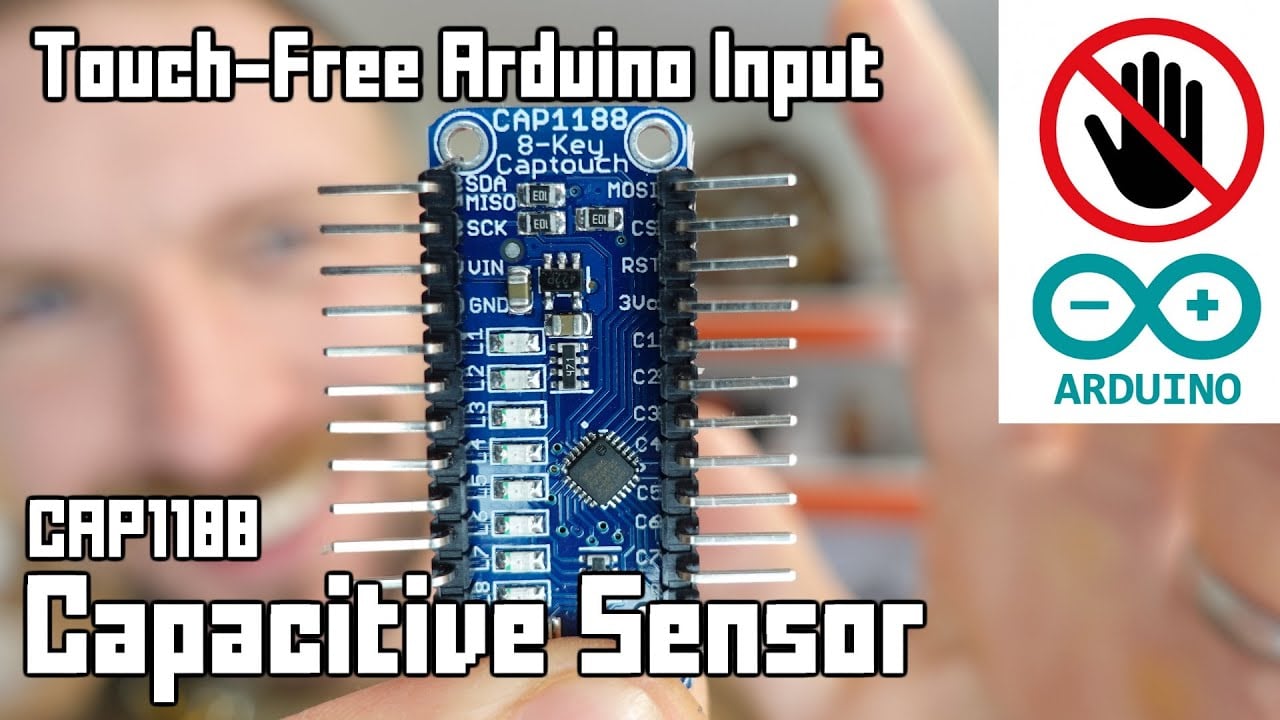
Further learning: Arduino Capacitive Touch-Free Touch Sensor Tutorial by Playful Technology. The video explains the underlying concept; the project must still follow its own risk assessment and manufacturer documentation.
Часто задаваемые вопросы
Does a touch switch have moving parts?
It depends on the technology. Capacitive and optical sensing can operate without front movement, while piezoelectric designs flex under force. Check the actual construction.
Will a capacitive touch switch work with gloves?
Possibly, but glove material, thickness, moisture, overlay, grounding, sensitivity, and electronics all matter. Test the production configuration.
Which is easier to clean?
A flush touch surface can reduce gaps, but housing material, edge sealing, chemicals, temperature, and the complete panel installation still determine cleanability.
Which lasts longer?
Service life depends on technology, operating frequency, load, environment, impact, electronics, and maintenance. Compare stated test conditions rather than generic claims.
Can a touch switch replace an emergency stop?
A routine touch switch should not be assumed suitable. Emergency-stop functions require purpose-designed devices, defined behavior, and a validated safety system.
Правило окончательного отбора
Выбирайте компонент только тогда, когда все его документированные механические, электрические, экологические границы, а также границы удобства использования и обслуживания соответствуют собранной системе. Если хотя бы одна граница остается неизвестной, рассматривайте это как открытый инженерный вопрос. Краткая задержка на валидацию обходится дешевле, чем проектирование с учетом допущения, которое обнаруживается только после установки.



